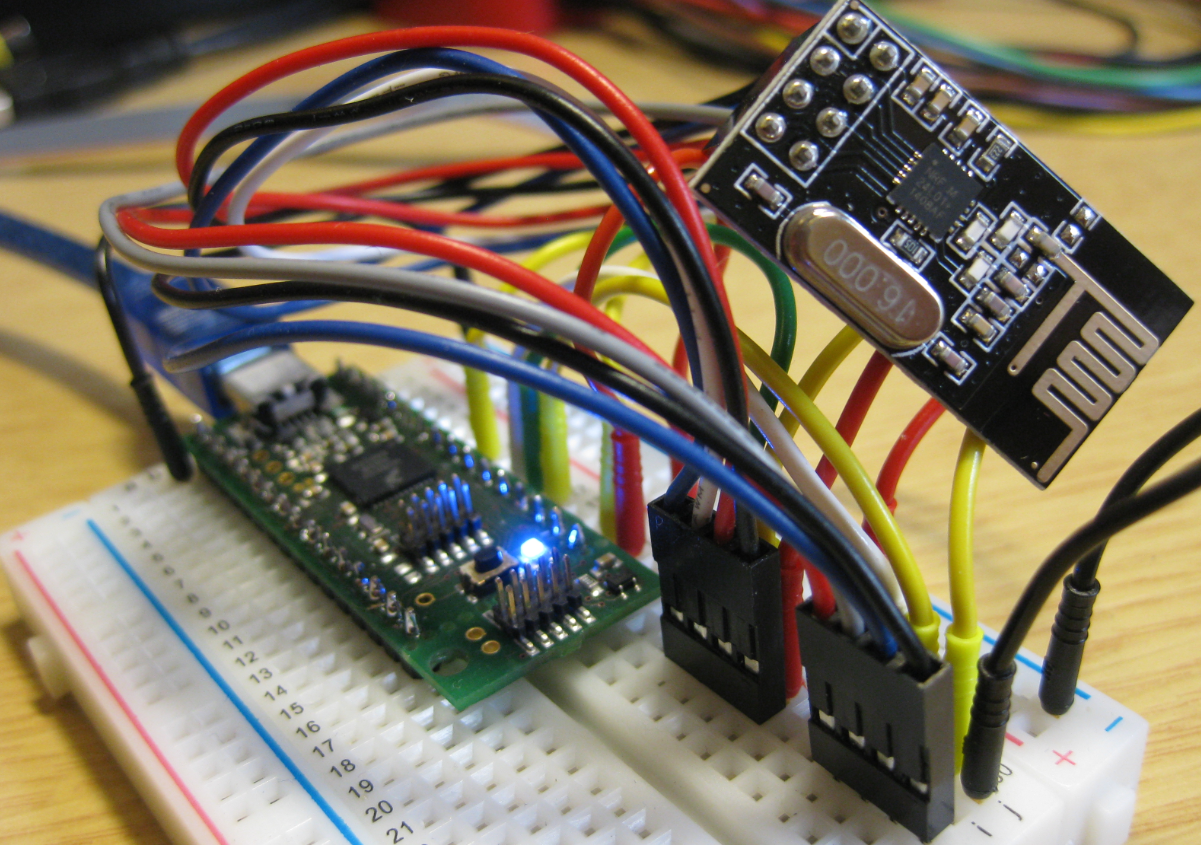
I’m using the tiny and inexpensive Nordic Semiconductor nRF24L01+ transceiver (see “Tutorial: Nordic Semiconductor nRF24L01+ with the Freescale FRDM-K64F Board“) in many projects: it costs less than $3 and allows me to communicate with a proprietary 2.4GHz protocol in a low power way (see “IoT: FreeRTOS Down to the Micro Amps“). I have that transceiver now running with the tinyK20 board too:
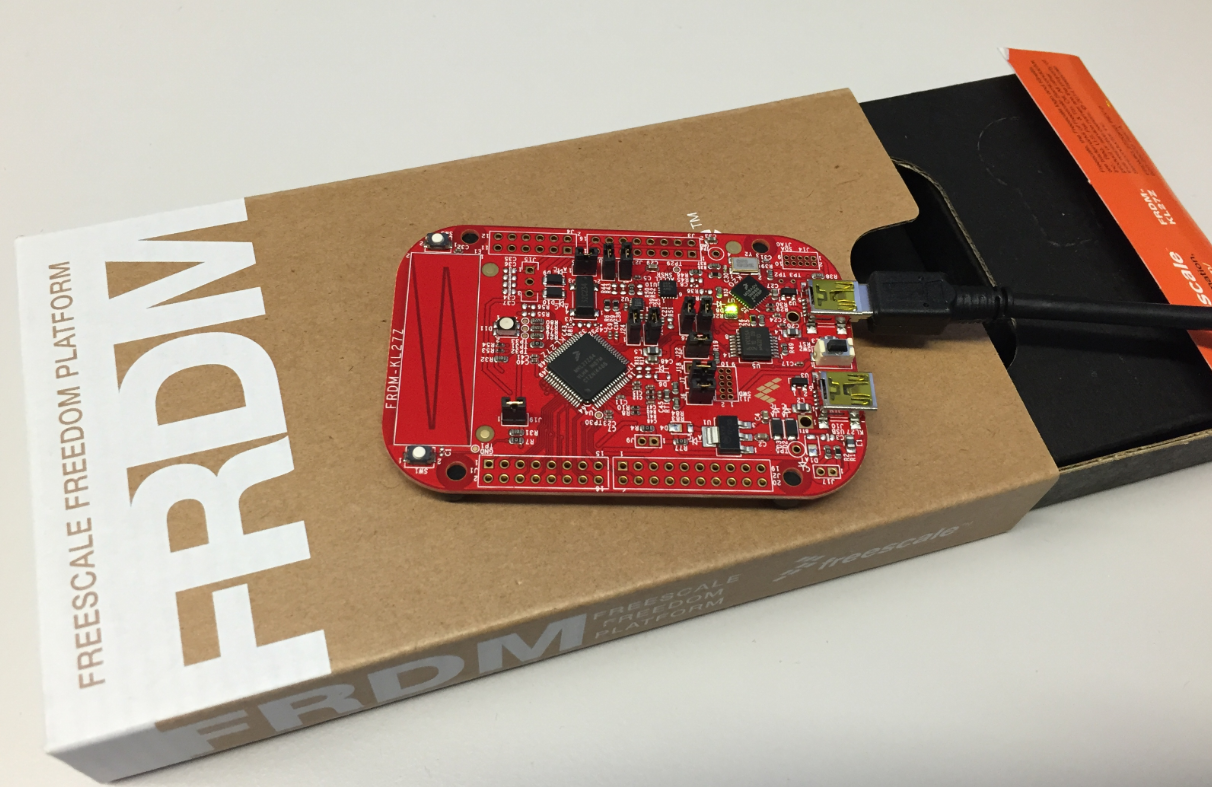
Tutorial: Blinky with the FRDM-KL27Z and Kinetis SDK v2
I’m using the FRDM-KL25Z in my classes, and that board is very popular: low price (<$15), reasonable features (48 MHz ARM Cortex M0+, 128 KByte of FLASH, 16 KByte of RAM), and many tutorials elsewhere and on McuOnEclipse :-).
For the next (Fall) semester I’m looking for alternative boards, and one is the Freescale (now NXP) FRDM-KL27Z:
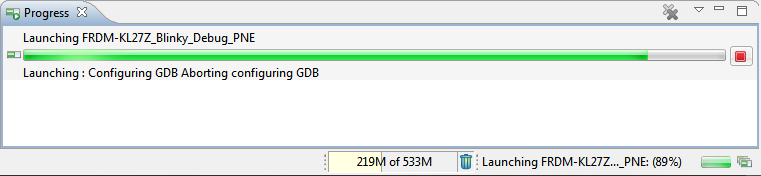
Solving “Launching: Configuring GDB Aborting Configuring GDB”
In case you are running into this problem that launching GDB hangs with this message in Eclipse:
Dealing with Code Size in Kinetis SDK v2.x Projects
I’m exploring the Kinetis SDK v2.0 (see “First NXP Kinetis SDK Release: SDK V2.0 with Online On-Demand Package Builder“). For this, I’m using the ‘standard’ way: blinking the LED on the board 🙂
Merging S19 Files
If using a bootloader with an application, one thing is to to merge the bootloader with the application into a single file. I do this with the ‘SRecord’ tool like this:
srec_cat bootloader.s19 application.s19 -o merged.s19
XML Editor & Checker for CMSIS-Pack in Eclipse
So far, the XML files I had to work on were very simple ones, so a normal text editor was fine. Now I’m tapping into the world of CMSIS-Packs (see “Are ARM CMSIS-Pack the Future of Software Components?“). And definitely this adds a complexity for which I better use some XML editing and checking tools. The ARM tutorial for CMSIS recommends either Notepad++ or Visual C++. But hey, Eclipse should be able to do that maybe even better right? So this is about adding an XML editor and XML checker to Eclipse.
Fire & Ice: Winter Sunrise Reflections
Image
It has been a cold night with snowfall mostly in the higher mountains. For a very short time window opened up in the sky for the raising sun:
It created nice reflections the water and ice on the ground: like fire on ice.
The following panorama picture is taken near the same spot as above in the “Sägel” nature preservation area, towards the Mythen peaks in the East:
How to put the Kinetis K20 on the tinyK20 Board into Bootloader Mode
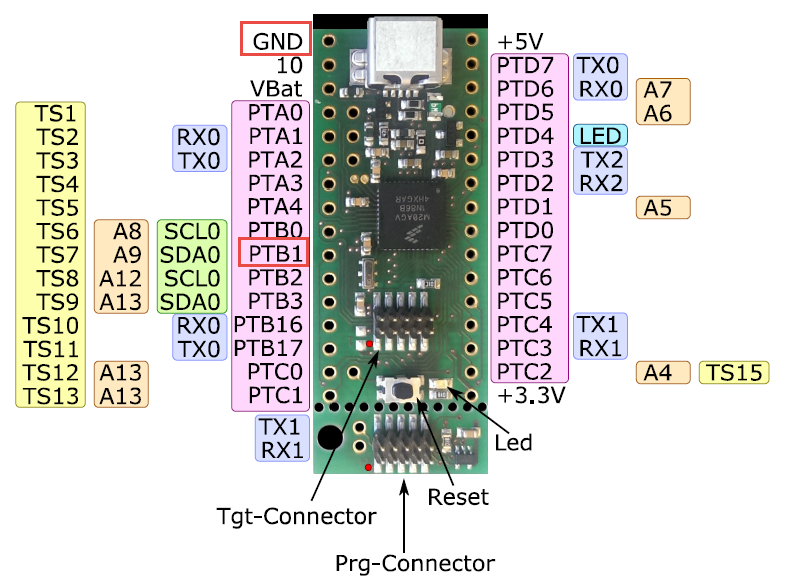
To put the tinyK20 board with the NXP Kinetis K20 into bootloader mode, well someone could check the schematics, or follow this quick guide :-). In short, the pin PTB1 has to be pulled to Ground (GND) while powering the Kinetis K20. The pin PTB1 is on the outside row as below:
Upside Down & Inside Out: OK Go in (Micro) Zero Gravity
Video
I always have been amazed by the music videos created by the US band OK Go. To me they are legendary, fun to watch and full of engineering. The band just released a new video, taken in a ‘single shot’ with a plane flying parabolic maneuvers:
Watch the video:
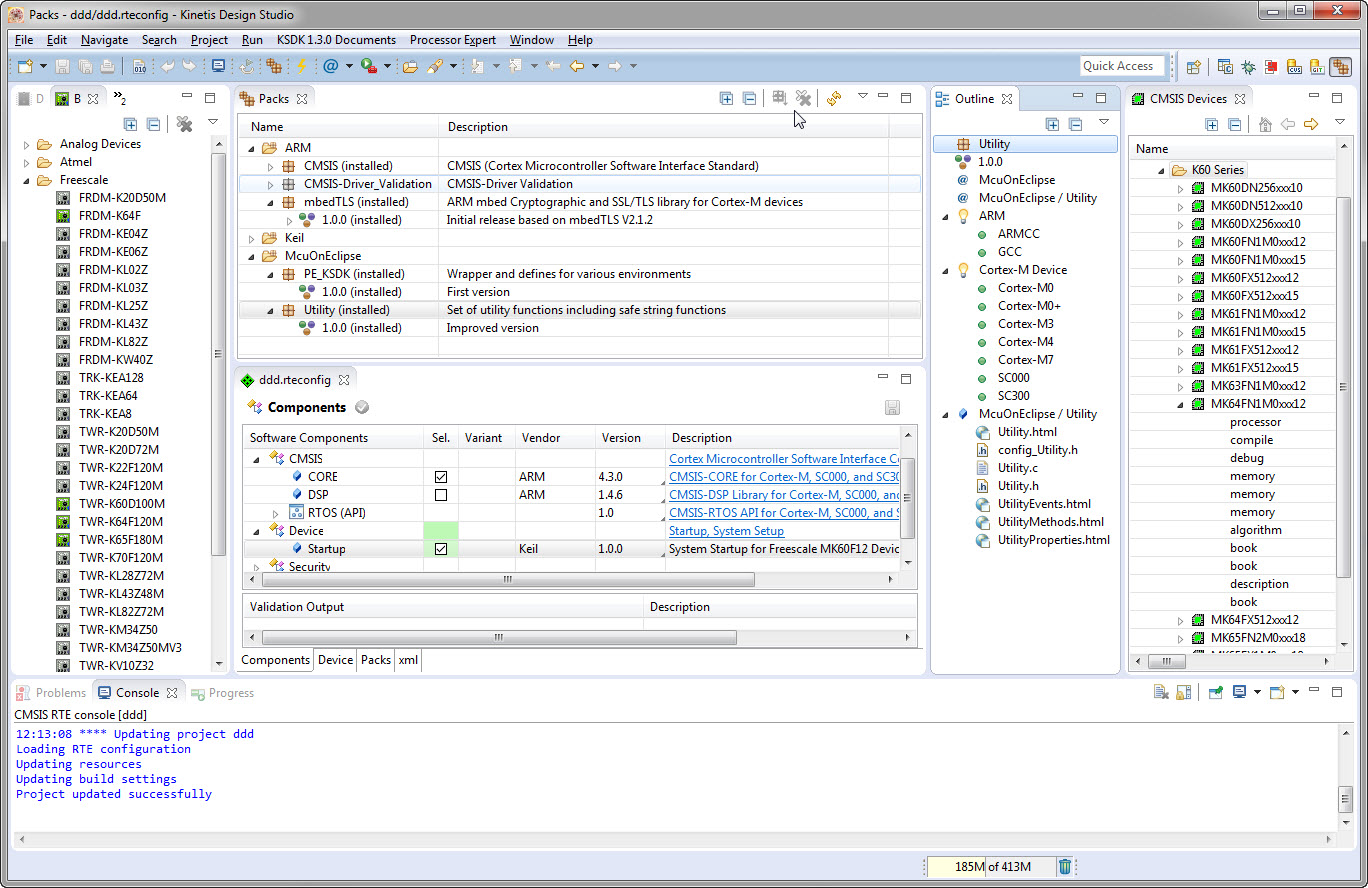
Are ARM CMSIS-Pack the Future of Software Components?
I’m using Processor Expert components for nearly every Freescale (now NXP) projects: for S08, S12, ColdFire, DSC and especially all the different NXP Kinetis devices. Not only because it makes software development fast and easy and allows re-use of software, but as well because Processor Expert has a good way to pack and distribute software components. Unfortunately Processor Expert is not any more included for the new Kinetis devices (see “First NXP Kinetis SDK Release: SDK V2.0 with Online On-Demand Package Builder“). So I have looked into an alternative and hopefully vendor neutral way to build and distribute software packages using CMSIS-Pack.