
This gallery contains 4 photos.
Sometimes I take shots and store them on a SD card. What can happen is that I move that SD card from the camera to the SD card slot of one of my boards and forget about the pictures. Until … Continue reading

This gallery contains 4 photos.
Sometimes I take shots and store them on a SD card. What can happen is that I move that SD card from the camera to the SD card slot of one of my boards and forget about the pictures. Until … Continue reading
11 teams with a total of 14 robots participated at the May 2014 Mini-Sumo robot competition this week at the Lucerne University of Applied Sciences and Arts in Horw/Switzerland.
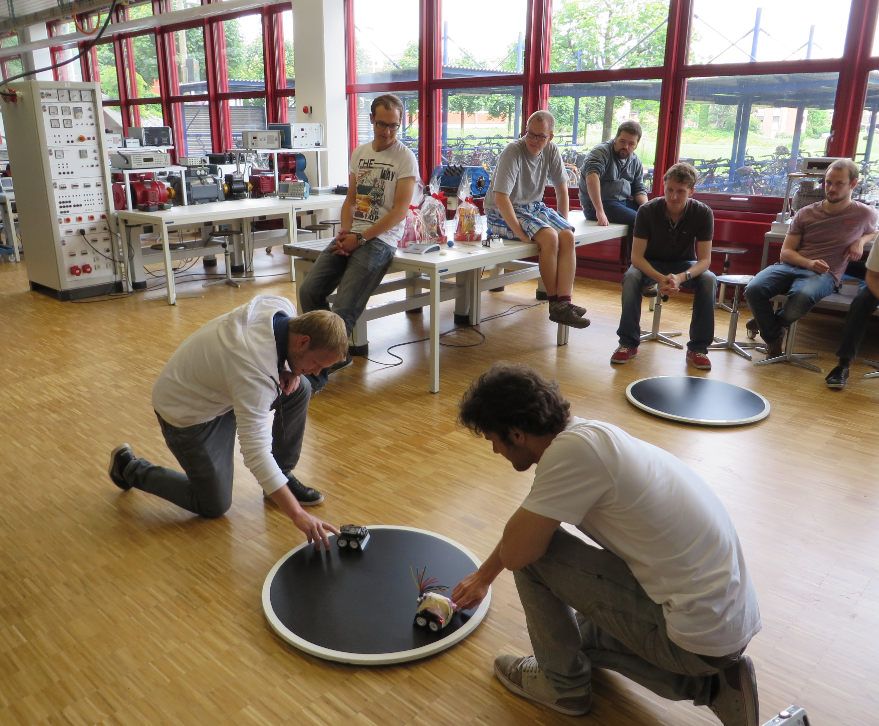
Sumo, ready to battle
The Freescale FRDM-K64F is a great board for data logger applications: it has a powerful ARM Cortex M4F with 120 MHz, 1 MB Flash and 256 KByte RAM. Best of all: it already has a micro SD card socket on the board :-).

Data Logger with FRDM-K64F
Feeling that building a project in Eclipse (including Kinetis Design Studio) takes a long time? Then probably the ‘parallel build’ option is not enabled in your project: Using parallel build option reduces the needed time by factors. To give an example, to build a project with 56 source files takes 32 seconds without parallel build enabled:

no parallel build
With parallel build enabled this gets reduced down to less than 10 seconds:

Parallel Build Enabled
🙂
Clouds are very fascinating by nature. Especially in combination with the morning sun as a light source. This Monday morning it created a special scenery: The sun was making them half-transparent, while the wind from the South was moving the clouds to the North and creating a nice texture.
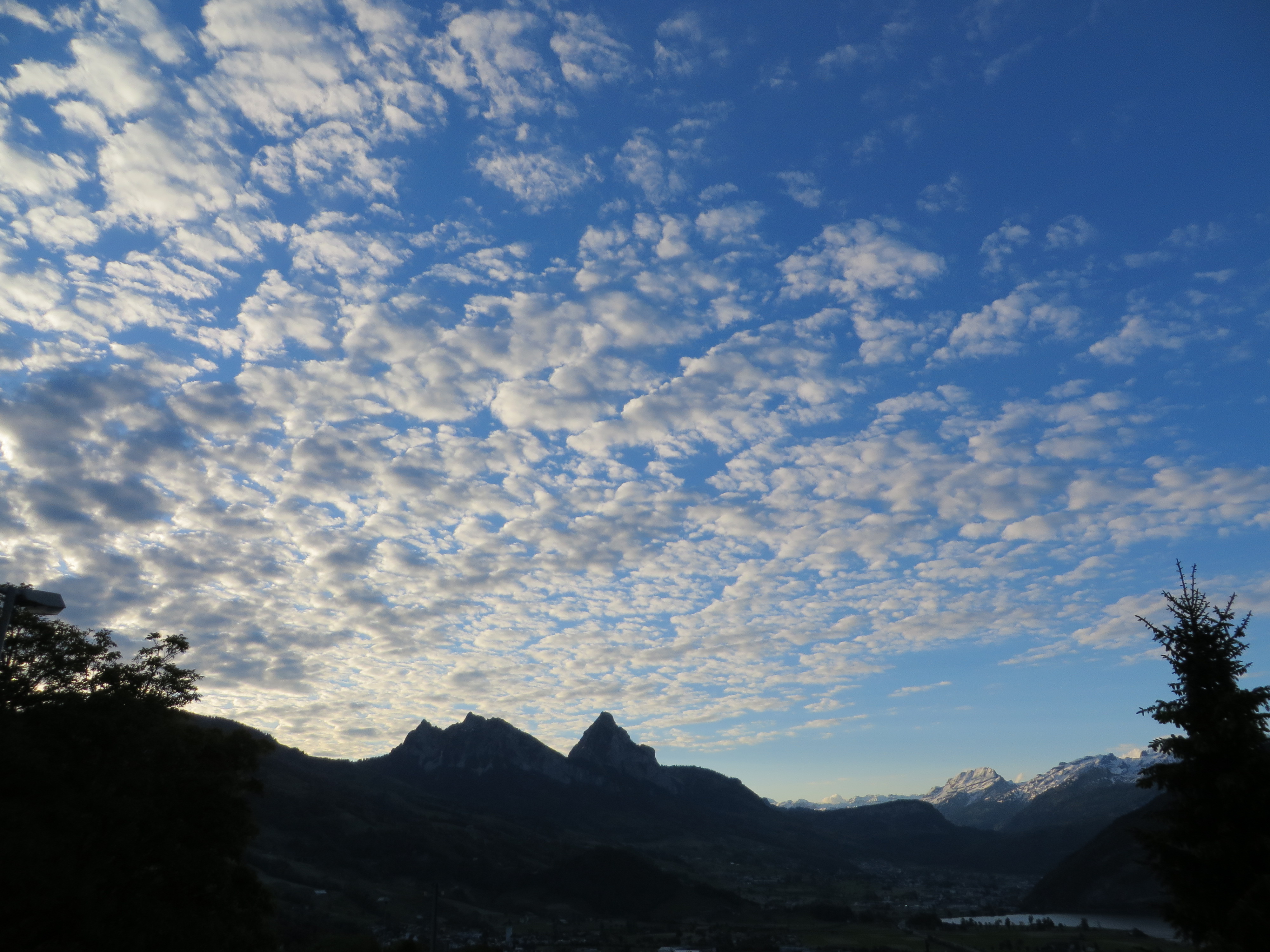
Morning Clouds
For the next semester I will do things differently in my advanced embedded systems programming course (INTRO) at the University of Lucerne: Instead of using the Freescale provided CodeWarrior, we will use a DIY tool chain for ARM with Eclipse Kepler.

Eclipse Kepler Ready for Classroom Usage
That way we we can offer students an open and convenient tool chain for their lab work, course assignments and own projects both at work and at home. So this post is about spending about 30 minutes to build your own tool chain which then can passed to students and coworkers so they have a complete toolchain installed in a few minutes.
In “Watchpoints: Data Breakpoints” I used the Eclipse based CodeWarrior to set breakpoints so the debugger stops when my application is writing or reading a certain memory location. That CodeWarrior is based on an earlier Eclipse version, and things are different in Eclipse Kepler and not so easy to find. So here is how I can use watchpoints in Eclipse Kepler:

Watchpoints in Breakpoint View
With the Joystick shield I have a convenient way to drive and control a Zumo Robot without a wired connection:

Joystick Shield with Robot
While things started promising, there was a power supply problem at the end to be solved…
I’m using both the Freescale MC1320x and Nordic Semiconductor nRF24L01+ 2.4GHz in many projects. To make it even easier to use these transceivers in the RNet stack, I have updated it with several new functions.
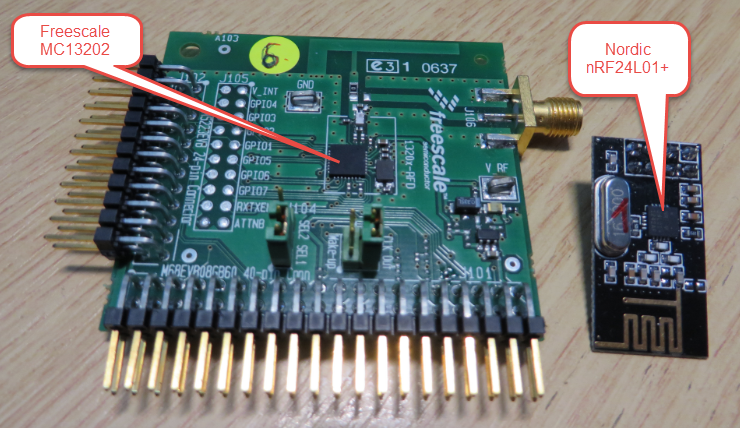
MC13202 and nRF24L01+
Thanks to the GNU ARM Eclipse plugins from Liviu it is easy to build and debug projects for all the different ARM cores. But I need to specify the device name in the debug configuration:
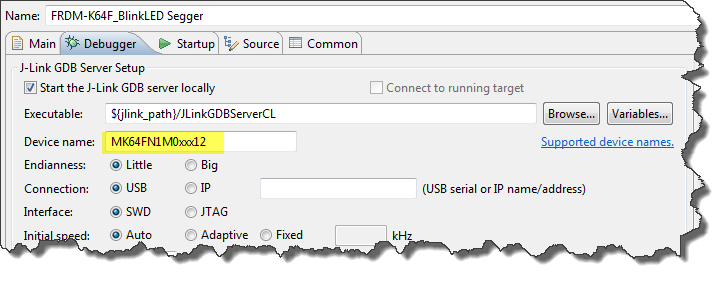
Device Name for Segger GDB Configuration
There must be an easier way for this? Yes, indeed, there is 🙂
 MCU on Eclipse