NXP has released their Kernel Awareness for FreeRTOS in Eclipse (Kinetis Design Studio):


NXP has released their Kernel Awareness for FreeRTOS in Eclipse (Kinetis Design Studio):
Sometimes things don’t go well, especially with bringing up a new board design. I always sweat blood that first minute when I try to connect with the debugger to a new design: Will it work? After the optical inspection, performing electrical tests (no shortcuts? voltage levels ok?) the inflection point is when I’m connecting the first time with the debugger to the new board: either it will properly connect and program the device (hurrah!) or it will fail and potentially difficult hours of investigations have to follow.
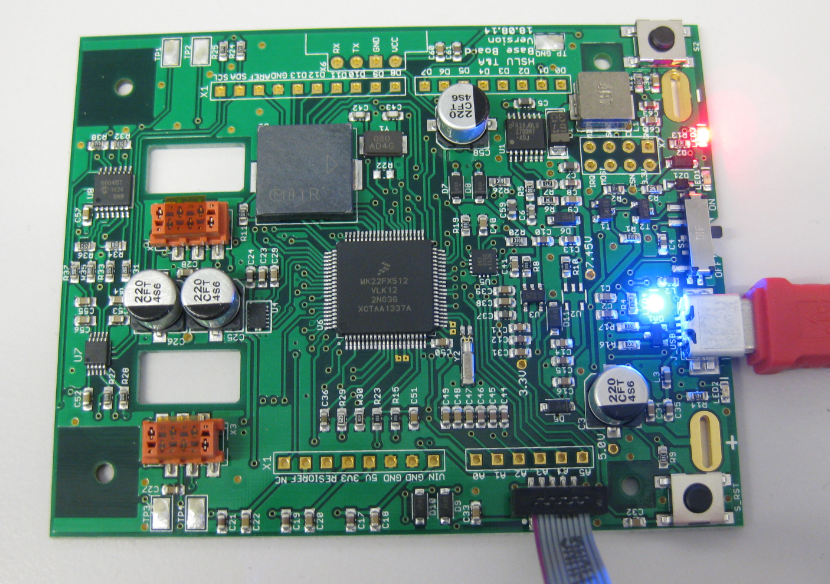
First PCB under Debug
More and more of my students are using Microsoft Windows 10 machines, and my computer has been upgraded to Windows 10 a couple of week ago too. From my work and experience, a new operating system causes always some challenges, and Windows 10 is no difference. And no, this is not about Microsoft vs. Apple vs. Linux, this post is about addressing a potential and painful problem which I have observed with Windows 10 machines, and to my understanding it could happen with any other operating system too. The problem is that somehow on several student machines the bootloader and OpenSDA application on their FRDM boards did not work any more.
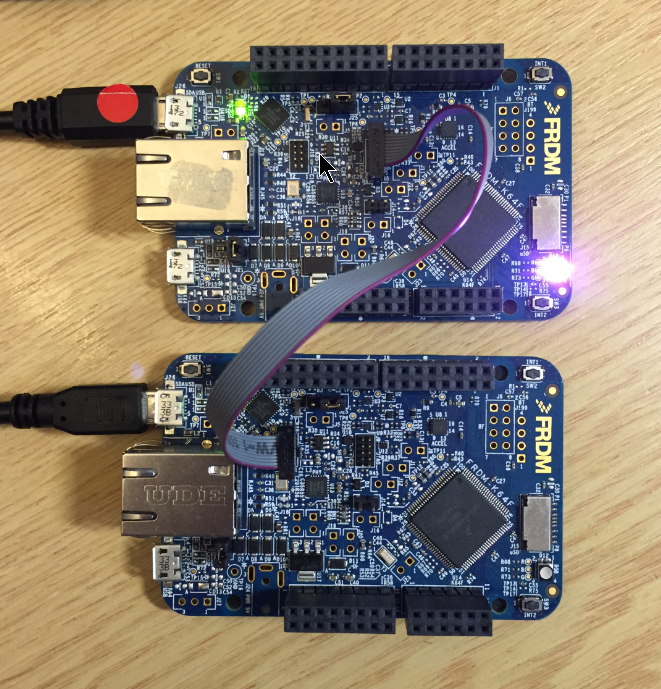
FRDM-K64F (top) programming the OpenSDA Bootloader (bottom)

SourceForge
A new release is available on SourceForge, with the following main changes:
One of the major benefits of Processor Expert is that I can easily switch the device or processor used in a project. For example I can do my concept with a larger device with more FLASH and RAM, and then at the end easily switch to a smaller or even completely different device very quickly. For example I have a project working with the 64KByte FLASH version of the KE02Z (KE02Z68VLH2):
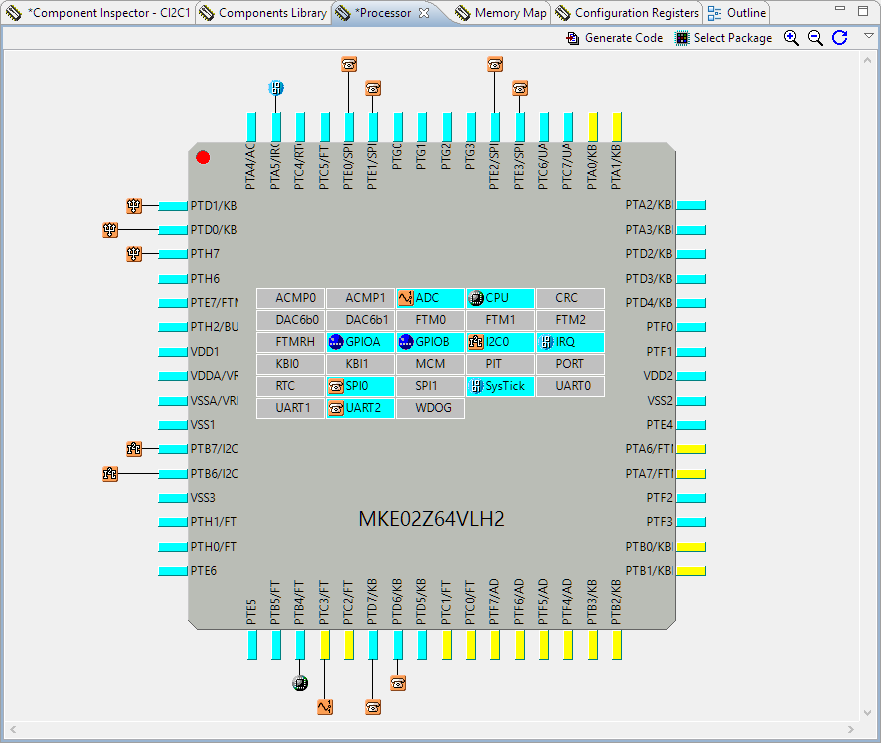
MKE02Z64VLH2
For a university research project I need a fast microcontroller with lots of RAM and FLASH memory. I have ordered a TWR-KV58F220M board from NXP which arrived yesterday. The special thing is that it has on of these new ARM Cortex-M7F on it:
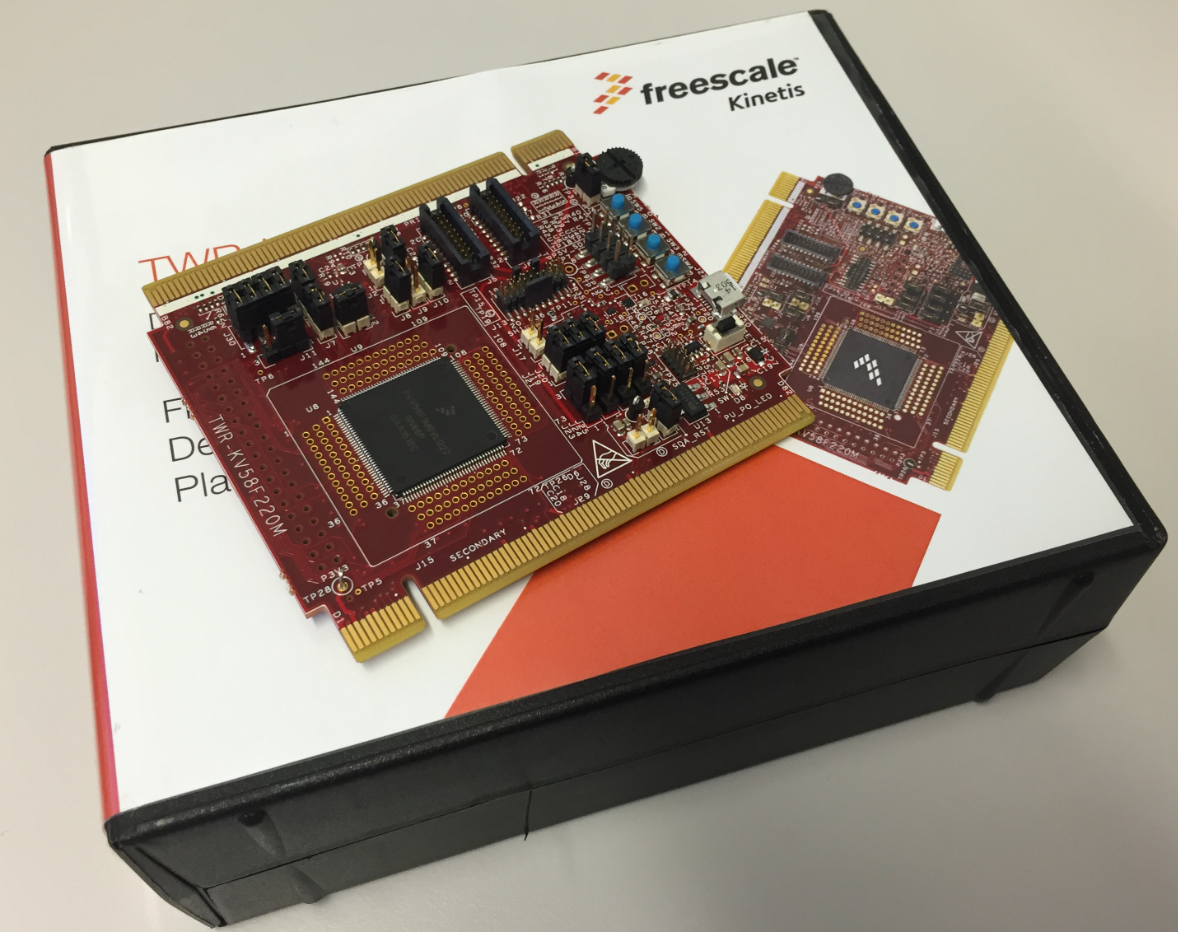
TWR-KV58F220M Box
A bootloader shall be small and concise. I very much like bootloaders which do not need a ‘special’ program on the host, so I prefer a simple terminal for this. While porting my serial bootloader to the NXP FRDM-K64F board, I have found RealTerm which offers a lot of cool features:
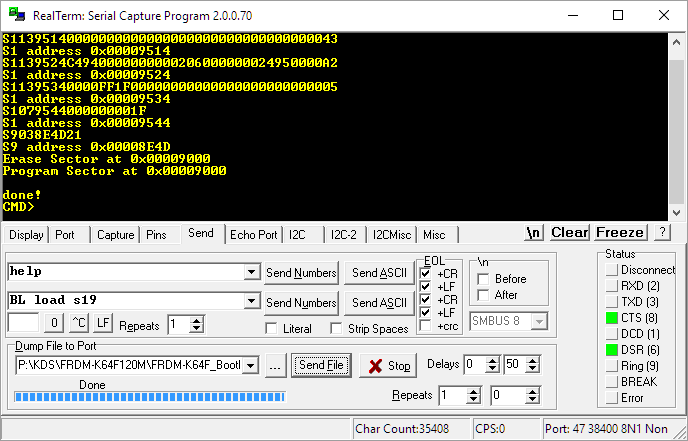
RealTerm
Sometimes it is very convenient to load a new firmware to a board without the need for a hardware debugger. This is usually done with a bootloader. The NXP Freedom and Tower evaluation boards have on-board debug device/microcontroller (OpenSDA) which can load different firmware implementations like CMSIS-DAP/mbed, P&E Multilink or a Segger J-Link OpenSDA applications. Both mbed and P&E implemenations support to program the board with drag&drop: simply send a file to a virtual MSD (Mass Storage Device) to get it programmed. The latest Segger OpenSDA firmware has this ability added now too: Programming the board with a virtual MSD device:
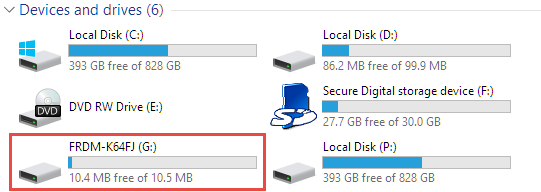
Virtual MSD Device
3.5″ Diskette Drives are not widely used any more: CDs, DVDs, memory/thumb drives and downloads from the web are the usual distribution method these days for software. Back a few years ago, software was distributed on one or many 3.5″ diskettes, and even before that time on 5 1/4″ floppy disk drives. So what to do with all these not-used-anymore hardware? Play music with it 🙂
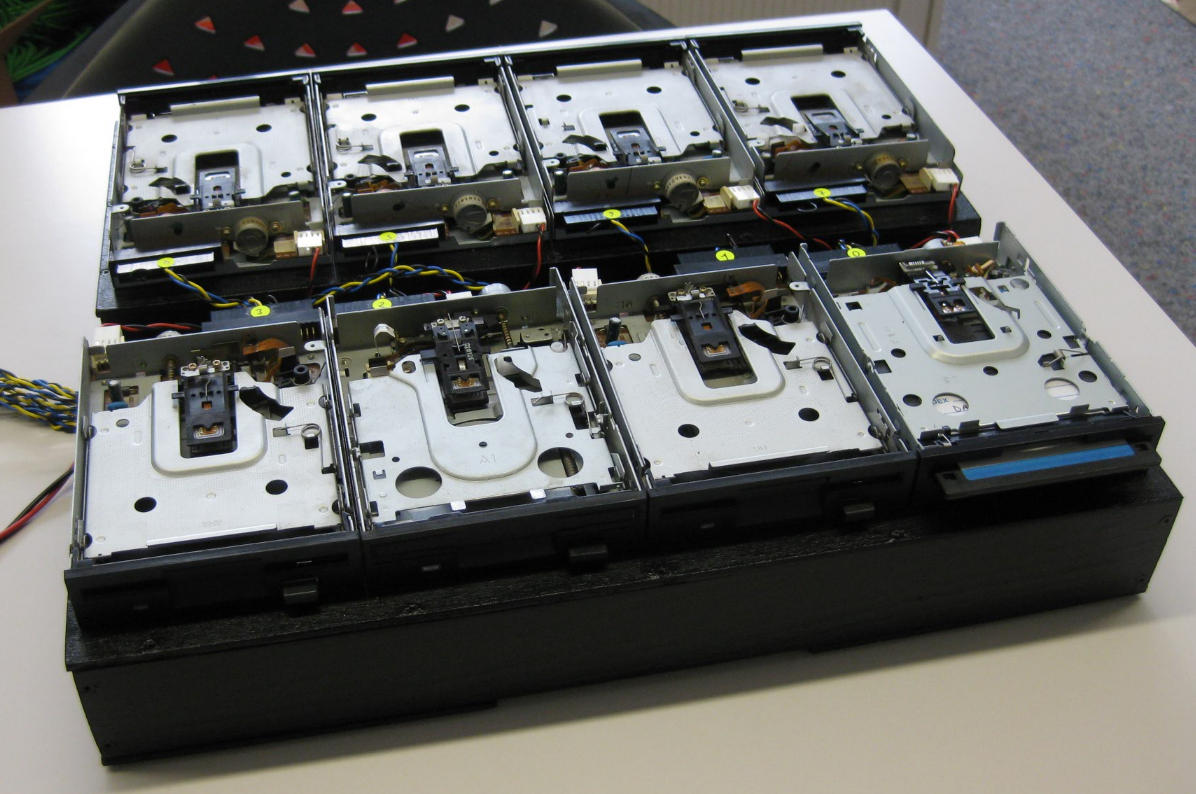
Floppy Music

 MCU on Eclipse