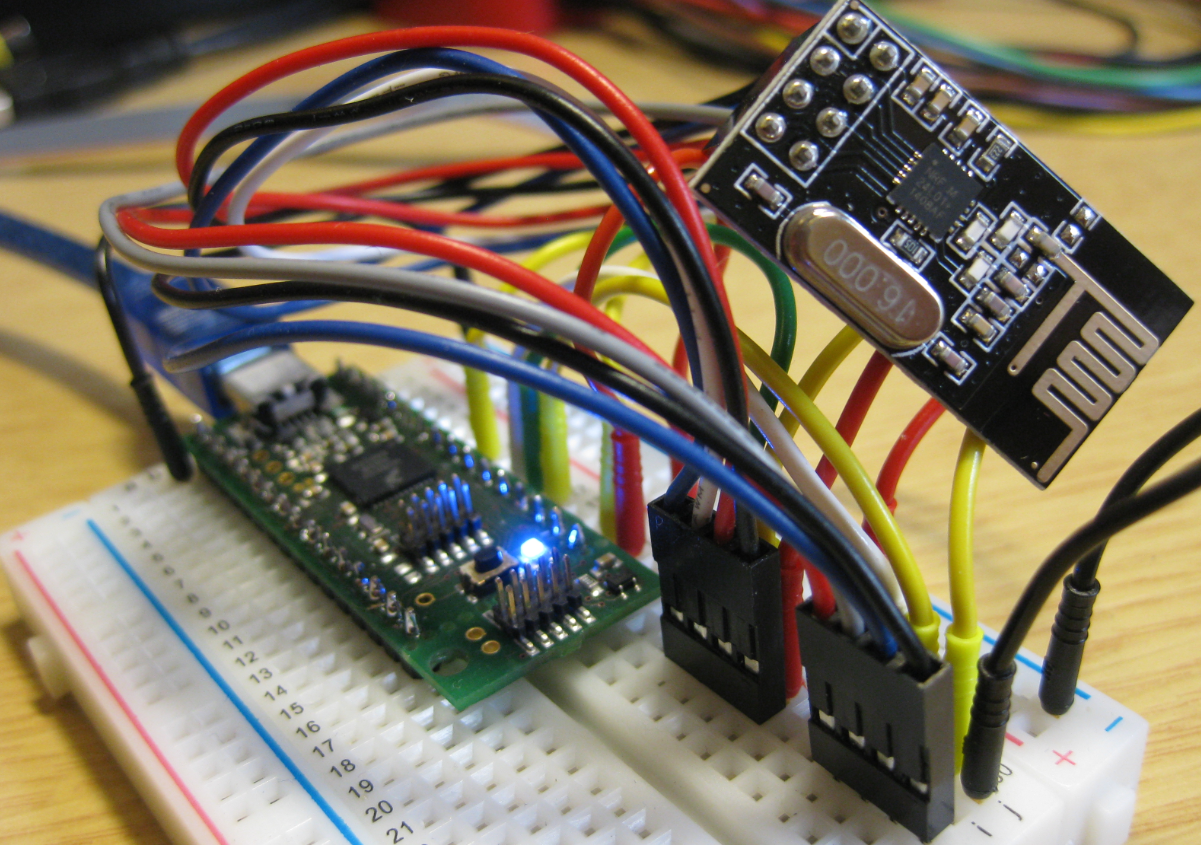
I’m using the tiny and inexpensive Nordic Semiconductor nRF24L01+ transceiver (see “Tutorial: Nordic Semiconductor nRF24L01+ with the Freescale FRDM-K64F Board“) in many projects: it costs less than $3 and allows me to communicate with a proprietary 2.4GHz protocol in a low power way (see “IoT: FreeRTOS Down to the Micro Amps“). I have that transceiver now running with the tinyK20 board too:
Category Archives: TinyK20
How to put the Kinetis K20 on the tinyK20 Board into Bootloader Mode
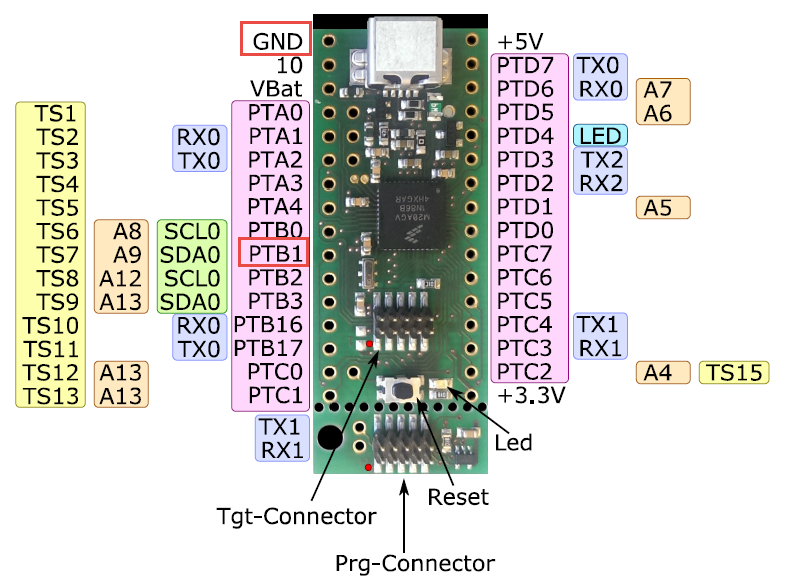
To put the tinyK20 board with the NXP Kinetis K20 into bootloader mode, well someone could check the schematics, or follow this quick guide :-). In short, the pin PTB1 has to be pulled to Ground (GND) while powering the Kinetis K20. The pin PTB1 is on the outside row as below:
Kinetis Lava LED Light Cube
In “openHAB RGB LED Light Cube with WS2812B and NXP Kinetis” I started experimenting Kinetis boards, a LED cube diffuser and Adafruit WS2812B NeoPixel LEDs. That worked well, but I was not to very happy about the visual effect. So here is my next version: I wanted to have control over each side of the cube. For this I have built a cube inside the cube with a 3D printed structure:
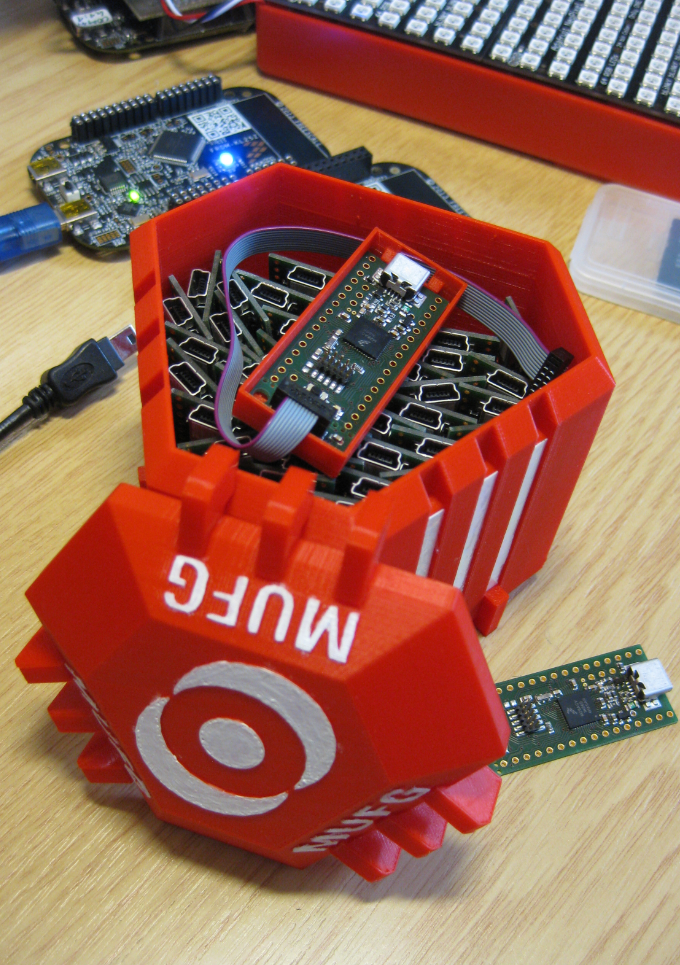
3D Printed Magical MUFG Capsule to Duplicate NXP Kinetis K20 Boards
Hardware Reset for ARM Cortex-M with Segger J-Link and Kinetis Design Studio
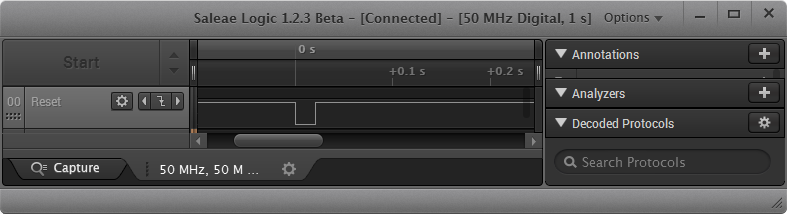
The reset and signal line of a microcontroller is probably the most important signal to a microcontroller. And if things go wrong, then a first thing to check is the reset line. So having control over reset is an important aspect for embedded development. You would think that if you download a program to a microcontroller, the debug probe would put the device into reset at the start with a short pulse like this:
First 3D Printed tinyK20 Board Enclosure
The tinyK20 boards are now used in several projects. Initially I was considering a commercial USB thumb drive enclosure for it. But this needed some tweaking of the enclosure so at the end it was not ideal. 3D printing is probably that hot topic for 2016. So why 3D printing an enclosure for that board?
How to Add Bluetooth Low Energy (BLE) Connection to ARM Cortex-M
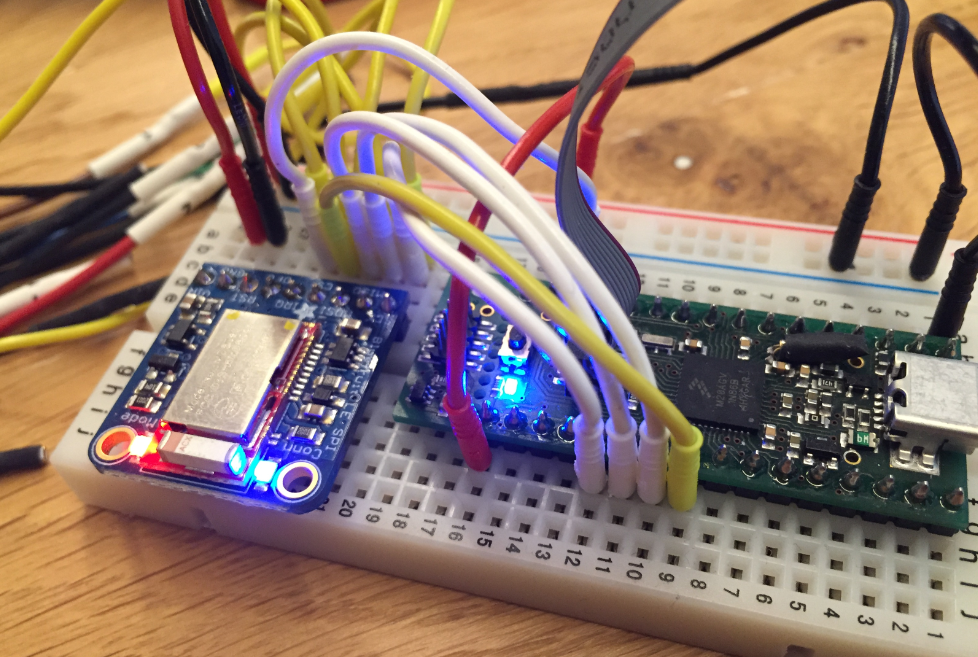
In many of my embedded projects I’m using successfully the Nordic Semiconductor nRF24L01+ (see “Tutorial: Nordic Semiconductor nRF24L01+ with the Freescale FRDM-K64F Board“) and the HC-06 Bluetooth transceivers (see “Getting Bluetooth Working with JY-MCU BT_BOARD V1.06“) for wireless communication. However, the nRF24L01+ is using a proprietary protocol, and the HC-06 does not work with Apple products (it does very well with Android devices). To close that gap I decided to add Bluetooth Low Energy (BLE, or Bluetooth 4.x). So this post is about how to add Bluetooth Low Energy (BLE) to NXP (formerly Freescale) Kinetis devices:
Data Logger with tinyK20 Board
First off: The tinyK20 project is progressing fine and is now on Hackaday.io :-).
For a research project we would like to use the tinyK20 to log gyro sensor data. For this I have created a quick-n-dirty project to explore how feasible it is. The tinyK20 has all the pins on the outside of the board, so I’m able to put it on a bread board:
Production tinyK20 Boards arrived!
One day earlier than expected, our tinyK20 boards arrived, and they are looking great :-):
tinyK20 Production Boards Ready for Parts
New pictures from the manufacturing process of the tinyK20 boards. Now all parts to be populated have been arrived at the manufacturing, so populating the boards can start soon: