Probably for cost reasons, the Freescale FRDM-K22F does not come with the micro SD card socket populated on the the board:
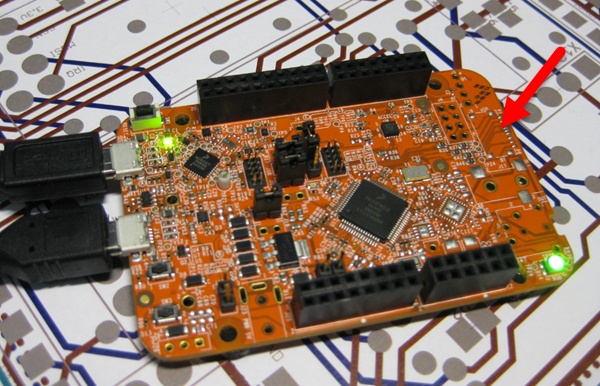
With a little soldering skills it is possible to populate the socket so the board can be used with a file system on it :-):
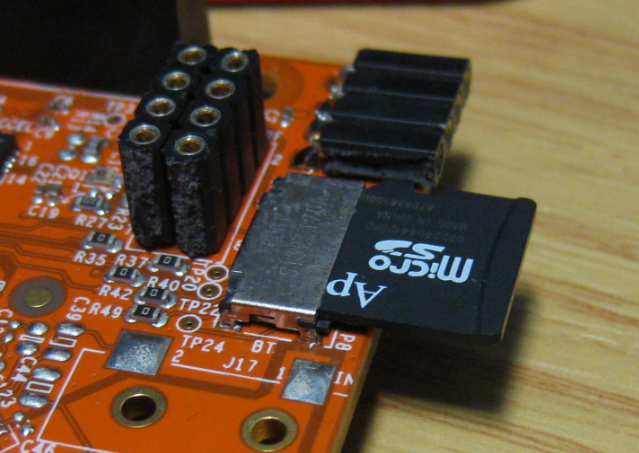
Probably for cost reasons, the Freescale FRDM-K22F does not come with the micro SD card socket populated on the the board:
With a little soldering skills it is possible to populate the socket so the board can be used with a file system on it :-):
It is possible to use the Freescale FRDM-KL43Z to debug another board (see “Using the Freescale Freedom (FRDM-KL43Z) to Debug other Boards“). The FRDM-KL43Z has an on-board debug probe integrated, the OpenSDA. But it is easily possible to debug the board directly with a SWD debug probe like the P&E Universal Multilink or the Segger J-Link.
I don’t own a Mac computer, and I try to keep my tutorials as multi-host-platform as possible. So it is always cool to see if someone else posts a nice tutorial on a different host machine: For all Mac (and as well non Mac) users, have a look at this tutorial Nash Reilly has posted: “An Introduction to Freescale’s Kinetis Design Studio.”
It nicely explains downloading and installing KDS with the Kinetis SDK and then run a ‘hello world’ program on the hardware.
And very worthwhile to check out Nash’s other articles here too: http://www.allaboutcircuits.com/author/nash-reilly
Happy Nashing š
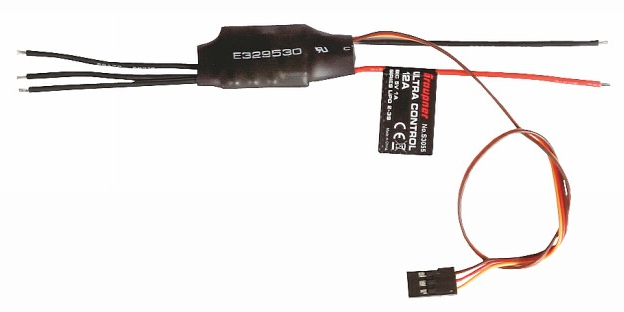
In “Kinetis Drone: Frame Construction with Graupner Race Copter Alpha 250 Q” I have assembled the frame for my Kinetis Drone. In this post I’m going to drive the ESC’s (Electronic Speed Controllers) with the Freescale FRDM-K22F board:
FreeRTOS is probably the most popular RTOS used and I love it: it is efficient, has a lot of features, simple and easy to use. But despite its popularity, debugging it with open source tools as with Eclipse and GDB is really not that user-friendly: debugging threads/tasks is a pain compared to commercial solutions. For my university classes this semester I was looking for something easy to use by my students. Finally I managed to use a GDB helper which makes things easier now: I can switch task threads in Eclipse with GDB now š
“Success is going from failure to failure without loss of enthusiasm.”
– Winston Churchill
Every day, there is something new to learn. And having problems is always a good learning opportunity :-). Yesterday we were able to find a strange problem with our tinyK20 prototypes, just before we were about to send the design for manufacturing.
Sometimes I need to link an object file (e.g. bootloader.o) to my application, and I do not want to build it, or I do not have the sources to build it. There is a simple way with the GNU ARM Eclipse plugins to link extra object files:
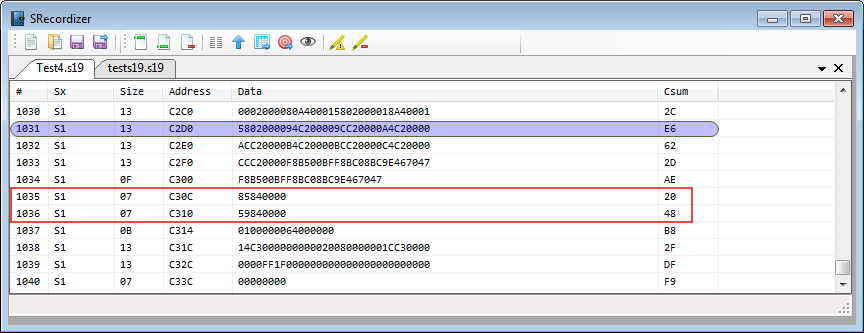
Many tool chains and linker are able to produce S19 files, such as with the GNU tools it is the ‘objcopy‘ which does this job (see “Binary (and S19) Files for the mbed Bootloader with Eclipse and GNU ARM Eclipse Plugins“). But these tools usually cannot handle the special cases. For example on the Freescale Kinetis K64F my serial bootloader (see “Serial Bootloader for the Freedom Board with Processor Expert“) had a problem with these lines in the S19 file:
Yesterday I started with something I had in my mind for a very long time:
to build my own DIY drone based on a Kinetis š