Eclipse has a great user interface (UI). But what if I want to do things from the command line, without the GUI? For example to build one or more projects in the workspace without using the Eclipse UI? With this, I can do automated check-outs and do automated builds.
Tag Archives: software project
GNU Libs with Debug Information: Rebuilding the GNU ARM Libraries
With my DIY tool chain (see “Constructing a Classroom IDE with Eclipse for ARM“) I get a complete tool chain. I do not need to build that tool chain from the sources for Windows, as all the binaries are nicely pre-compiled and made available. But there is one issue I face from time to time: as the libraries provided by ARM do not come with sources and debug information enabled, I end up with that “No source available for …” message in the debugger:
The solution is to grab the C/C++ library sources from the ARM launchpad site and get it built locally the way I need it.
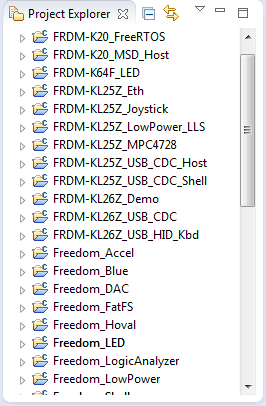
Eclipse Performance Improvement Tip: Close Unused Projects
Eclipse is not the fastest and snappiest IDE of the world, but in my view the most versatile and open one. And as with any tool: using it the wrong way does not make it better. Sometimes I have students in my classes which complain that Eclipse is slow, even on a decent machine. Looking at their notebook screens and Eclipse workspace usually tells me right away what they are doing ‘wrong’: there are many, many projects open in the workspace, the most I have seen was more than 50 projects (yikes!!!)!
Listing Code and Data Size for each Source File with GNU and Eclipse
I have used the ‘classic’ CodeWarrior IDE for years, before I moved over to Eclipse some years ago. And as with any IDE or tool switch, things are different in the ‘new world’. In summary, I don’t want to go back anyway, and Eclipse is my development tool of choice now. But from time to time I get challenged about something like “hey, this was possible in the previous tool, so how can I do the same in Eclipse?”. As a fan of Eclipse, this then gets my attention as I feel that Eclipse can do it, and it can do it better. 😉
So what about this one: In CodeWarrior the project view lists code and data size for each source file:
printf() and scanf() with GNU ARM Libraries
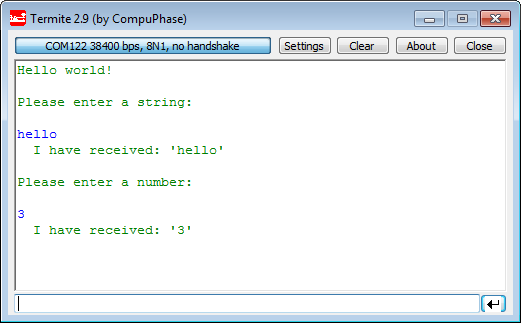
In “Semihosting with Kinetis Design Studio” I’m using the debugger with semihosting to output text with printf(). But how to use a physical serial connection instead?
This post is about how to enable and use printf() and scanf() with GNU ARM libraries. I show it both for the Freescale Kinetis Design Studio (KDS) and for stock Eclipse Kepler with the GNU GCC ARM Embedded (launchpad) toolchain and libraries. The principles are the same, just the details are different ;-).
Tutorial: DIY Kinetis SDK Project with Eclipse – Board Configuration
In “Tutorial: DIY Kinetis SDK Project with Eclipse – Startup” I showed how to create a Kinetis SDK project from scratch. In this post it is about adding the board initialization files. With the board initialization the peripheral clocks and pin muxing is configured.
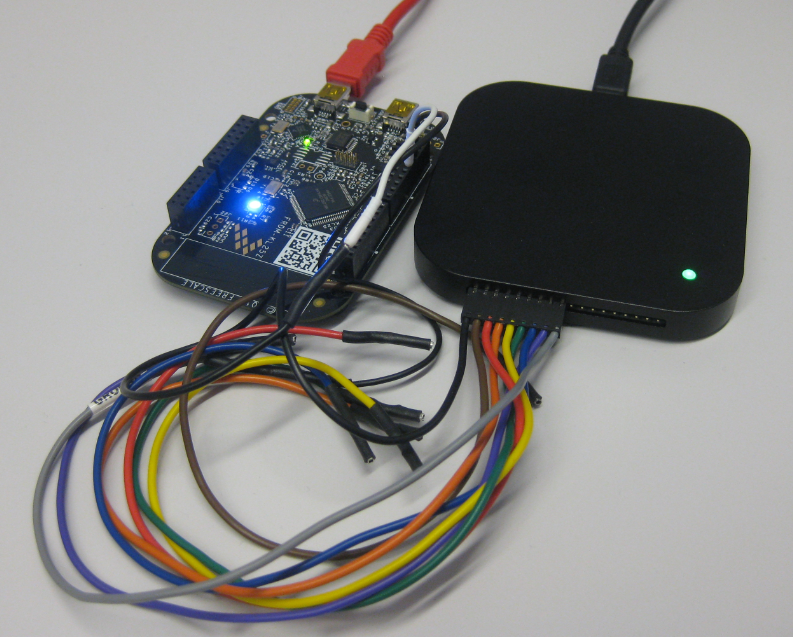
Updated Freedom Board Logic Analyzer with DMA
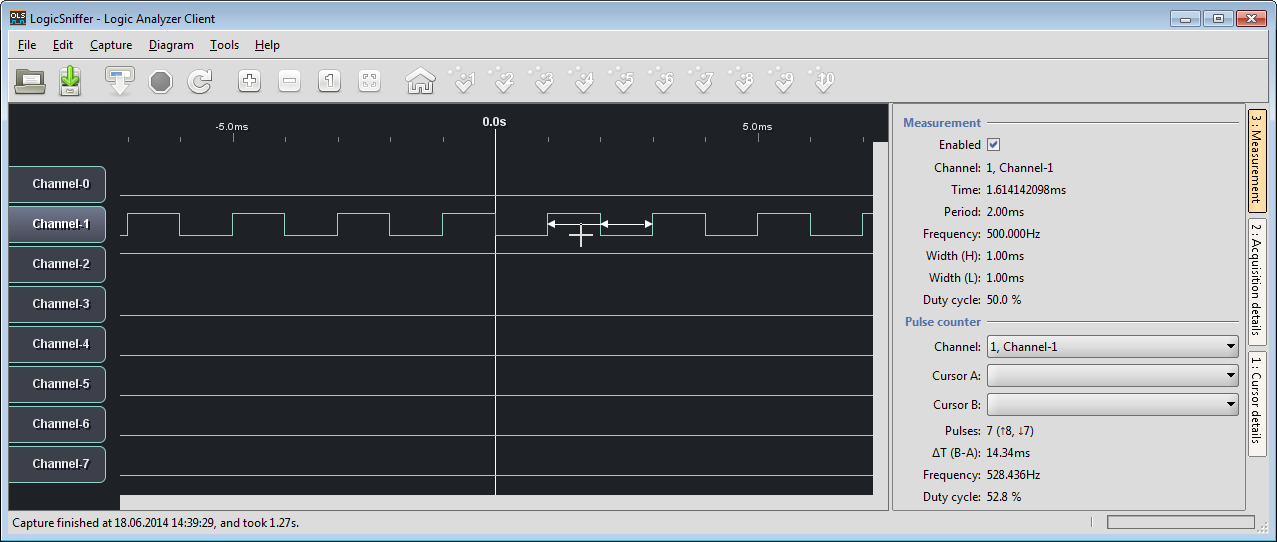
Question: How to build a low-cost logic open source logic analyzer for less than $15?
Answer: combine the Freedom KL25Z board with OLS!
Tutorial: DIY Kinetis SDK Project with Eclipse – Startup
This is the start of a multi-post tutorial about the Freescale Kinetis SDK, released back in April as beta version. The SDK a set of peripheral drivers, and will become the standard software foundation and drivers provided by Freescale for their ARM Cortex based devices. Similar what other vendors already do. While this is a good step, it is the same time very disruptive for my university projects with new Freescale Cortex-M devices. And with everything new (and beta), it needs time to learn. So this post is about creating a Do-It-Yourself Kinetis SDK project from scratch for Eclipse. This part is about the startup code: about everything to get the application started.
Combining GPS Data Logger with Google Earth
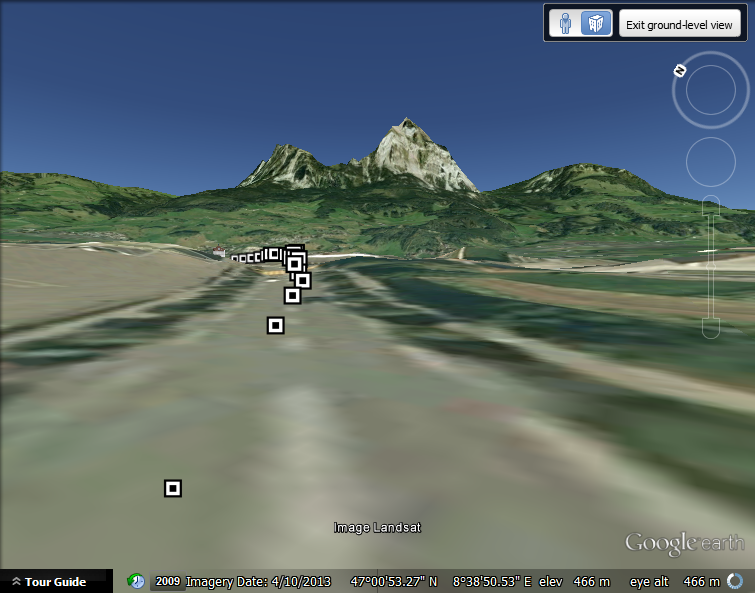
So I have now a portable GPS data logger (see “Tutorial: Freedom Board with Adafruit Ultimate GPS Data Logger Shield“). What to do with it? It would be cool to see the data and tracks in Google Earth? Yes, that’s doable in a few steps…
Tutorial: PWM with DMA on ARM/Kinetis
For a project I need to change the PWM duty cycle after a PWM period is over. One way to do this is to have an interrupt at the end of the PWM period, and then set the new PWM duty (compare) register value in the interrupt. That works fine for ‘slow’ PWM frequencies, but if the PWM frequency is high, the CPU load is massively increasing. A better way is to use DMA (Direct Memory Access).