This tutorial goes through the steps how to create a blinking LED application, using Kinetis SDK and Processor Expert, using the TWR-KL43Z48M board from Freescale (now NXP):

twr-kl43z48m

This tutorial goes through the steps how to create a blinking LED application, using Kinetis SDK and Processor Expert, using the TWR-KL43Z48M board from Freescale (now NXP):
twr-kl43z48m
A week ago I asked: what you would like to see next on this blog? Thank you all for your reaction and comments! To me, the result is interesting:

Poll Results
Breakout boards are great: they allow me to explore functions quickly, without to build my custom board: all what I need is some wires and ideally a bread board.

Adadfruit MicroSD Card Breakout Board
One of the major benefits of Processor Expert is that I can easily switch the device or processor used in a project. For example I can do my concept with a larger device with more FLASH and RAM, and then at the end easily switch to a smaller or even completely different device very quickly. For example I have a project working with the 64KByte FLASH version of the KE02Z (KE02Z68VLH2):
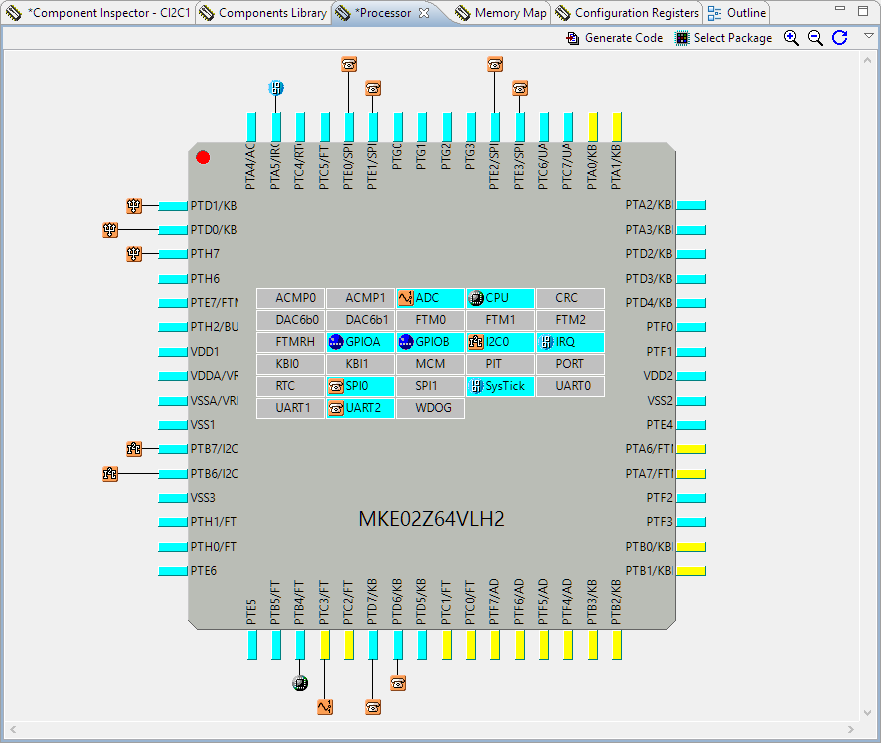
MKE02Z64VLH2
For a university research project I need a fast microcontroller with lots of RAM and FLASH memory. I have ordered a TWR-KV58F220M board from NXP which arrived yesterday. The special thing is that it has on of these new ARM Cortex-M7F on it:
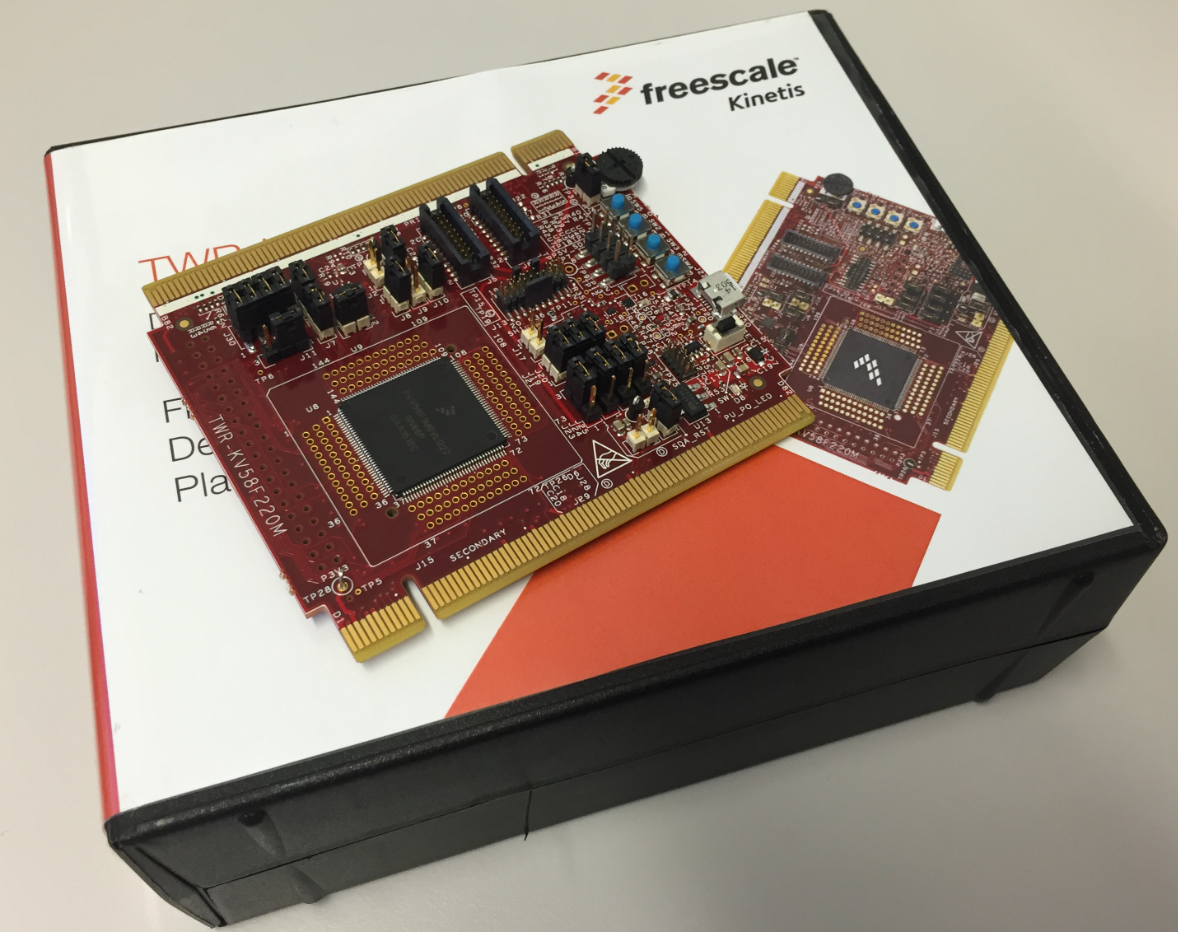
TWR-KV58F220M Box
“Learning-by-doing” is one of the core principles of my embedded systems and robotics course at the Lucerne University. For this the students apply what they learned using a robotics platform. In earlier semesters we did a Sumo battle at the end. This time the challenge was to build a remote controller plus to add the ability to explore and solve a line maze:

maze solving robots
Major changes in this new release:

Segger SystemViewer V2.36a
I’m using FreeRTOS in most of my applications. There were only a few exceptions where an RTOS has to be used in safety critical systems: there usually it is not permitted to use any dynamic memory allocation because this adds the risk that a memory allocation could fail at runtime because of memory fragmentation or memory leak. And FreeRTOS uses a dynamic memory (heap) for the task stacks and the RTOS resources including semaphore, mutex and queues.
This is now a thing of the past. This week a new FreeRTOS Version 9 was released which does not need any dynamic memory allocation anymore: it is possible now to build completely statically allocated systems with FreeRTOS :-).
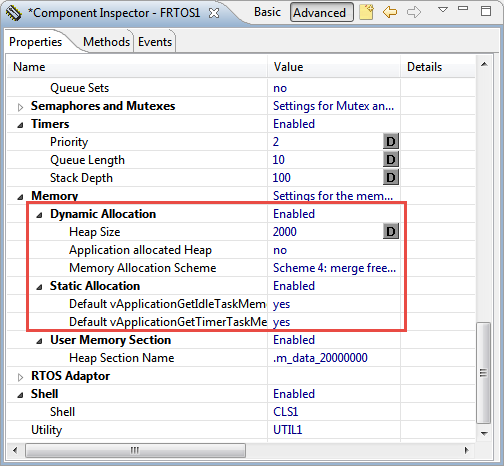
Dynamic and Static Memory Allocation in FreeRTOS V9.0.0
In “Tutorial: Blinky with NXP Kinetis SDK V2.0 and Processor Expert” I used Processor Expert components with the NXP Kinetis SDK to blink some LEDs. This tutorial extends the earlier project and adds FreeRTOS.

FreeRTOS running on a NXP FRDM-K22F Board
In “Mother of Components: Processor Expert with NXP Kinetis SDK V2.0 Projects” I presented an approach how to use Processor Expert components with the NXP Kinetis SDK. This article is a tutorial how to create a blinking LED project with that approach, using McuOnEclipse Processor Expert components and the Kinetis SDK V2.0. As board the FRDM-K22F is used:
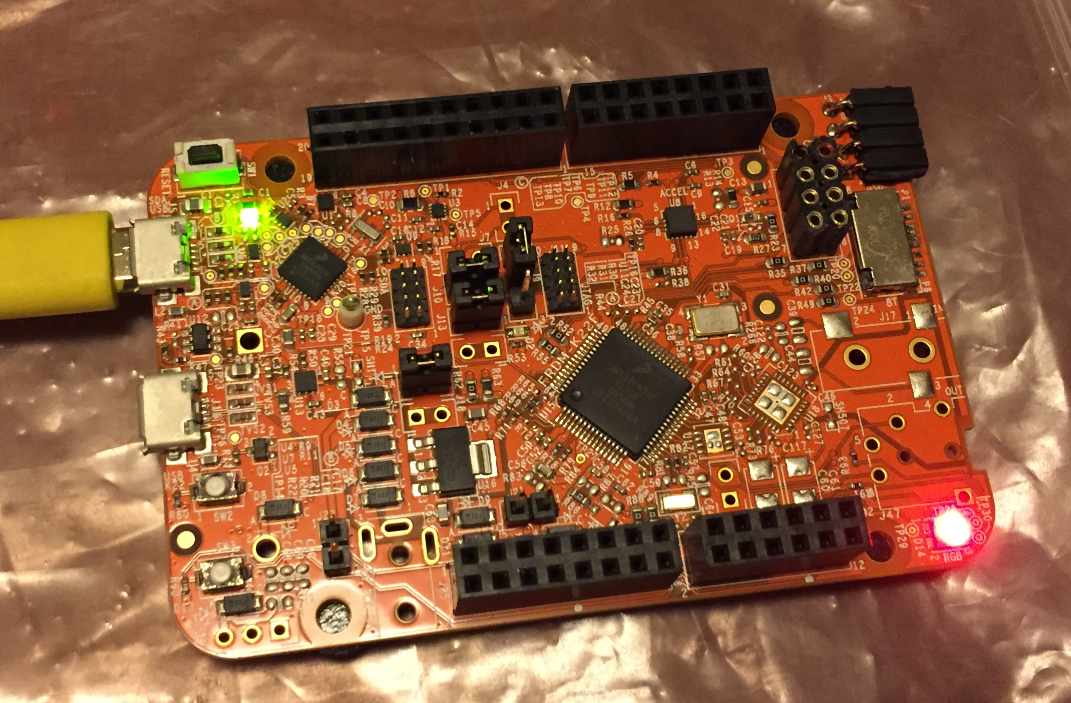
Blinky on a FRDM-K22F with SDK V2.0 and Processor Expert
 MCU on Eclipse