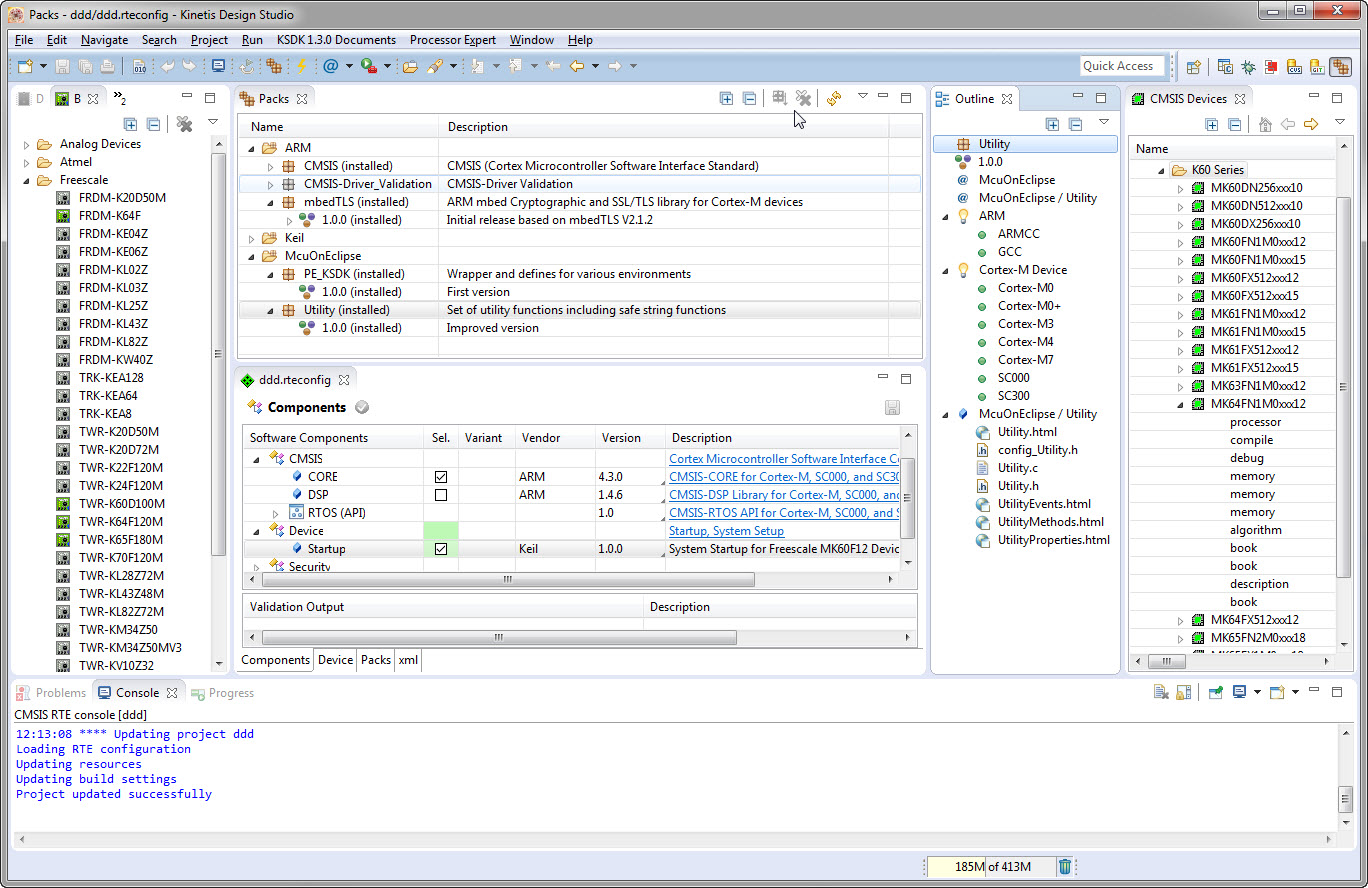
I’m using Processor Expert components for nearly every Freescale (now NXP) projects: for S08, S12, ColdFire, DSC and especially all the different NXP Kinetis devices. Not only because it makes software development fast and easy and allows re-use of software, but as well because Processor Expert has a good way to pack and distribute software components. Unfortunately Processor Expert is not any more included for the new Kinetis devices (see “First NXP Kinetis SDK Release: SDK V2.0 with Online On-Demand Package Builder“). So I have looked into an alternative and hopefully vendor neutral way to build and distribute software packages using CMSIS-Pack.
Tag Archives: open source projects
McuOnEclipse Components: 7-Feb-2016 Release
New in this release:
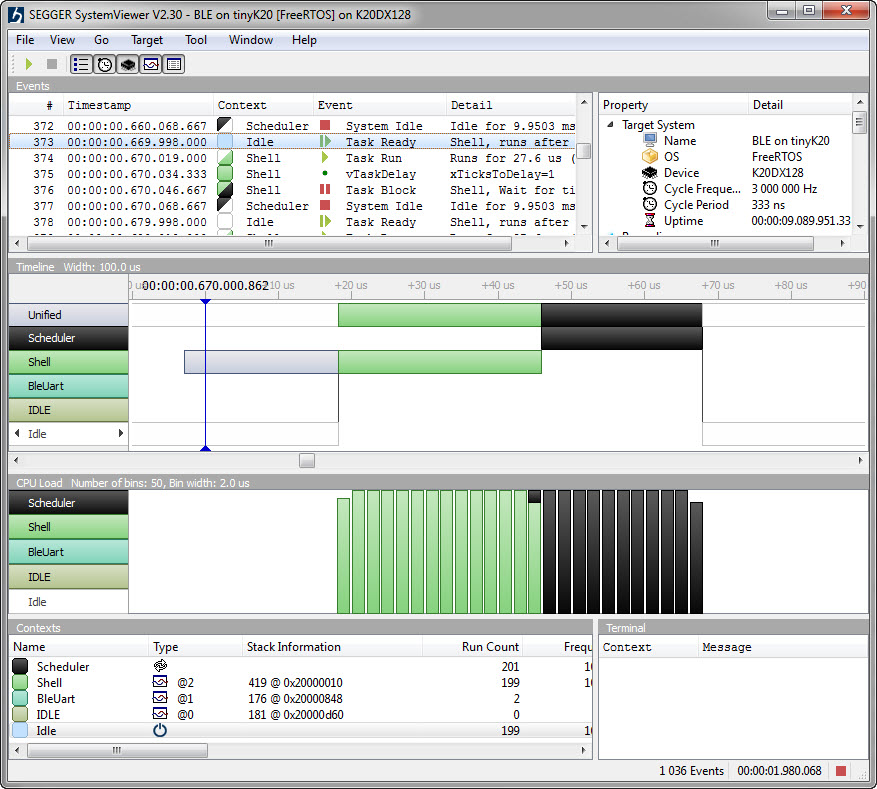
- Segger SystemViewer: Upgraded to V2.30, added stack high-water mark
- Segger RTT: fixed BASEPRI issue on Cortex M4 for critical sections
- Utility: Fixed issue with Utility module and Kinetis SDK (usage of ‘byte’)
- USB CDC: property to specify USB device current usage, new status getter functions.
Tutorial: Bare-Metal Shell for Kinetis
I have been asked to provide a command line shell example for a bare-metal (no RTOS) application, so here we go!
Having a way to communicate to the firmware on a board is essential for most of my projects: it is simply, incredibly helpful and easy to do (see “A Shell for the Freedom KL25Z Board“). This tutorial shows how to add a simple command line shell to the NXP Freedom board which then can be extended as necessary.
openHAB RGB LED Light Cube with WS2812B and NXP Kinetis
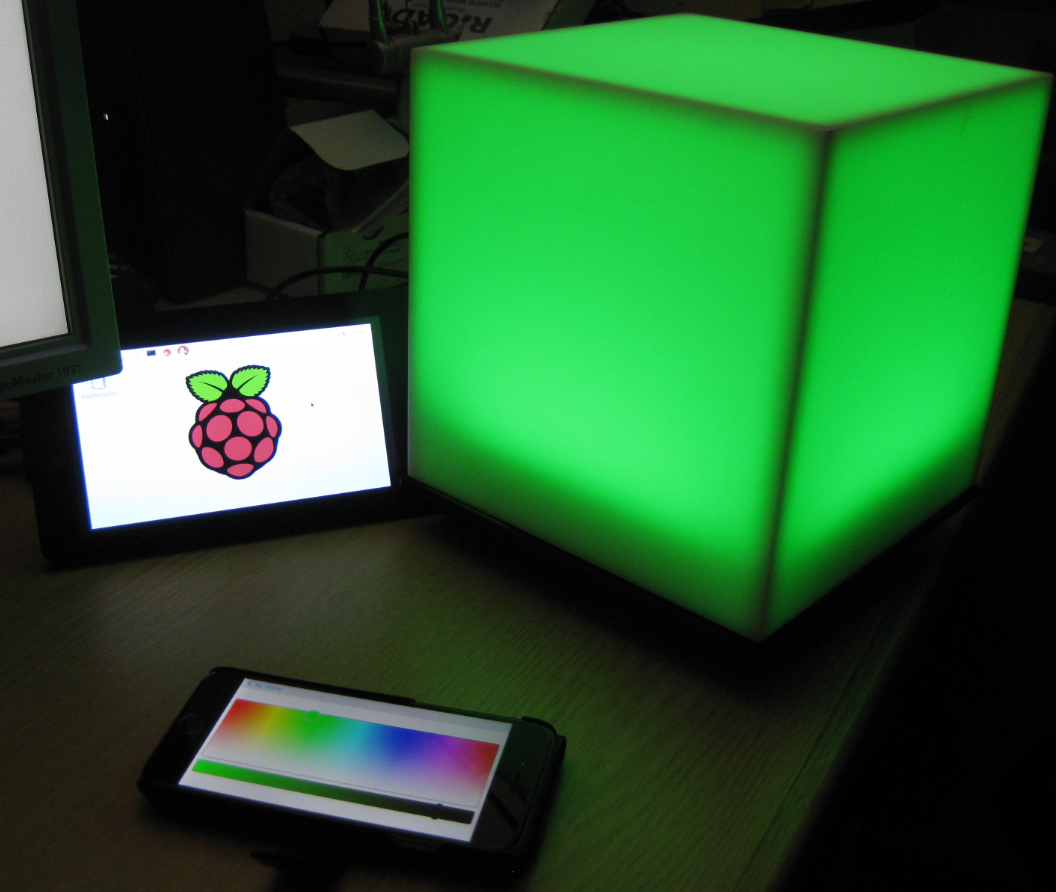
From my earlier work to use the NXP Kinetis with openHAB (see “Controlling NXP Freedom Board RGB LED with openHAB and Raspberry Pi“) it was only a small step to control a 20x20x20 cm light cube with 256 Adafruit WS2812 NeoPixels:
Controlling NXP Freedom Board RGB LED with openHAB and Raspberry Pi
In “Blinky LED with openHAB on Raspberry Pi” I have used openHAB on a Raspberry Pi to control an LED attached to the Pi, and in “Controlling NXP Freedom Board RGB LED with openHAB and Raspberry Pi” I have explored how to connect a NXP Freedom Board over USB CDC to the Raspberry Pi. In this article I’m going to combine both: to control the LED on a NXP Freedom board remotely with openHAB on the Raspberry Pi.
How to Add Undo/Redo Toolbar Buttons to Eclipse
By default, there are no Undo/Redo toolbar buttons in the Eclipse toolbar. With Eclipse as an open and extensible framework, how to add them?
McuOnEclipse Release 10-Jan-2016
With the start of the new year 2016 I have published a new McuOnEclipse component release with the following major updates:
- Updated Segger SystemView and Real Time Transfer (RTT): added terminal functions and extra interfaces
- Improved USB CDC with serial number handing
- FreeRTOS TaskList shell command
- USB Stack: added MSD Host support for MCF52259, added support for K24FN120 and for the 100 MHz K20 devices
- New NEOMatrix component for Adafruit NeoPixel Matrix displays
How to Add Bluetooth Low Energy (BLE) Connection to ARM Cortex-M
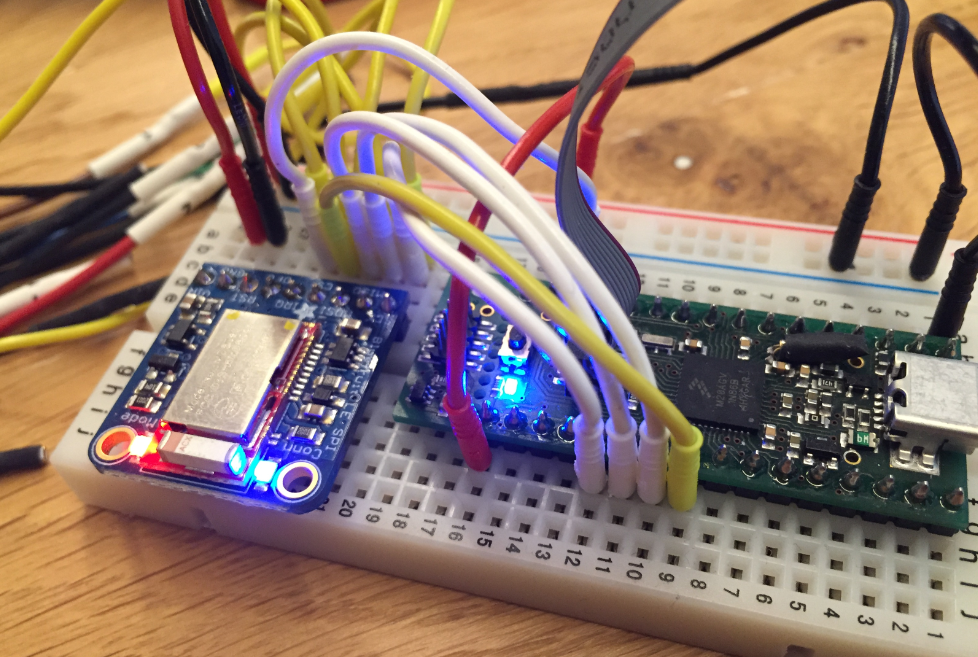
In many of my embedded projects I’m using successfully the Nordic Semiconductor nRF24L01+ (see “Tutorial: Nordic Semiconductor nRF24L01+ with the Freescale FRDM-K64F Board“) and the HC-06 Bluetooth transceivers (see “Getting Bluetooth Working with JY-MCU BT_BOARD V1.06“) for wireless communication. However, the nRF24L01+ is using a proprietary protocol, and the HC-06 does not work with Apple products (it does very well with Android devices). To close that gap I decided to add Bluetooth Low Energy (BLE, or Bluetooth 4.x). So this post is about how to add Bluetooth Low Energy (BLE) to NXP (formerly Freescale) Kinetis devices:
Renaming Eclipse CDT Projects
When I create a project in Eclipse (e.g. in Kinetis Design Studio with the GNU ARM Eclipse plugins), I have to specify the name of the project during creation time:
But what if I change my mind later on and want to use a different name? How to rename the project?
Blinky LED with openHAB on Raspberry Pi
In my earlier post I showed how I have installed the open source openHAB home automation system (see “Installing openHAB Home Automation on Raspberry Pi“). In this post I show how to control a local LED on the Raspberry Pi with openHAB home automation system: how to control any GPIO pin on the Raspberry Pi from remote: