In CodeWarrior there was a very useful feature in the CodeWarrior Projects view: with a context menu I can open that folder/file in Windows Explorer:
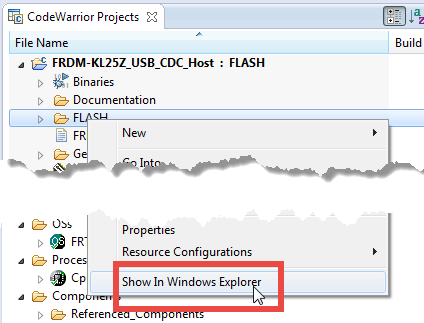
However, this feature is missing in Eclipse, so how to add this functionality?
In CodeWarrior there was a very useful feature in the CodeWarrior Projects view: with a context menu I can open that folder/file in Windows Explorer:
However, this feature is missing in Eclipse, so how to add this functionality?
It was again one of these Sundays: I’m stuck in dense fog down in the valley, but getting up a few hundred meters things are inverted:
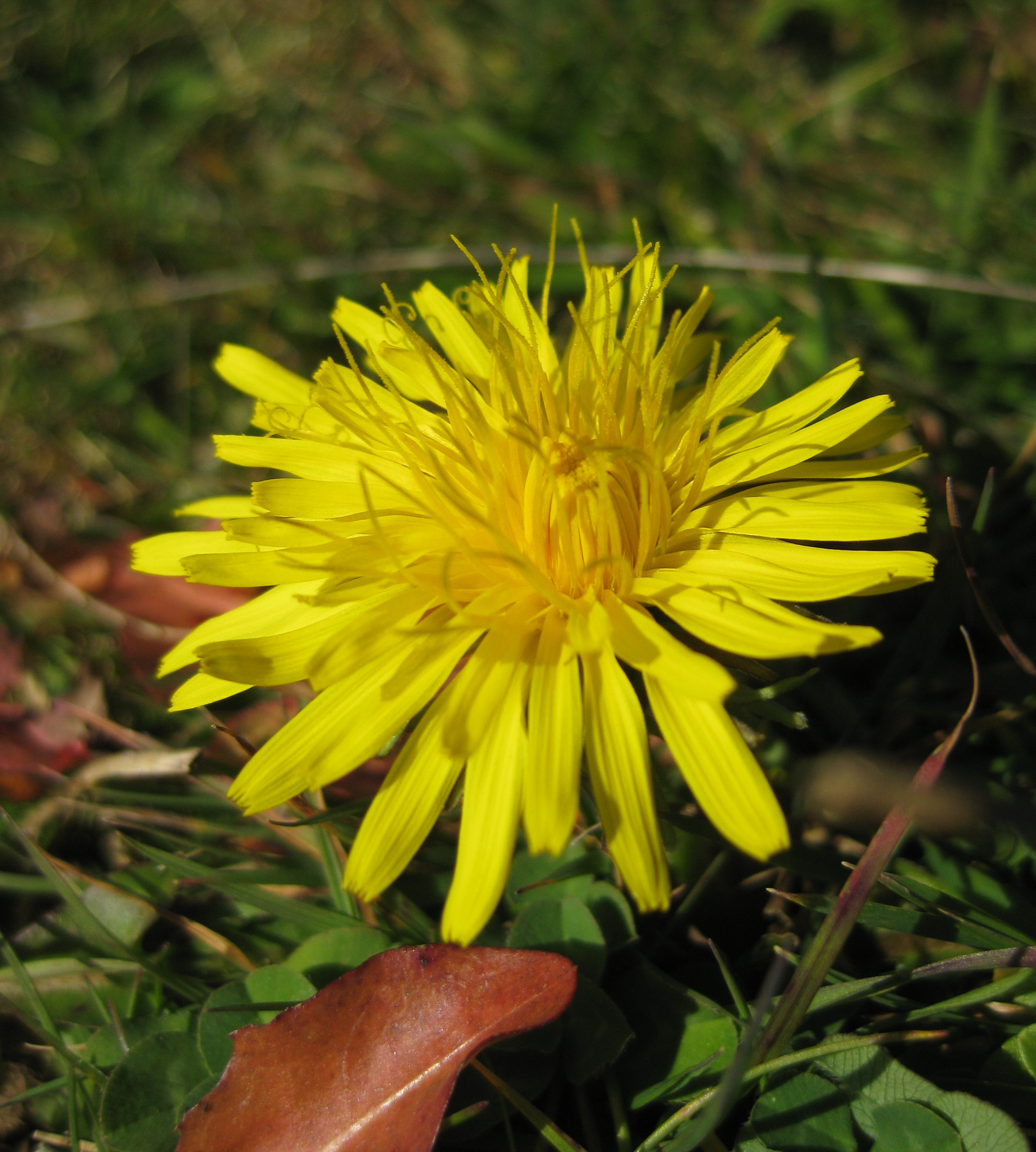
We had three times snow this Fall time, but nature thinks it is not Winter time yet?.At least some flowers at 1100 m above Sea level have skipped Winter time already ….
I want to make some noise with this post!!! This tutorial is about adding music and sound capabilities to the Freescale Freedom board, and to have a lot of fun with it :-). I need this ability for a larger project working on for a while. But I thought I share that sub-part how to play sound files. So with this tutorial I can turn my Freescale Freedom board into a music or sound player :-). And adding sounds is a cool way for any project, and as the music is stored on an SD card it fits easily hours of music or sounds.
Three men: a project manager, a software engineer, and a hardware engineer are helping out on a project. About midweek they decide to walk up and down the beach during their lunch hour. Halfway up the beach, they stumbled upon a lamp. As they rub the lamp a genie appears and says “Normally I would grant you three wishes, but since there are three of you, I will grant you each one wish.”
Continue reading
From time to time it is good to do some cleanup work: what has grown organically sometimes needs some cuts and moves. The same applies to the McuOnEclipse GitHub repository (https://github.com/ErichStyger/mcuoneclipse) which has grown to 522 MByte, 8364 files and 1444 folders. I already moved out the Processor Expert component releases (see “McuOnEclipse Releases on SourceForge“). Time to cleanup and move something else: the Processor Expert component sources.
I have received several requests to post a quick note when there is a new release (16-Nov-2014) of the McuOnEclipse components on SourceForge (see “McuOnEclipse Releases on SourceForge“). I have published today a new release, and with following major improvements:
I have several applications where I store application specific information in the microcontroller FLASH memory (see “Configuration Data: Using the Internal FLASH instead of an external EEPROM“). I have run into issues recently with the Segger J-Link GDB server as by default it does *not* erase all the FLASH memory. So the question is: How can I erase all (or part) of the FLASH memory with GDB (e.g. in Kinetis Design Studio or in Eclipse)?
On a train to a large computer convention, there was a bunch of engineers and a bunch of managers. Each of the managers had a train ticket. The group of engineers had only ONE ticket for all of them. The managers started laughing, figuring the engineers were going to get caught and thrown off the train.
When one of the engineers, the lookout, said, “Here comes the conductor,” all of the engineers went into the bathroom. The managers were puzzled.
Continue reading
For me as an Eclipse and Processor Expert lover, a press release that Atollic supports Processor Expert catched my eye :-). So there is yet another way to use Processor Expert: with a commercial Eclipse IDE provided by Atollic (atollic.com/).
Time to check it out…