This tutorial goes through the steps how to create a blinking LED application, using Kinetis SDK and Processor Expert, using the TWR-KL43Z48M board from Freescale (now NXP):

twr-kl43z48m

This tutorial goes through the steps how to create a blinking LED application, using Kinetis SDK and Processor Expert, using the TWR-KL43Z48M board from Freescale (now NXP):
twr-kl43z48m
After brining fish (see “Cedar Planked Smoked Sesame Salmon and Tuna“) and thanks to Greg I’m now exploring brining pork shoulder for pulled pork. Pulled pork is amazingly simple, but requires preparation work. Brining adds to this, but is well worthy.
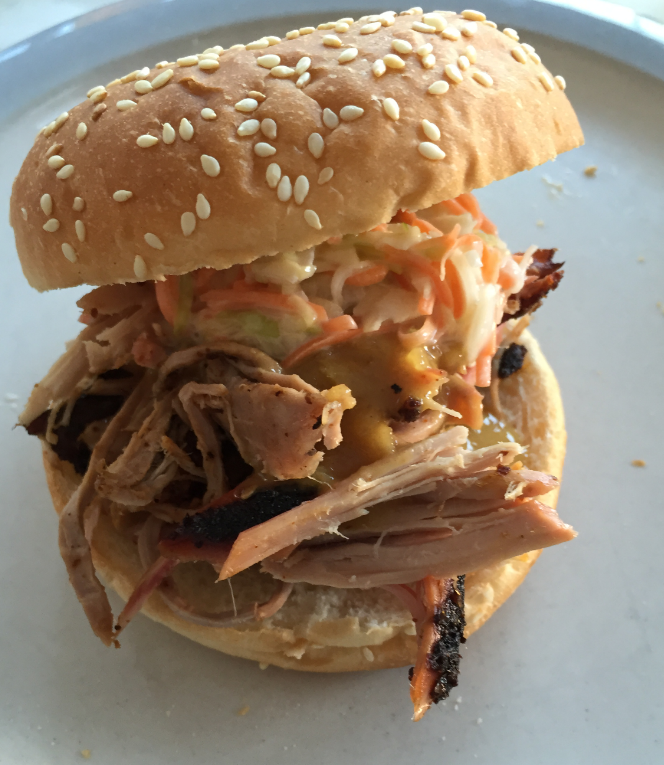
Pulled Pork Sandwich
It seems that my pulled pork BBQ (see “Tutorial: BBQ Pulled Pork“) gets more and more fans :-). We will have a BBQ party for 10 person tomorrow evening :-). In preparation for that, the two pork shoulders started brining in the refrigerator from yesterday night on. Today we prepared the BBQ sauce for tomorrow, in four different styles: North Carolina, South Carolina, Alabama and Kansas:
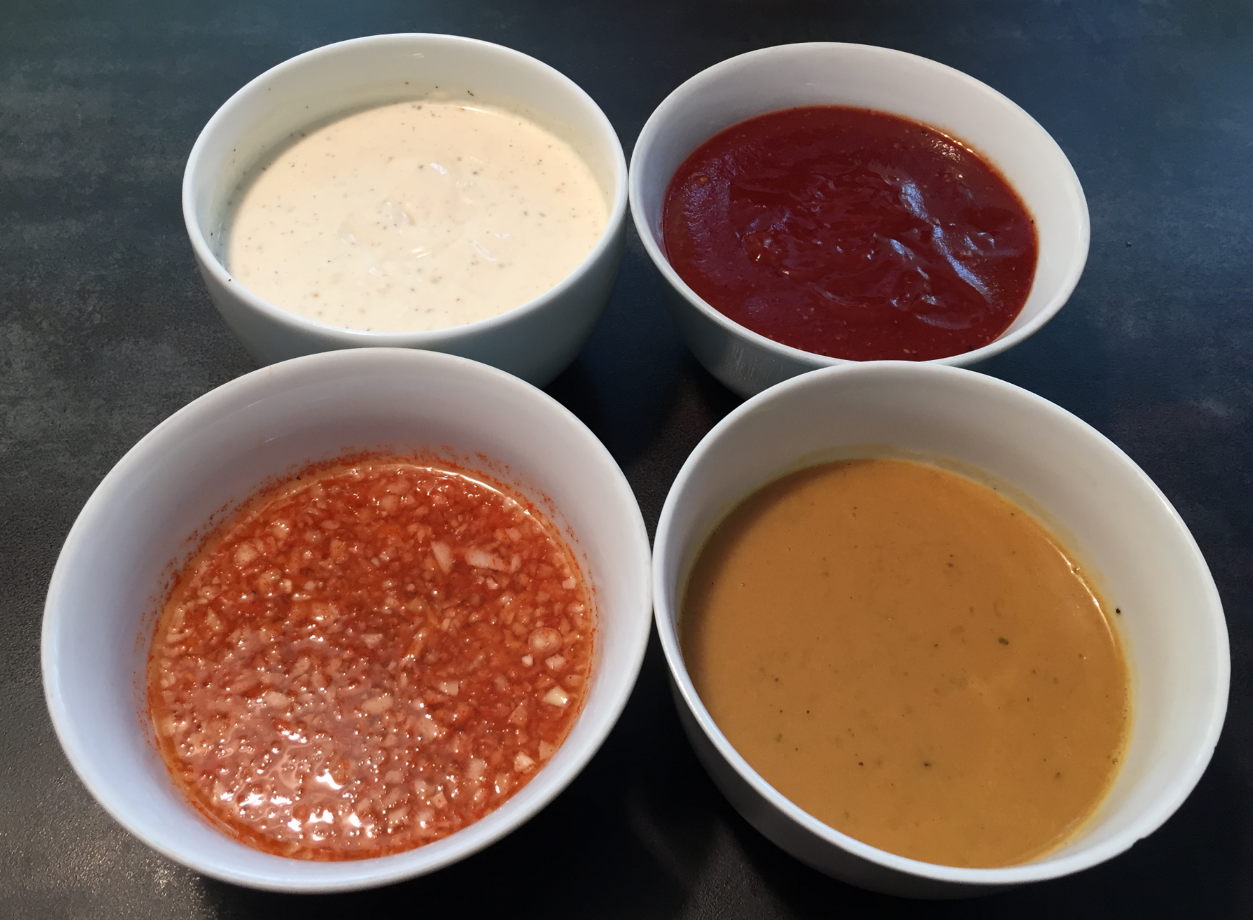
Four States BBQ Sauce
3.5″ Diskette Drives are not widely used any more: CDs, DVDs, memory/thumb drives and downloads from the web are the usual distribution method these days for software. Back a few years ago, software was distributed on one or many 3.5″ diskettes, and even before that time on 5 1/4″ floppy disk drives. So what to do with all these not-used-anymore hardware? Play music with it 🙂
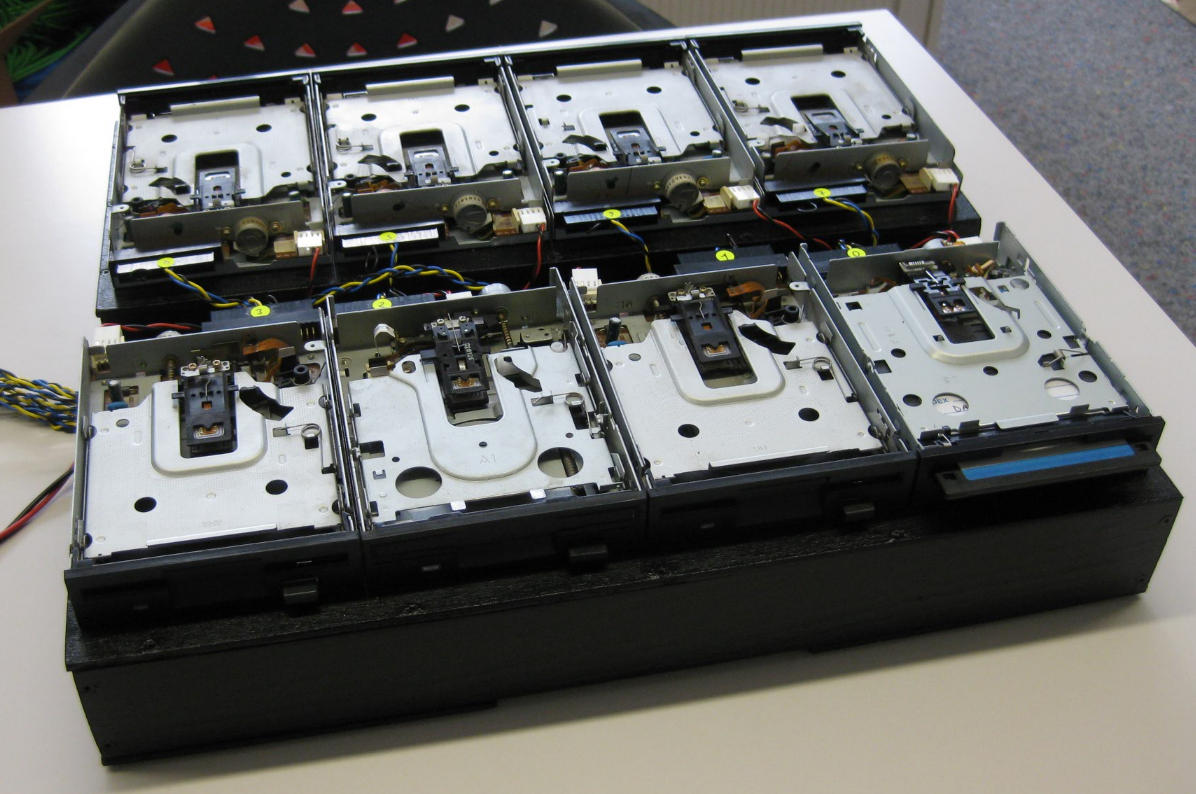
Floppy Music
I don’t know if it is the same for you. But for me, configuring the pins on these new ARM microcontroller is a challenge: Most pins can do multiple functions, such as be used as I²C, UART or GPIO pins.
Configuring the pins ‘by hand’ is difficult, error-prone and usually the first thing I need to do for a new project/device. NXP developed a new tool for this task and previewed it at FTF 2016. It is available now both as web (online) and desktop (locally installed) tool. At FTF it was possible to play with an engineering release: time to get my hands on the public release :-). And as more and more student projects will start using that tool for their boards, I better have a tutorial for it :-).

Desktop Version of Pins Tool
A central concept of the Eclipse framework is the concept of a workspace. The workspace holds project and project references, among with other settings. I’m using multiple workspaces all the time, and in parallel. How to know which workspace I’m using? By default, the CodeWarrior Eclipse IDE main window comes up like this:

Default CodeWarrior Eclipse Main Frame
 MCU on Eclipse