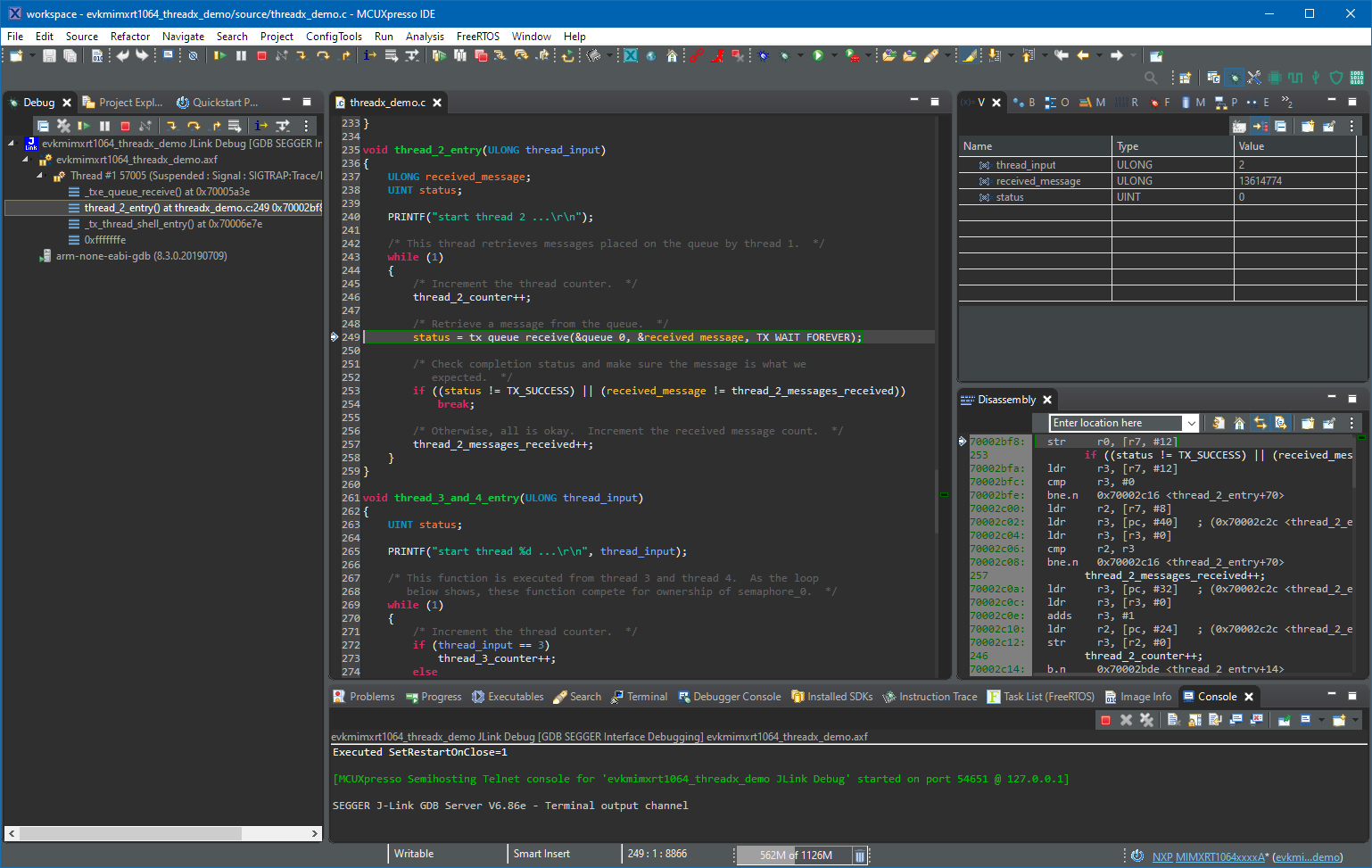
If you are a regular reader of my articles, you probably know that I’m using FreeRTOS in most of my applications, for obvious reasons. But clearly this is not the only RTOS out there. After Microsoft had acquired Express Logic back in April 2019 things kept quite for a while. To me the crown jewel of Express Logic is the ThreadX RTOS. But recently Microsoft is pushing more and more the ‘Azure Sphere’ and trying to monetize the ‘IoT’ (I apologize for mentioning that overused acronym) application space and providing it now free for devices from selected partners which includes NXP now.
Category Archives: Tutorial
Debugging Bootloader and Application with one Debug Session
If having a boot loader running on a micro-controller, it is very useful if both the boot loader and the loaded application can be debugged together:
FreeRTOS and Eclipse Indexer for >5K Lines Source Files
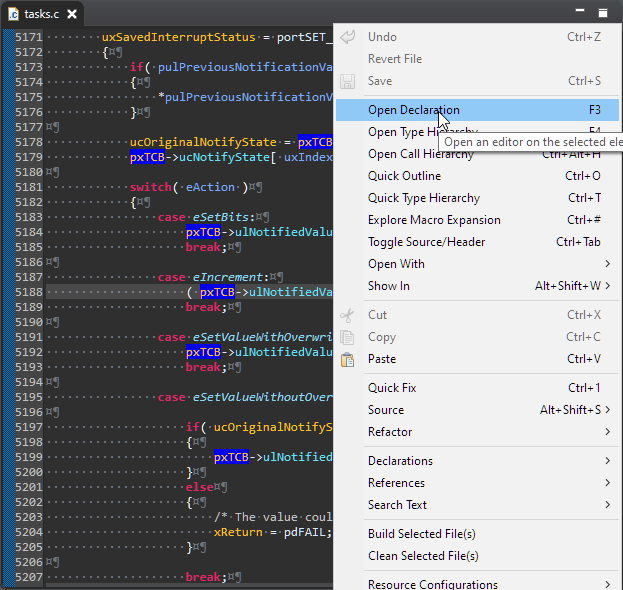
Eclipse has a great built-in source code parser and browser (aka ‘Indexer’). It is basically a built-in compiler which parses the source files and assists the user with code completion and navigation help, making Eclipse this awesome productivity tool. On the downside this background parsing could potentially slow down things, and therefore Eclipse has some default settings to prevent this. Unfortunately, the FreeRTOS Kernel ‘tasks.c’ file is above-and-beyond of a ‘sane’ source file and will hit the default limits: as a result the ‘tasks.c’ file is not indexed and things like ‘Open Declaration‘ might not work for the file ‘tasks.c’.
Grouping Eclipse Projects with Working Sets
Typically I have many, many projects listed in the Eclipse Project Explorer, usually more than 100 projects: from example projects, projects on git, lecture module projects, research projects or just some hobby projects I’m working on. With the default Eclipse settings, all these projects are listed in a ‘linear’ list. What I found really useful is the ability to group them into ‘Working Sets‘:
Tweaking MCUXpresso IDE Black Theme
‘Dark’ or ‘Black’ themes are on vogue: some love it, some do not care. The good thing is that we all have a choice. Things are getting improved on the host OS (Windows/Linux) side, but the challenge is still on the application side, but things are getting better. This is true for the Eclipse based IDEs too, with the NXP MCUXpresso IDE V11.2.1 just recently released: it comes with improved Dark Theme support:
Mobile Teacher Tool, Rev 2 by Gerhard
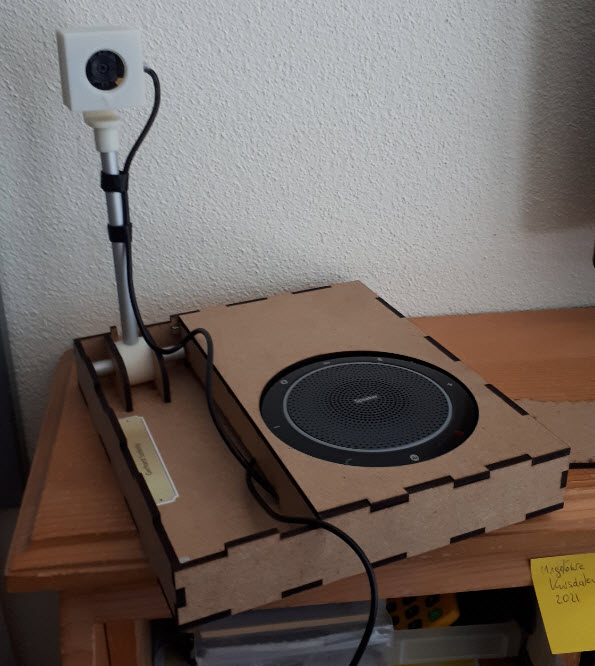
It is always great to see if someone is picking up my work and produces something even better :-). In this case, Gerhard Székely took my DIY Portable Video Conference, Sharing and Teaching Device and created an awesome version of it:
DIY Portable Video Conference, Sharing and Teaching Device
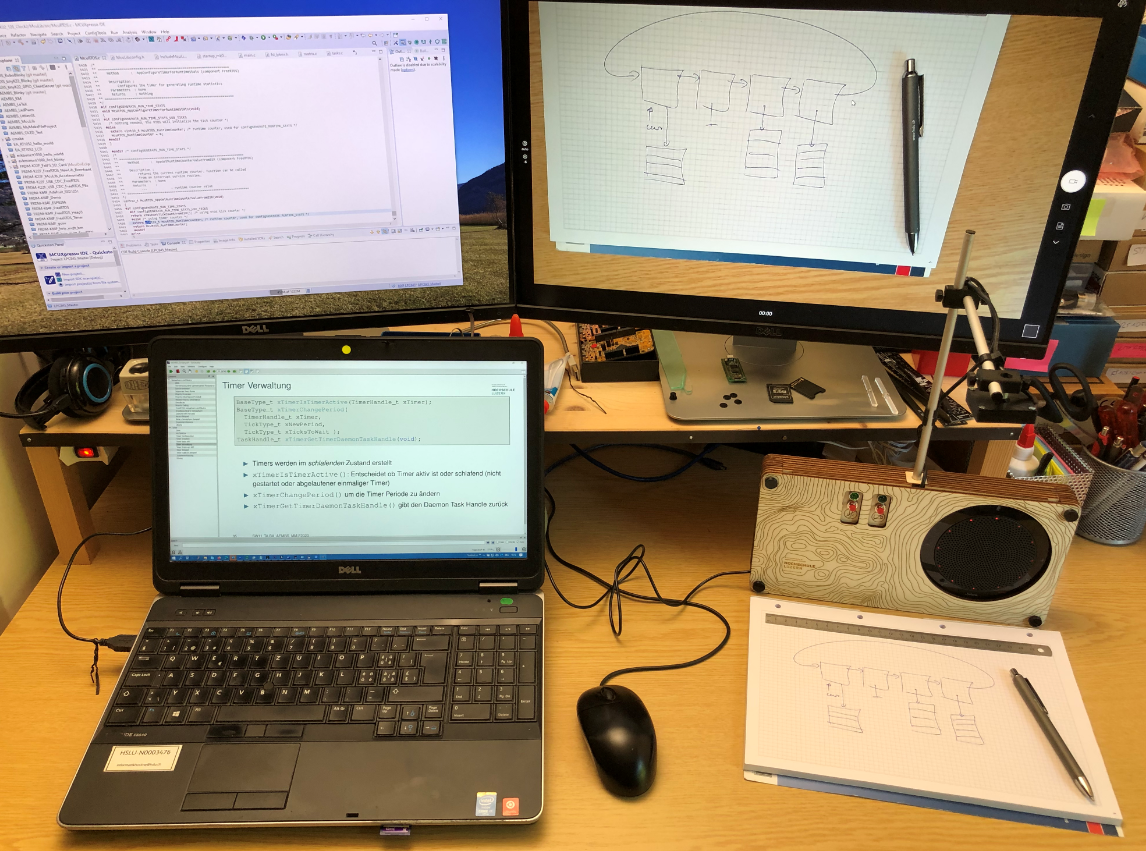
COVID-19 is by far not over, and in Switzerland the infection rate is going up again (2nd wave?). During the spring 2020 semester university lock-down we moved pretty much everything to a ‘distance learning’ setup. With that experience and with the request to prepare for the fall semester, I have constructed a DIY conference and teaching device which should make things simpler and easier: a combination of video camera, speaker phone and a muting device:
From C to C++: Converting Eclipse C Projects
Creating a new project with Eclipse for a microcontroller these days is fairly easy, and I have the choice if I want to start the project with C or C++:
Still the embedded microcontroller world is dominated by C and not C++. So while it is easy to start with a C++ project, most vendor provided example or tutorial project are C projects. So how can I transform such project to C++?
MCUXpresso SDK Tutorial – using I2C Driver on OKdo E1 board
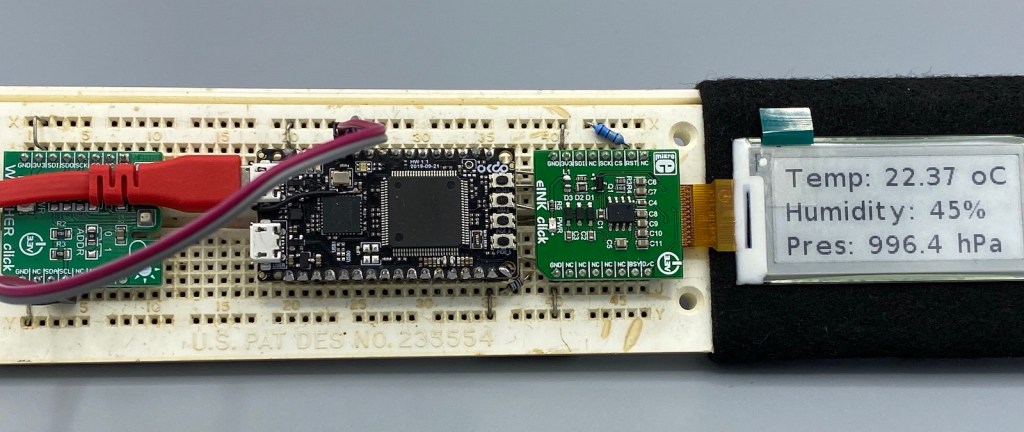
In an earlier tutorial I introduced using I2C with the NXP LPC55S69 on OKdo E1 board to read a Bosch BME280 environmental sensor on a Mikroe Weather Click board. The MCUXpresso Clocks, Pins and Peripheral Config tools were used to get it running. It’s all for my Weather Station project that I’ve been working on during these months of lockdown. It is starting to take shape – as you can see from the photograph:

Now I really need to start reading and writing to the BME280 sensor, and that means using the I2C driver in the lpcxpresso55s69 SDK. And so this week I’ll provide a forensic examination of the most commonly-used I2C function call.
Continue readingMicroTick (UTICK) Timer Tutorial with OKdo E1 board
I want to share with you a little embedded trick that I use to improve the reliability of my code. And in addition to improving reliability, the technique can be used to schedule any event to occur ‘sometime in the future’. It uses the MicroTick (UTICK) timer found on the NXP LPC55S69 microcontroller, and could be applied to any device with a simple timer.
The MicroTick timer is an elegant, thing of beauty. But there is not a driver example built into the lpcxpresso55s69 SDK, and I believe that the timer is not widely used. That means we need a tutorial!
Continue reading