In “Debug Multiple Boards with GDB at the Same Time” I have used the Segger J-Link to debug multiple boards, from the same IDE, at the same time. The remaining question in that article was: how to do the same the P&E Multilink/OpenSDA?
Category Archives: KDS
Semihosting with Eclipse and the NXP Kinetis SDK V2.0
The world is changing, and the say is “change is good” :-). In the software and API world, change very often means that a change results into something broken. So I had battled with semihosting working on the NXP Kinetis parts, only to find out that it does not work any more with using the latest version 2.0. The semihosting output e.g. with P&E debug connection remains empty:
So how to fix this?
FreeRTOS Thread Debugging with Eclipse and OpenOCD
FreeRTOS is probably the number one RTOS used, and Eclipse is likely the most popular IDE I can think of. But debugging FreeRTOS applications with Eclipse and GDB is somewhat limited? What I would like to get at the minimum is this: ability to see all the different threads in the Eclipse debug view like this:
As you might guess from that screenshot: this post is about how to make FreeRTOS tread debugging possible with Eclipse and GDB :-).
NXP Kinetis Design Studio v3.2.0
For my classes I had so far asked the students to install the Kinetis Design Studio (KDS) v3.0.0 and then apply several updates and upgrades available. NXP has now released the v3.2.0 of their KDS (Kinetis Design Studio):
The v3.2.0 is including all the 3.x.x updates in a single installation which makes things easier to start with. And it now works for Mac OS X “El Capitan” and the latest GNU ARM Eclipse plugins :-).
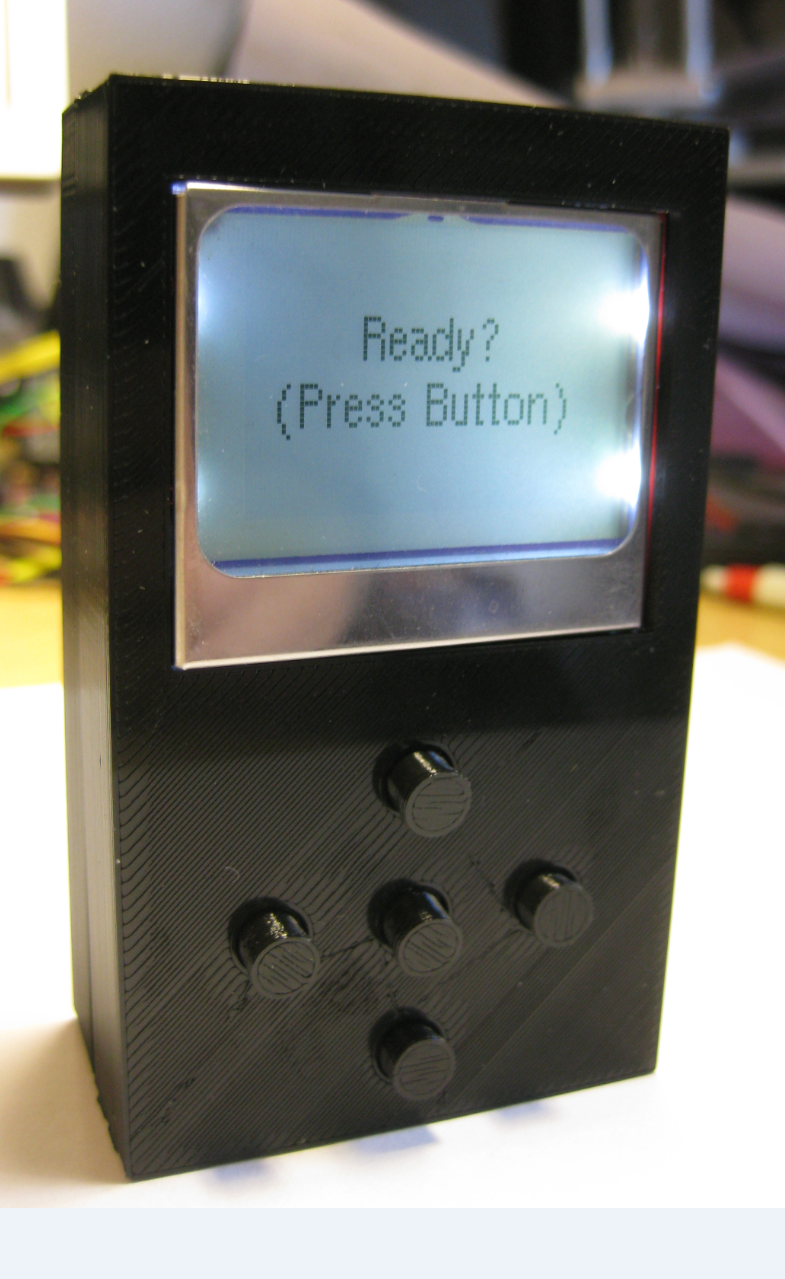
3D Printed Gameboy and Remote Controller with tinyK20 Board
As a remote controller for the Sumo robot (see “Zumo Robot with Magnetic Encoders“) we have used so far a combination of NXP FRDM-KL25Z board and a Joystick Shield (see “Joystick Shield with nRF24L01 driving a Zumo Robot“). That solution was not ideal, so this weekend I created a 3D printed prototype:
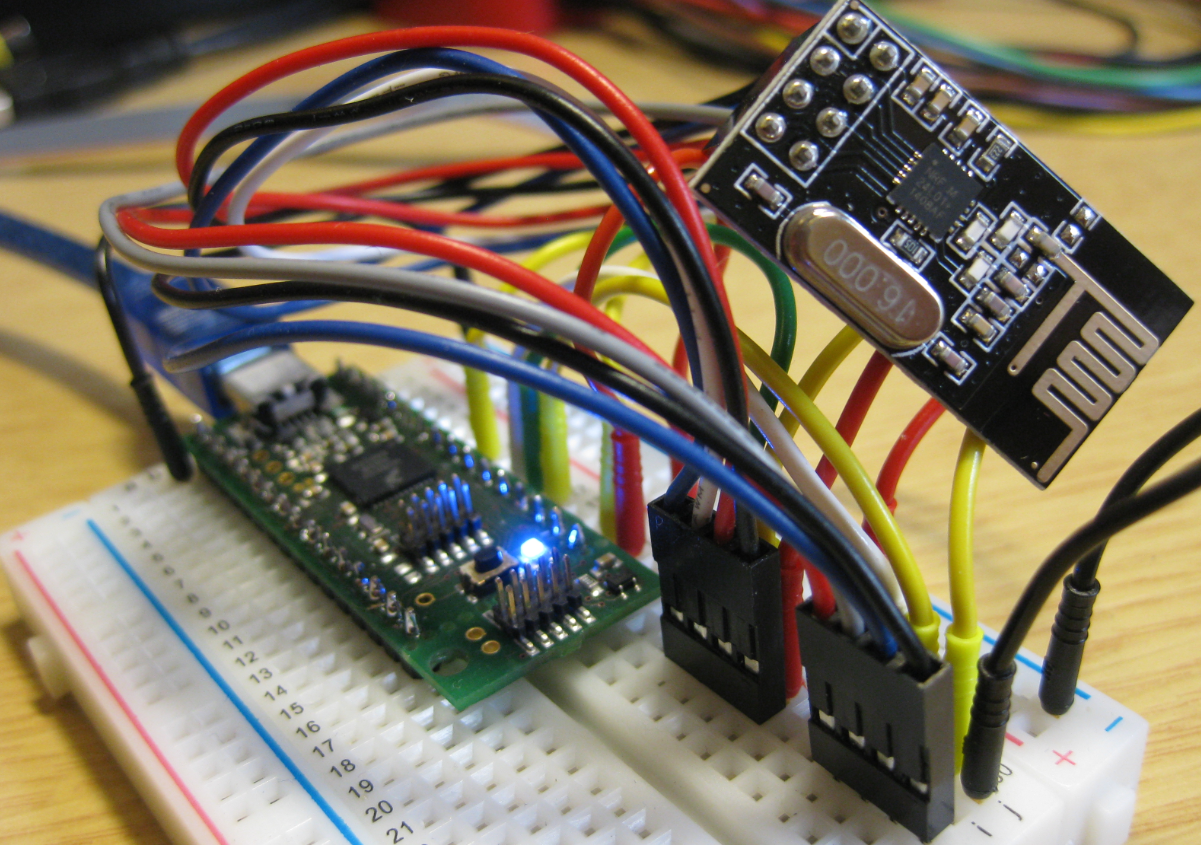
nRF24L01+ 2.4 GHz Wireless Connectivity with the tinyK20 Board
I’m using the tiny and inexpensive Nordic Semiconductor nRF24L01+ transceiver (see “Tutorial: Nordic Semiconductor nRF24L01+ with the Freescale FRDM-K64F Board“) in many projects: it costs less than $3 and allows me to communicate with a proprietary 2.4GHz protocol in a low power way (see “IoT: FreeRTOS Down to the Micro Amps“). I have that transceiver now running with the tinyK20 board too:
Tutorial: Blinky with the FRDM-KL27Z and Kinetis SDK v2
I’m using the FRDM-KL25Z in my classes, and that board is very popular: low price (<$15), reasonable features (48 MHz ARM Cortex M0+, 128 KByte of FLASH, 16 KByte of RAM), and many tutorials elsewhere and on McuOnEclipse :-).
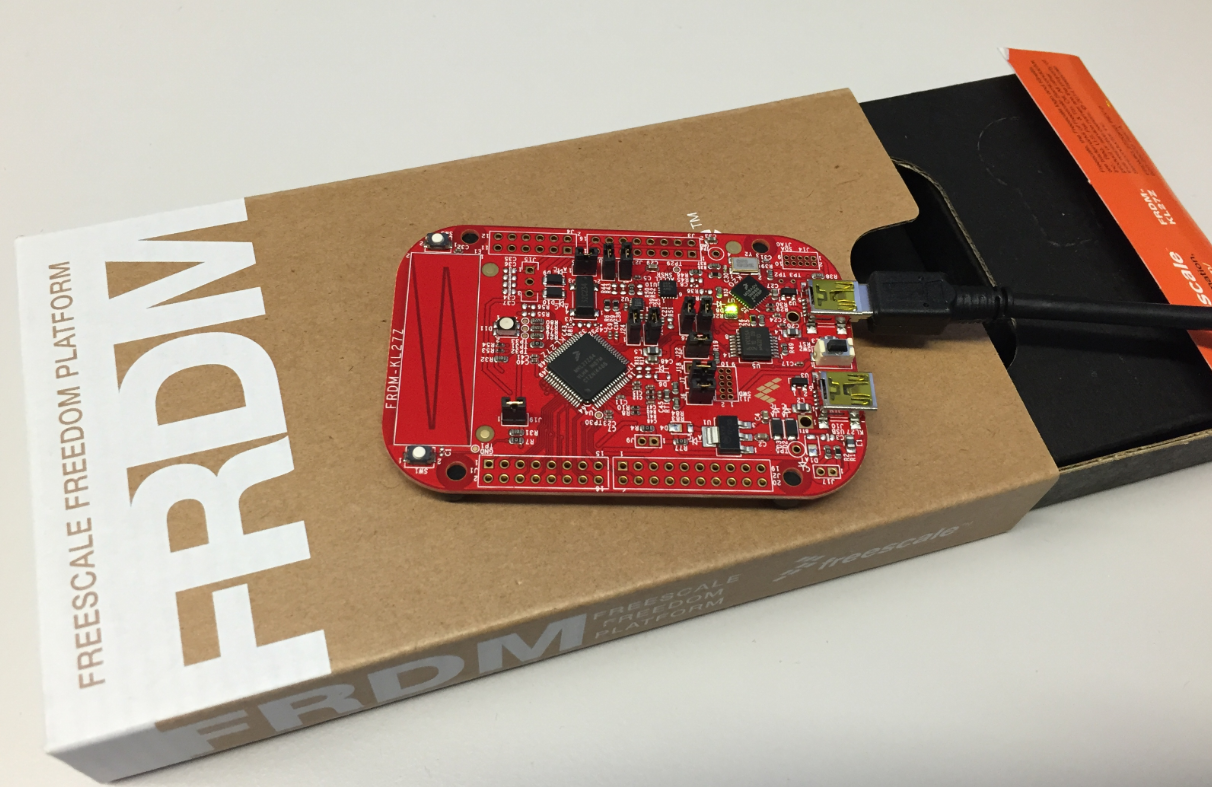
For the next (Fall) semester I’m looking for alternative boards, and one is the Freescale (now NXP) FRDM-KL27Z:
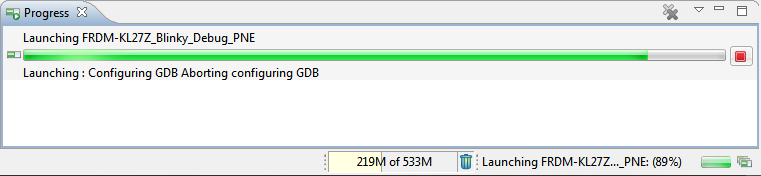
Solving “Launching: Configuring GDB Aborting Configuring GDB”
In case you are running into this problem that launching GDB hangs with this message in Eclipse:
Dealing with Code Size in Kinetis SDK v2.x Projects
I’m exploring the Kinetis SDK v2.0 (see “First NXP Kinetis SDK Release: SDK V2.0 with Online On-Demand Package Builder“). For this, I’m using the ‘standard’ way: blinking the LED on the board 🙂
XML Editor & Checker for CMSIS-Pack in Eclipse
So far, the XML files I had to work on were very simple ones, so a normal text editor was fine. Now I’m tapping into the world of CMSIS-Packs (see “Are ARM CMSIS-Pack the Future of Software Components?“). And definitely this adds a complexity for which I better use some XML editing and checking tools. The ARM tutorial for CMSIS recommends either Notepad++ or Visual C++. But hey, Eclipse should be able to do that maybe even better right? So this is about adding an XML editor and XML checker to Eclipse.