McuOnEclipse Components: 08-Nov-2015 Release

Time is flying fast, time for another McuOnEclipse components release on SourceForge with the following main changes and features:

  1. New component for Segger RTT makes adding a console communication interface super easy (and fast!)
  2. RTT support for the command line Shell component
  3. RTT component used for Percepio FreeRTOS Tracing
  4. Updated USB component, support for USB CDC blocking/waiting and endpoint configuration
  5. Updated FreeRTOS to V8.2.3, memory heap selection improved and setting for time slicing
  6. RingBuffer implements a Delete() method
  7. Extended Kinetis SDK support in components, added by default
Segger RTT Console
Segger RTT Console

Continue reading

Going to Mars: Building a DIY Eclipse IDE for ARM Embedded Microcontrollers

It has been a while since I published my ‘build my own DIY IDE’ (see “DIY Free Toolchain for Kinetis: Part 1 – GNU ARM Build Tools“). I have used that approaches in my classes successfully. Now a new semester is coming up, so time to update the instructions using the latest Eclipse IDE (Mars) and tools (GCC ARM Embedded (launchpad) with GNU ARM Eclipse).

Eclipse Mars Splash Screen

Eclipse Mars Splash Screen

Continue reading

Updating Segger Tools in Eclipse Kinetis Design Studio

Segger releases often new application and firmware updates. If I install an IDE like the Freescale Kinetis Design Studio, it comes with that firmware version available at that time. How to take advantage of a new Segger release?

Segger Download Page

Segger Download Page

Continue reading

Batch Programming with GDB: Segger J-Link and P&E Multilink

I need to program several boards with a firmware: a number too small for serious batch/factory programming, but a number too high doing this with the debugger. I want this:

  1. Connect the board with the debug probe and power it
  2. Run a script to flash the program and run it
  3. Disconnect and restart step 1.
First set of sensor nodes with two programming adapters

Need to program a few boards…

Continue reading

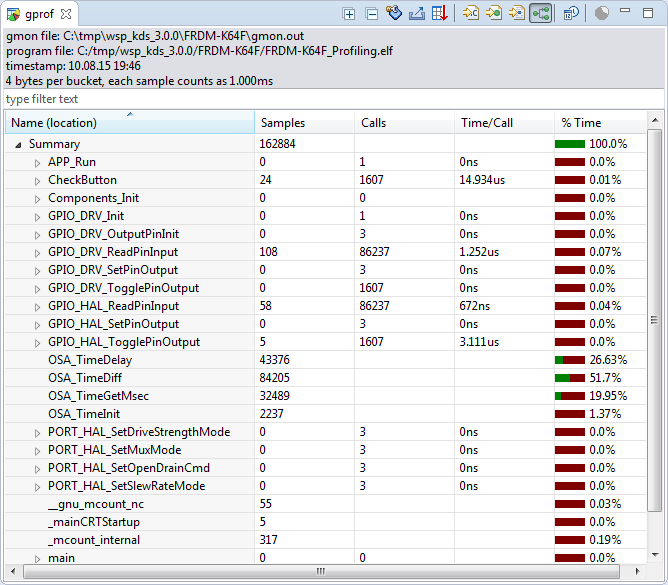
Tutorial: Using GNU Profiling (gprof) with ARM Cortex-M

I have published a Sneak Preview how GNU gprof profiling looks for an embedded target ARM Cortex-M in an earlier post:

Freescale Kinetis Microcontroller Application Profiling

This tutorial explains how to profile an embedded application (no RTOS needed) on ARM Cortex-M devices with GNU gprof. Additionally I explain the inner workings to generate the data necessary for gprof.

Continue reading

Debugging STM32F103RB NUCLEO Board with Segger J-Link

The STMicroelectronics STM32F103 (ARM Cortex-M3) Nucleo boards include the on-board ST-Link v2 circuit which allows to debug the board. This circuit is similar to the OpenSDA circuit found on Freescale boards. Unlike the Freescale OpenSDA, the ST-Link is only the ST-Link: it is not possible to load a P&E Multilink or Segger J-Link or firmware on it. Luckily, the ST-Link has a SWD connector, but this connector is a non-standard one. So how can I debug that board with an Eclipse based environment with GNU ARM Eclipse plugins and a Segger J-Link?

Connected J-Link with Nucleo Board

Connected J-Link with Nucleo Board

Continue reading

Using the Freescale Freedom (FRDM-KL43Z) to Debug other Boards

In “Unboxing the Freescale FRDM-KL43Z Board” I was using the FRDM-KL43Z board the first time. The FRDM-KL43Z board has an on-board debug interface (Kinetis K20, OpenSDA). In this post I show how to use the FRDM-KL43Z board to debug another ARM board.

FRDM-KL43Z Board debugging custom (tinyK20) Board

FRDM-KL43Z Board debugging custom (tinyK20) Board

Continue reading

Tutorial: Adafruit WS2812B NeoPixels with the Freescale FRDM-K64F Board – Part 2: Software Tools

This is Part 2 of a Mini Series. In Part 1, I described how to set up the hardware (see “Tutorial: Adafruit WS2812B NeoPixels with the Freescale FRDM-K64F Board – Part 1: Hardware“). Now it is time to have the software tools ready. In this post I describe to have the IDE (Freescale Kinetis Design Studio) with the Freescale SDK installed, along with the correct firmware on the FRDM-K64F Board. The goal is to drive Adafruit’s NeoPixel (WS2812B) with the Freescale FRDM-K64F board:

Freescale FRDM-K64F with NeoPixels

Freescale FRDM-K64F with NeoPixels

Continue reading

Unboxing the Freescale FRDM-KL43Z Board

I’m preparing for the next semester at the university starting in September this year. As part of that, I’m currently evaluating the Freescale Kinetis FRDM-KL43Z board:

FRDM-KL43Z Board Unpacked

FRDM-KL43Z Board Unpacked

Continue reading

Automatic Variable, Expression and Memory Display with GDB and Eclipse

One of the great features in CodeWarrior for MCU10.x is the ability to read memory/variables while running (see “Live View for Variables and Memory“). This technology of ‘live view’ is based on the CodeWarrior debugger engine. How can I do something like this with stock GDB and Eclipse? What I need is a periodic update of variables/expressions/memory while the program on the board is running, without the need to stop the board with the debugger first:

periodic auto-display output

periodic auto-display output

Continue reading