BBQ with Baby Back Ribs and Pulled Pork

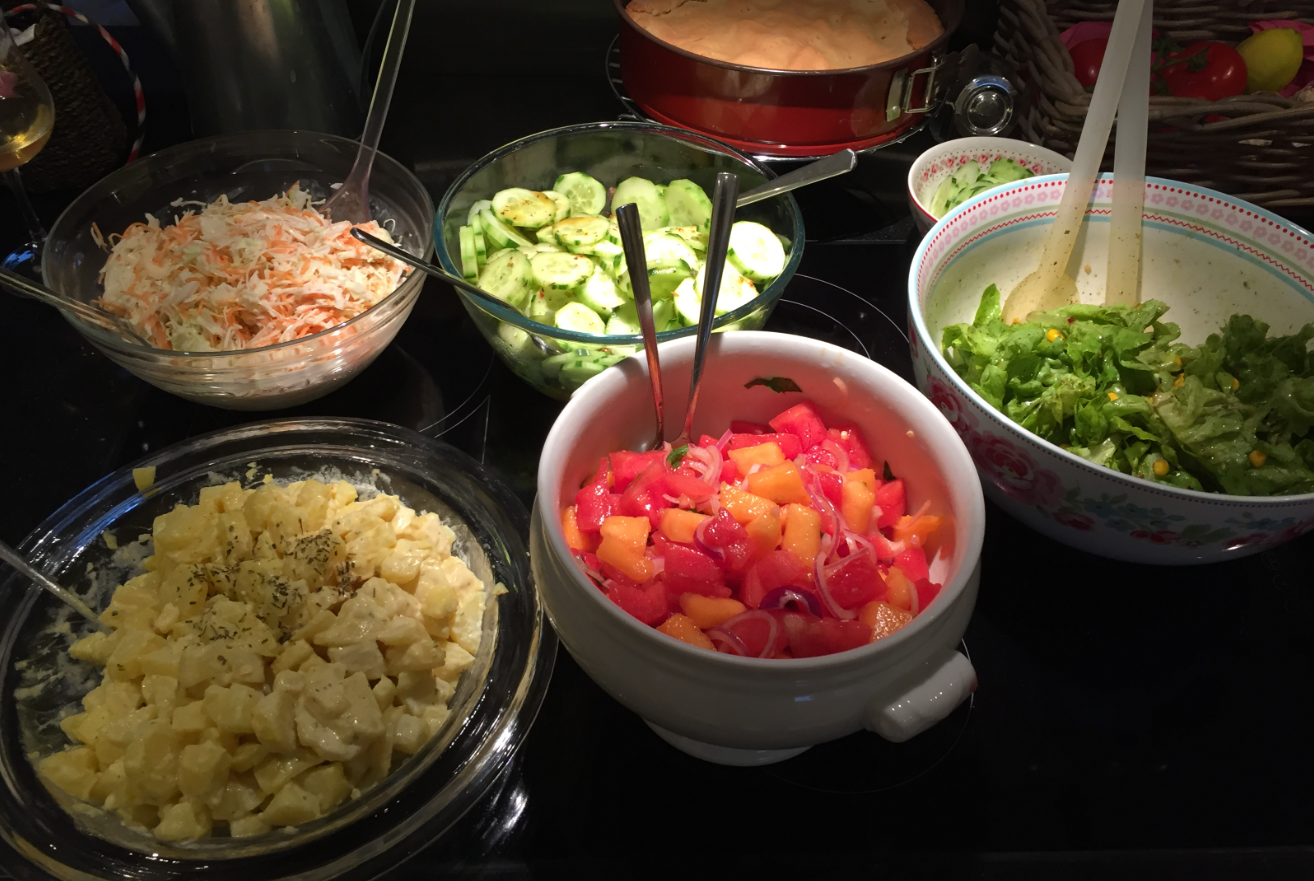
Having a total of 14 guests in the evening, why not preparing a great BBQ? A smoker can take a lot of meat, so for this I decided to smoke two kinds of Baby Back Ribs plus one pork shoulder for pulled pork. Everyone is helping with preparing desert plus the salad dishes:

Salad bar

Salad bar

My job was to get up early to deal with the fire and meat 🙂

Continue reading

Board Bring-Up Tips, GDB Logs and Traces in Eclipse

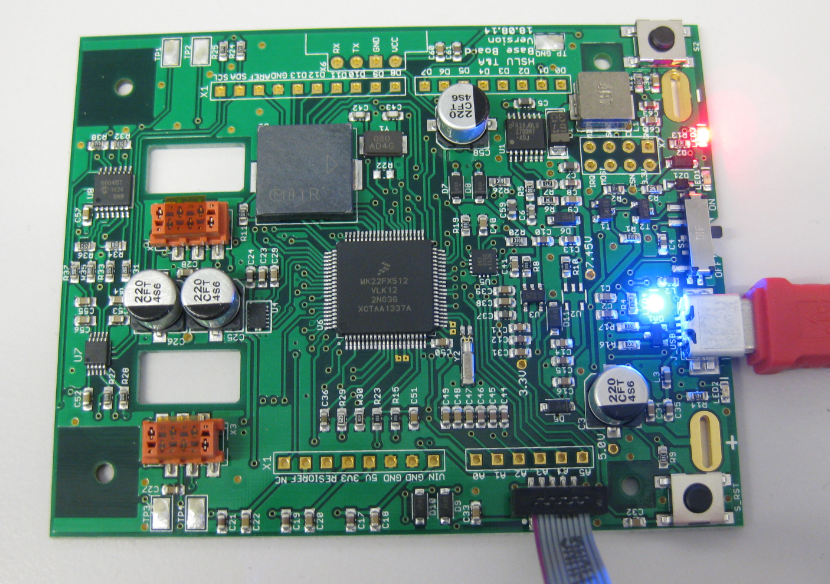
Sometimes things don’t go well, especially with bringing up a new board design. I always sweat blood that first minute when I try to connect with the debugger to a new design: Will it work? After the optical inspection, performing electrical tests (no shortcuts? voltage levels ok?) the inflection point is when I’m connecting the first time with the debugger to the new board: either it will properly connect and program the device (hurrah!) or it will fail and potentially difficult hours of investigations have to follow.

First PCB under Debug

First PCB under Debug

Continue reading

How to Recover the OpenSDA V2.x Bootloader

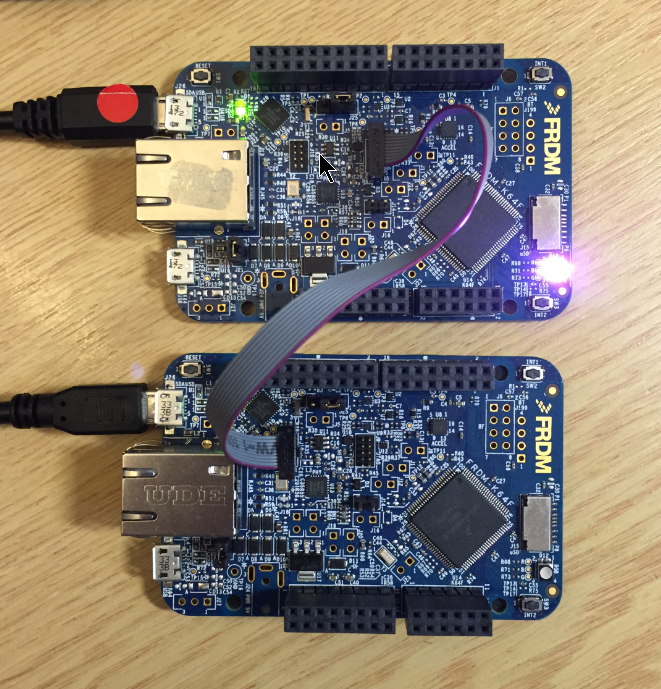
More and more of my students are using Microsoft Windows 10 machines, and my computer has been upgraded to Windows 10 a couple of week ago too. From my work and experience, a new operating system causes always some challenges, and Windows 10 is no difference. And no, this is not about Microsoft vs. Apple vs. Linux, this post is about addressing a potential and painful problem which I have observed with Windows 10 machines, and to my understanding it could happen with any other operating system too. The problem is that somehow on several student machines the bootloader and OpenSDA application on their FRDM boards did not work any more.

FRDM-K64F (top) programming the OpenSDA Bootloader (bottom)

FRDM-K64F (top) programming the OpenSDA Bootloader (bottom)

Continue reading

Switching the Microcontroller Package, Device and Family

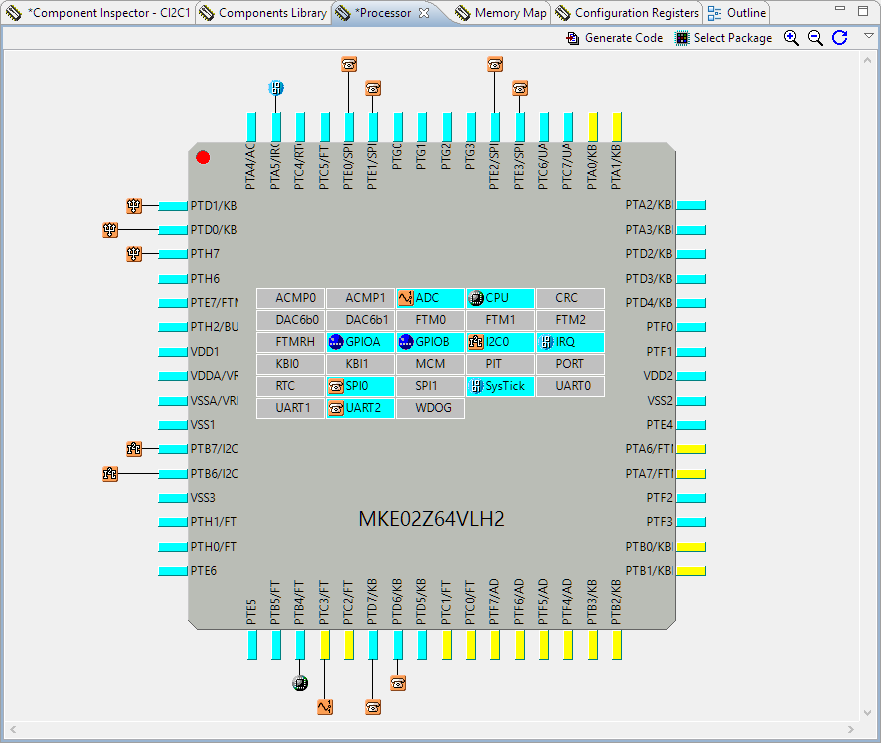
One of the major benefits of Processor Expert is that I can easily switch the device or processor used in a project. For example I can do my concept with a larger device with more FLASH and RAM, and then at the end easily switch to a smaller or even completely different device very quickly. For example I have a project working with the 64KByte FLASH version of the KE02Z (KE02Z68VLH2):

MKE02Z64VLH2

MKE02Z64VLH2

Continue reading

Swiss Army Knife of Terminal Program for Serial Bootloaders

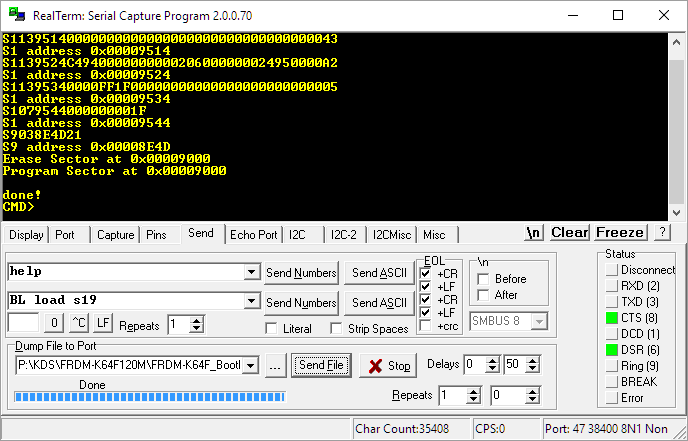
A bootloader shall be small and concise. I very much like bootloaders which do not need a ‘special’ program on the host, so I prefer a simple terminal for this. While porting my serial bootloader to the NXP FRDM-K64F board, I have found RealTerm which offers a lot of cool features:

RealTerm

RealTerm

Continue reading

Segger J-Link OpenSDA Firmware with Virtual MSD

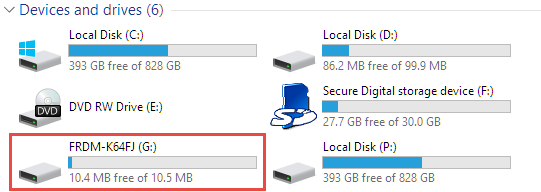
Sometimes it is very convenient to load a new firmware to a board without the need for a hardware debugger. This is usually done with a bootloader. The NXP Freedom and Tower evaluation boards have on-board debug device/microcontroller (OpenSDA) which can load different firmware implementations like CMSIS-DAP/mbed, P&E Multilink or a Segger J-Link OpenSDA applications. Both mbed and P&E implemenations support to program the board with drag&drop: simply send a file to a virtual MSD (Mass Storage Device) to get it programmed. The latest Segger OpenSDA firmware has this ability added now too: Programming the board with a virtual MSD device:

Virtual MSD Device

Virtual MSD Device

Continue reading

Combining Multiple NXP Kinetis SDKs into One

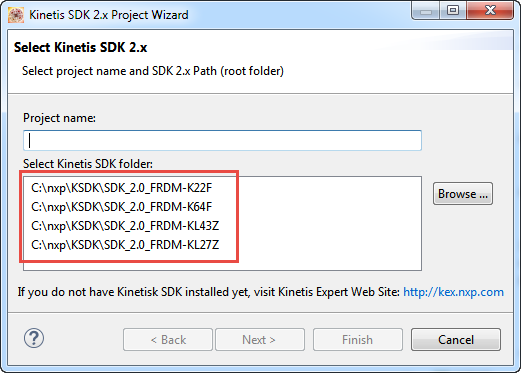
My wife tells me that I have too many boards on my desk. That is only *partially* correct: there are many, but not *too* many. But I’m working on too many tasks, but that’s a different aspect :-). I’m using more and more the Kinetis SDK V2.0, and as a result of this I have multiple SDKs installed on my machine. Because with the SDK V2.0 I get a download for each device/board installed (see “First NXP Kinetis SDK Release: SDK V2.0 with Online On-Demand Package Builder“). So my list of SDK folders is growing, as shown with the ‘New SDK 2.x’ wizard in Kinetis Design Studio:

Multiple Kinetis SDKs

Multiple Kinetis SDKs

The same time, the amount of free disk space is reducing. What if I could combine all these SDK’s?

Continue reading

Tutorial: Muxing with the New NXP Pins Tool

I don’t know if it is the same for you. But for me, configuring the pins on these new ARM microcontroller is a challenge: Most pins can do multiple functions, such as be used as I²C, UART or GPIO pins.

Configuring the pins ‘by hand’ is difficult, error-prone and usually the first thing I need to do for a new project/device. NXP developed a new tool for this task and previewed it at FTF 2016. It is available now both as web (online) and desktop (locally installed) tool. At FTF it was possible to play with an engineering release: time to get my hands on the public release :-). And as more and more student projects will start using that tool for their boards, I better have a tutorial for it :-).
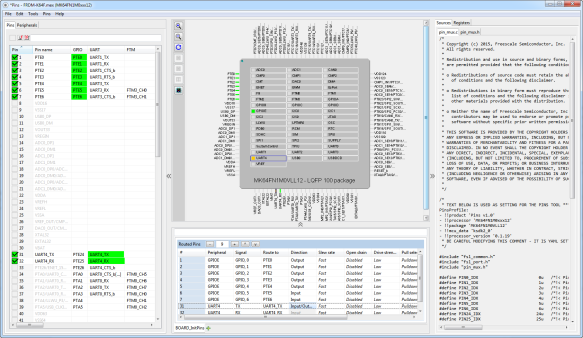
Desktop Version of Pins Tool

Desktop Version of Pins Tool

Continue reading