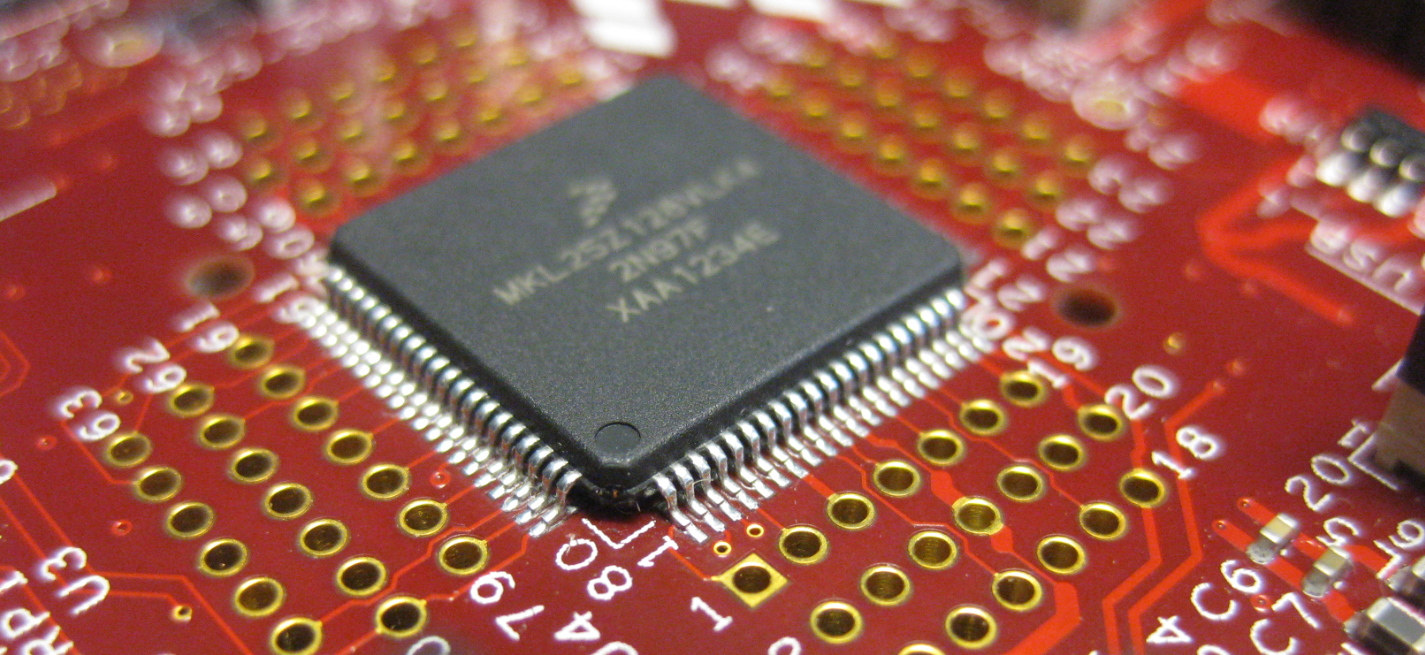
When I ordered my first Freedom FRDM-KL25Z board, I placed an order the Tower TWR-KL25Z48M shortly afterwards. But I was so happy with the FRDM-KL25Z, and because the FRDM board is much less expensive and easier to handle, that Tower board was sitting in my board shelf, waiting for a maybe a student project or to get any other use of it. Well, I can tell that my students wanted the FRDM board, not the Tower board ;-). But when I saw this week in the Freescale forum a user asking for a USB example for that Tower board, I thought that now I could at least use that board to help someone out.
Category Archives: ARM
Zumo Robot with WiFi and GPS
It always takes longer than expected: actually 4 weeks from the first board out of the reflow oven (“First New Zumo Board out of the Reflow Oven“), until I have it working on the Pololu chassis. But now I have a mobile Robot with WiFi, GPS, Bluetooth, nRF24L01+ and all the stuff I have dreamed off π
Adding the CAM8000-D Camera Module to the RIoT Board
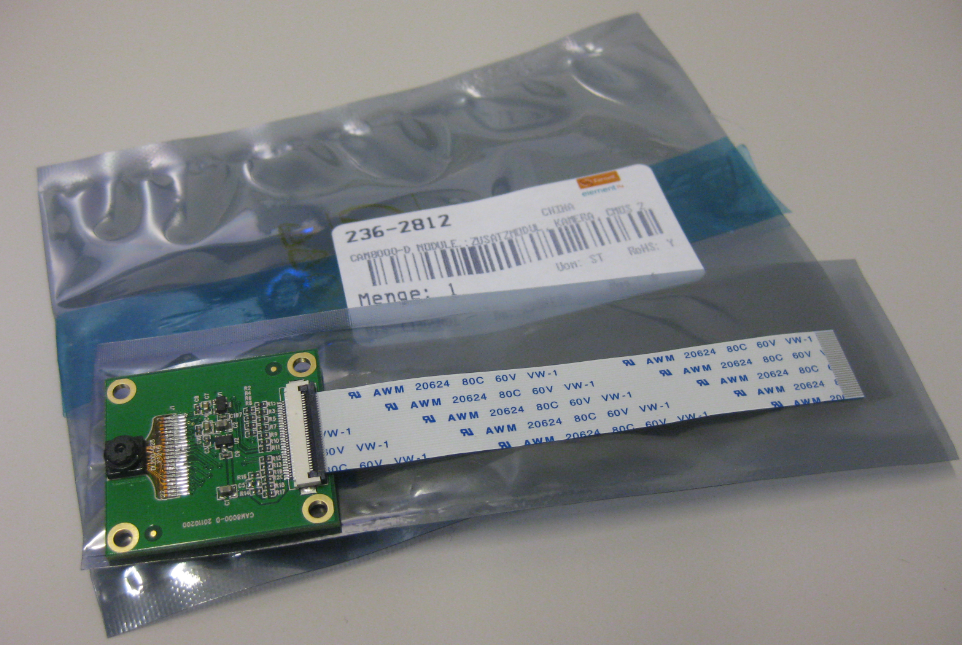
One reason for me to buy the RIoT board was that it has a camera connector. So I had ordered the CAM8000-D module from Farnell (part number 2362812). The Farnell product page was not clear if it comes with the 30pin FPC cable, but luckily, it shipped with it:
Adding the Wi-Pi WiFi Dongle to the RIoT Android Board
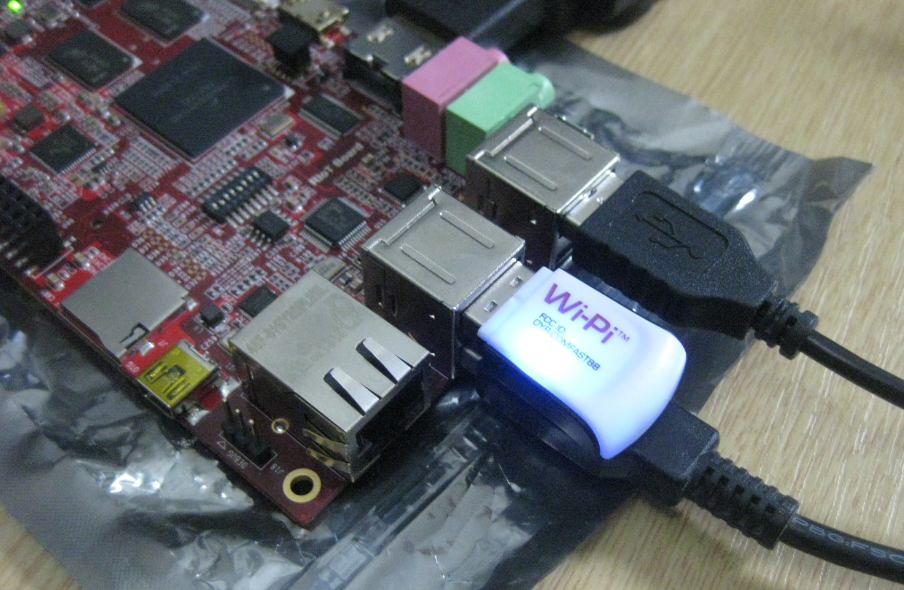
The wired Ethernet connectivity works out of the box with the Freescale RIoT board :-). But to make it more ‘IoT’ capable, a WiFi connection would be a big plus. The element14 site did not tell which WiFi dongles are supported, and a thread in the element14 forum on that topic has not really provided much information. With some risks I decided to order the Wi-Pi WiFi dongle which seems to be popular in the Raspberry Pi community (thus that Wi-Pi name?). And as I anyway have a Raspy, my thinking was that if it does not work with the RIoT board, I still can use it with the Raspy π
Flashing a new Android Image to the RIoT Board
I understand the challenges of board vendors: they produce many boards, and typically they have an early/first firmware version on it. And when that board gets shipped to customers, that firmware typically is old and outdated :-(. Same for the RIoT board I have received: I was desperately trying some advanced features, only to realize that the firmware on the board is an older one from this year. So time to update the Android on that board.
Terminal Connection to the RIoT Board
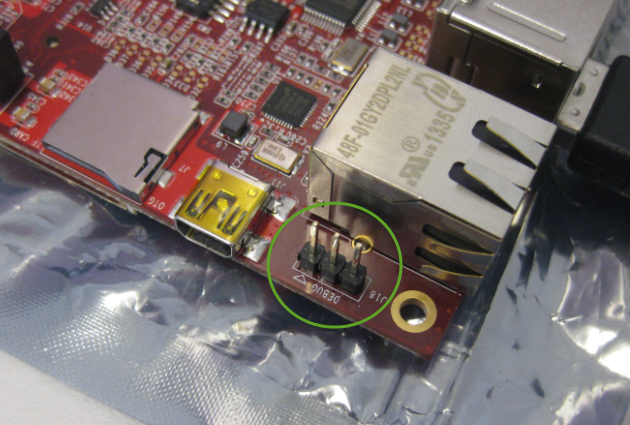
I admit: I love command line interfaces. Because that gives me usually much more control than any GUI (Graphical User Interface). I like the fact that they have put a UART interface on the RIoT board:
First Steps with the RIoT Board and Android
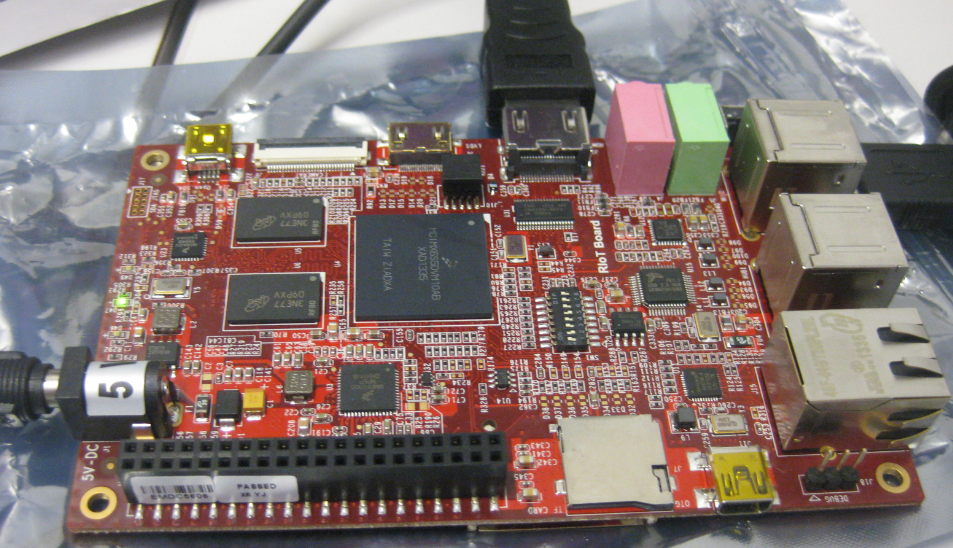
At the university we have several projects with internet connectivity running. Yes, there is a hype around IoT, and in my view many false perceptions around this what it could or should be. Anyway, for these projects in many cases the Raspberry Pi boards are used, and I use a model B board of the Raspy too. I’m very happy with the Raspy, but I wanted to explore different options, so I ordered a RIoT board two weeks ago. When I looked at it the first time, I was thinking that this board could be a better (although larger) board than the Raspberry Pi one: more USB, more GPIO, micro-SD card, more processing power:
Well, then this week the new Raspberry Pi B+ came out: more USB, more GPIO, but same processing power as the standard B model.
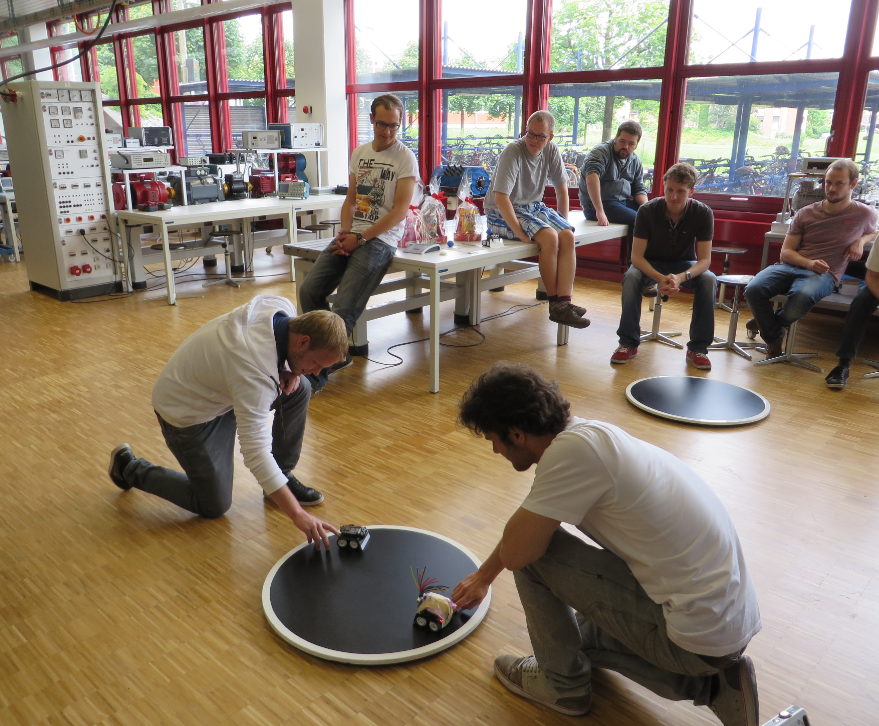
Mini-Sumo Robot Competition May 2014 in Horw
11 teams with a total of 14 robots participated at the May 2014 Mini-Sumo robot competition this week at the Lucerne University of Applied Sciences and Arts in Horw/Switzerland.