Newer microcontroller have increase RAM areas, making it suitable to run the application from RAM instead of FLASH. For the FRDM-K64F board and the Kinetis Design Studio (V1.1.1), I have explored how to run the application out of RAM instead of FLASH memory, both for P&E and Segger connections.
Category Archives: ARM
Illustrated Step-by-Step Instructions: Updating the Freescale Freedom Board Firmware
I have received a bunch of Freescale FRDM boards to be used in an Embedded Systems programming crash course. There are multiple issues with the boards coming from the factory:
- They come with an old bootloader which is not compatible with Windows 8.x
- They have an old and outdated firmware on the board only supports a MSD bootloader
This post is a step-by-step instruction how to update Freescale FRDM boards (e.g. FRDM-KL25Z) to the latest firmware.
New Sumo Robot Assembled, and looking good!
Finally, the new Sumo robot is assembled, and up and moving :-):
C++ with Kinetis Design Studio
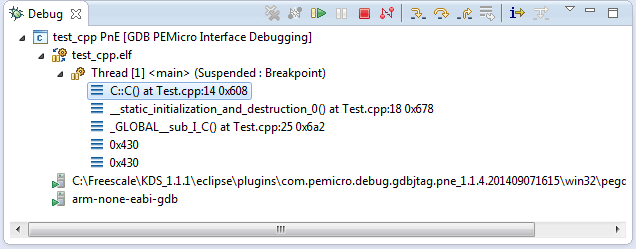
Unlike CodeWarrior, the Kinetis Design Studio (at least in V1.1.1) does not offer a choice between C and C++ projects. That makes sense with the GNU ARM Eclipse plugins, other than the CodeWarrior gcc integration, there is no need for setting up a special tool chain for C++ (see “Compiling C Files with GNU ARM G++“). While this is great, things are not perfect yet, so I’m providing in this post the information needed to properly setup a C++ project with Kinetis Design Studio V1.1.1.
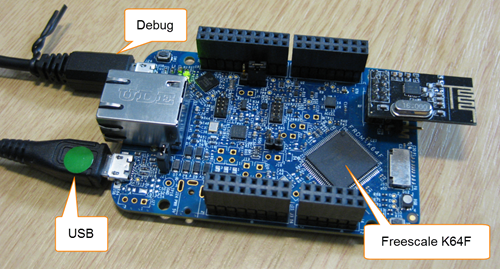
USB CDC with the FRDM-K64F, finally!
Sometimes I think that a problem should be solvable in a few minutes, and then it turns out that it lingers around for months. Very, very frustrating! Such a thing is getting the USB 4.1.1 stack running on the FRDM-K64F board. I have that board since April 2014, and it took me 7 months to get the FSL USB stack running on it :-(.
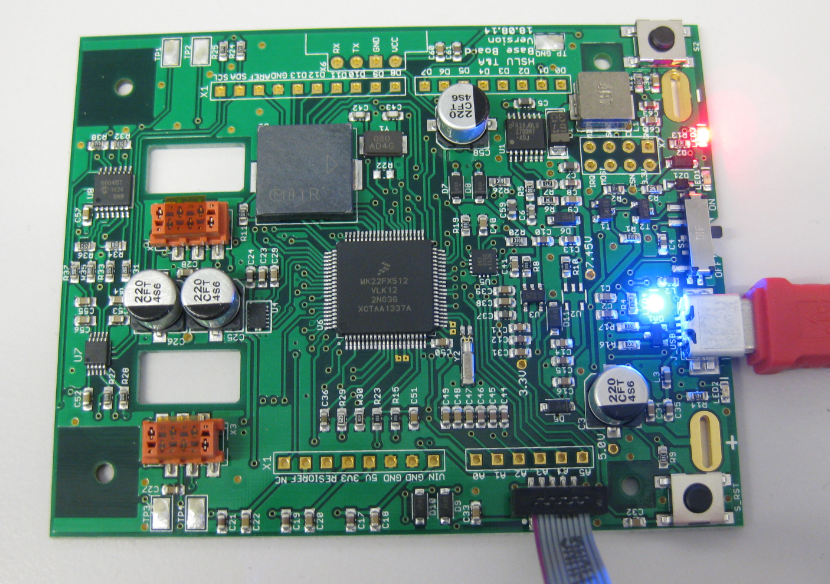
New Sumo Robot PCBs Arrived!
Finally, after several weeks delay, the new PCBs for the Mini Sumo Robots (see “Zumo Robot with WiFi and GPS”) arrived, and best of all: first test are all running fine :-).
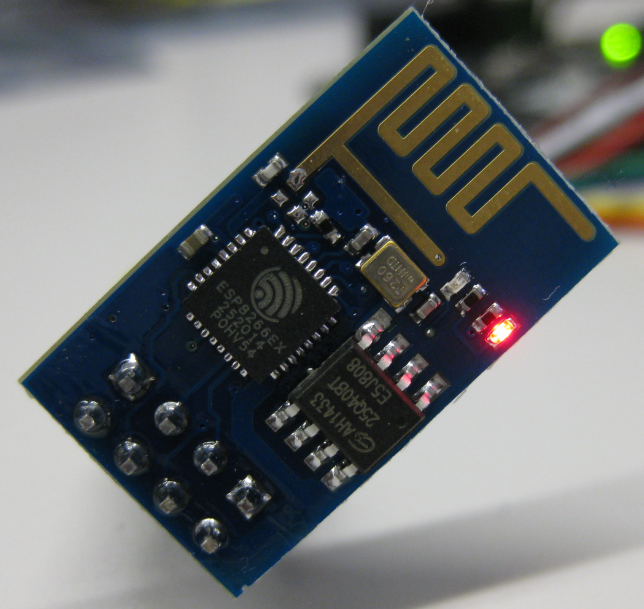
Cheap and Simple WiFi with ESP8266 for the FRDM Board
How cool would it be to add WiFi support to any projects or IoT? Why not using WiFi with a microcontroller which has only few KBytes of RAM and FLASH. For less than US$5? Dreams came true, and intrigued by an article at Hack-A-Day, I searched a supplier for that ESP8266 module. And this evening I have found the four ESP8266 modules I have ordered for $4.50 each from ElectroDragon in my mailbox. Of course I did not want to wait for the week-end, so I hooked it up to my FRDM-KL25Z board.
User Interrupt on NMI Pin with Kinetis and ExtInt Component
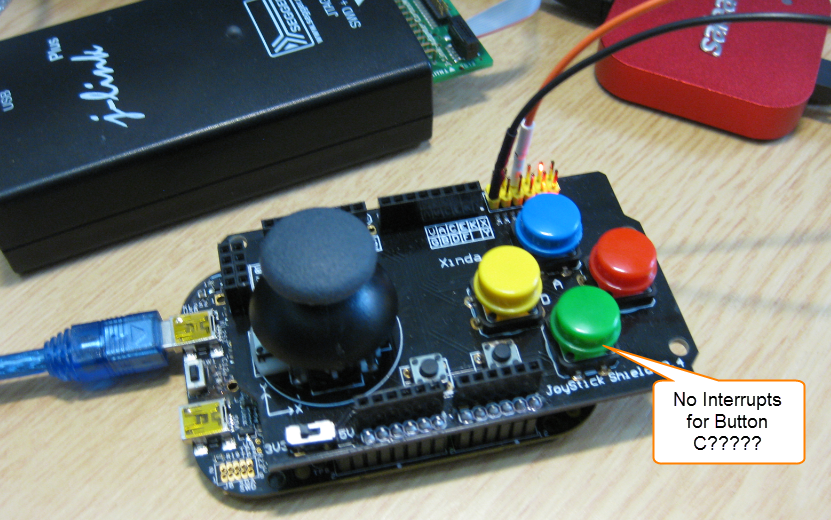
While my beef brisket (see “My First DIY Smoked Beef Brisket: Day 1“) is smoking on ;-), I have time to investigate a problem I was running on in my lecture on Friday: For the Joystick shield (see “JoyStick Shield with the FRDM Board“) on the FRDM-KL25Z board, I wanted to use an interrupt if I press the green button:
However, that did not work :-(.
Unlocking and Erasing FLASH with Segger J-Link
When using a bootloader (see “Serial Bootloader for the Freedom Board with Processor Expert“), then I usually protect the bootloader FLASH areas, so it does not get accidentally erased by the application ;-). When programming my boards with the P&E Multilink, then the P&E firmware will automatically unlock and erase the chip. That’s not the same if working with the Segger J-Link, as it but requires extra steps.
Comparing CodeWarrior with Kinetis Design Studio
At FTF 2014, Freescale made the announcement that CodeWarrior won’t support all the new ARM Kinetis devices coming out in the future: they will be supported with the free-of-charge Kinetis Design Studio (KDS) instead. As for myself, this is a big shift from a well established CodeWarrior toolchain to something new. A question which came up recently several times in the forums and in other posts is: how do CodeWarrior and KDS compare with each other?