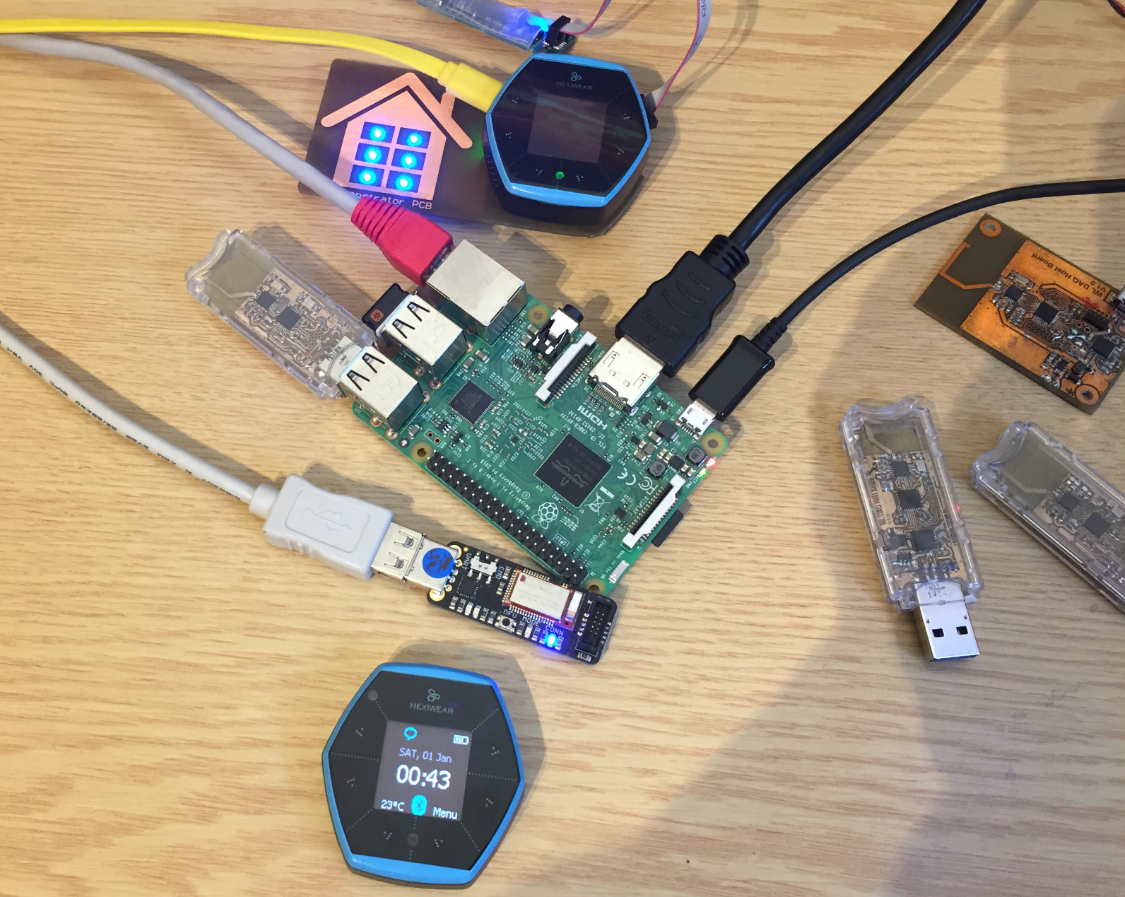
This is yet another milestone on my journey to combine the Hexiwear with the Raspberry Pi: now I can send take over control of the Hexiwear with openHAB running on the Raspberry Pi:
Category Archives: Raspberry Pi
Tutorial: Hexiwear Bluetooth Low Energy Packet Sniffing with Wireshark
For a university reasearch project I try to pair the Raspberry Pi 3 with a Mikroelektronika Hexiwear using BLE (Bluetooth Low Energy). Most of things worked after a lot of trial and error, but at a certain point I was stuck trying to write to send data from the Raspy to the BLE device.The Hexiwear BLE protocol description is very thin, so I ended up using a BLE sniffer to reverse engineer the protocol with Wireshark.
Tutorial: BLE Pairing the Raspberry Pi 3 Model B with Hexiwear
The Hexiwear (see “Hexiwear: Teardown of the Hackable ‘Do-Anything’ Device“) is a small and portable sensor node with built-in BLE (Bluetooth Low Energy) transceiver. In a research project we try to use multiple Hexiwear in a classroom environment and to collect sensor data on a Raspberry Pi. The Raspberry Pi 3 Model B running Linux has an on-board BLE transceiver too, so why not binding them (wirelessly) together?
Well, things seemed easy at the beginning, and as always, there are many things to learn on a journey like this…
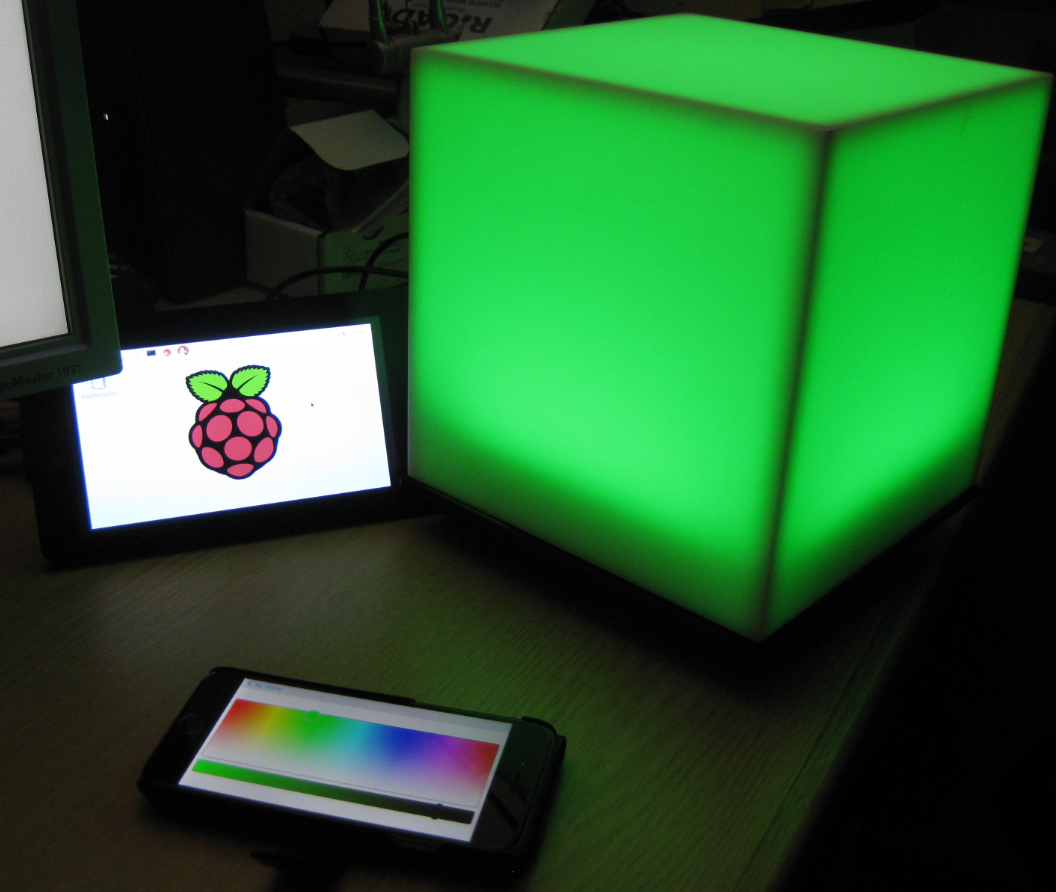
openHAB RGB LED Light Cube with WS2812B and NXP Kinetis
From my earlier work to use the NXP Kinetis with openHAB (see “Controlling NXP Freedom Board RGB LED with openHAB and Raspberry Pi“) it was only a small step to control a 20x20x20 cm light cube with 256 Adafruit WS2812 NeoPixels:
Controlling NXP Freedom Board RGB LED with openHAB and Raspberry Pi
In “Blinky LED with openHAB on Raspberry Pi” I have used openHAB on a Raspberry Pi to control an LED attached to the Pi, and in “Controlling NXP Freedom Board RGB LED with openHAB and Raspberry Pi” I have explored how to connect a NXP Freedom Board over USB CDC to the Raspberry Pi. In this article I’m going to combine both: to control the LED on a NXP Freedom board remotely with openHAB on the Raspberry Pi.
USB CDC with the Raspberry Pi
For my home automation project with openHAB I want to attach Freescale (now NXP) FRDM (Freedom) boards so they can take care about the realtime aspects and to act as gateways to my other systems. One way is to use USB CDC (Serial over USB) as communication channel. USB has the advantage that it powers the board, plus I can attach multiple devices: up to four on the Raspberry Pi 2 and even more with using a USB hub. In a standard configuration with a USB WiFi and a USB HID (mouse plus keyboard) dongle I still can attach two Freescale (ahem, NXP) Freedom boards to the Raspberry Pi:
Blinky LED with openHAB on Raspberry Pi
In my earlier post I showed how I have installed the open source openHAB home automation system (see “Installing openHAB Home Automation on Raspberry Pi“). In this post I show how to control a local LED on the Raspberry Pi with openHAB home automation system: how to control any GPIO pin on the Raspberry Pi from remote:
Autostarting openHAB on Raspberry Pi
In “Installing openHAB Home Automation on Raspberry Pi” I have set up openHAB on a Raspberry Pi 2. But when I reboot it, I need to start openHAB manually. This post is about how to start openHAB automatically after a reboot.
Installing openHAB Home Automation on Raspberry Pi
I’m currently building a home automation project around Raspberry Pi: I want to be able to monitor and control things like the lights, garage doors and the heating system both at home and from remote. I already have added a touch screen to one of my Raspberry Pi 2 computers (see “Adding a Touch LCD to the Raspberry Pi 2“). This article is about how to install the openHAB on that Raspberry so it can be the brain of the automation system.
Raspberry Pi Tips: IP Address
Question: What is the IP address of my Raspberry Pi?