By default, the debugger cares about the initial register settings after connecting to the target. But for special cases like using a bootloader combined with a loaded application, this requires a bit more than the usually ‘standard procedure’. For example I need to set both a custom program counter (PC) and stack pointer (SP).
How to set custom PC and SP for startup of the applicationContinue reading →
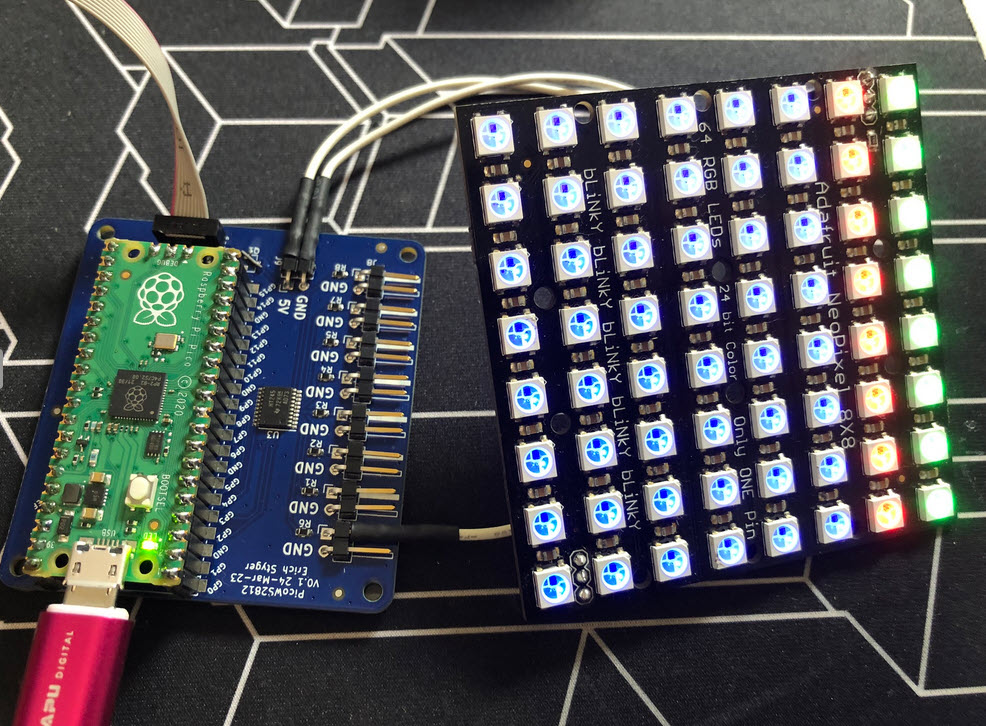
I love the WS2812B (aka SK6812) addressable LEDs: they are inexpensive and available in different packages. I have used them in different projects, including the MetaClockClock one. I used the NXP Kinetis for these projects, but because they are not available any more, for a new project we had to choose a new microcontroller, with the Raspberry Pi Pico RP2040 as the winner.
Raspberry Pi Pico RP2040 driving WS2812B with PIO and DMAContinue reading →
When something goes wrong in an embedded system, a watchdog timer is the last line of defense against a blocked or malfunctioning system. A watchdog is a special timer which needs to be ‘kicked’ in a special way, otherwise the timer will run out and reset the system.
The Raspberry Pi Pico RP2040 is a very versatile microcontroller. It is not the least expensive or the most powerful microcontroller, but it is one which is available and has an excellent software and tool ecosystem.
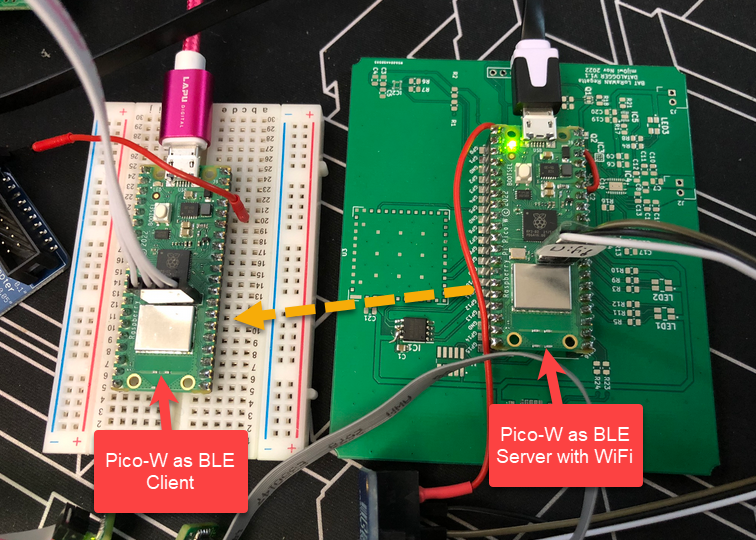
This article shows how to use the Raspberry Pi Pico-W with BLE and optional WiFi, running with FreeRTOS.
Most embedded developers have probably used ‘semihosting’. And yes, it is generally seen as a bad thing. Maybe you have used it, without realizing what it really is and what it does. It is simple to add a printf() to the code (again: you should not use printf), and with the right standard library, it magically it shows up in a console view:
printf a hello world
That looks great, but what is behind this, to make it happen? Actually, it is really amazing technology. And it can be used for better things than just printing text.
I’m in the final stage of finishing a electrical vehicle (EV) charger controller, which optimizes battery loading using the available PV system: use as much as possible the solar energy and not the grid.
If doing embedded development, then the debugging solution is probably the most important single tool in the development chain. Because very debugging probe has its pros and cons, I usually have at least three different debug probes on my desk, simply to get the job done in all aspects.
What is true for the hardware debugging probes, is true for the gdb client and server side. I’m using mostly the P&E, SEGGER and CMSIS-DAP plugins (e.g. NXP LinkServer) and OpenOCD from the Eclipse IDE side. But there are more choices, for example pyOCD.
The ARM Cortex M architecture has many features which are underused, probably simply because engineers are not aware of it. SWO (Single Wire Output) is a single trace pin of the ARM Cortex-M CoreSight debug block. trace pin uses the ITM (Instruction Trace Macrocell) on ARM Cortex. It provides a serial output channel, at a high speed higher than the usual UART, because it is clocked at half or a quarter of the core clock frequency, depending on the core and implementation.
As such, it is an ideal high speed output channel to send text or data to the host. This is how it is usually used, but what is unknown to many: it can be used in a bidirectional way with the help of the debugger.
The topic of this article: how to redirect standard I/O like printf() or scanf() using the SWO ITM console: means both sending *and* receiving data over the SWO debug channel: that way I can use it as a kind of UART with a single pin only.
The year 2022 is coming to an end, and I have spent some time today on a little side project. It is about making an Electrical Vehicle (EV) wallbox charger accessible over Modbus RTU. It is not finished yet, and I plan to publish more articles on it, but I can share that I’m able to access and control the Heidelberg EV charger with a Raspberry Pi Pico W (Dual Core Cortex M0+), NXP K22FN512 (Cortex M4F) and LPC845 (Single Core Cortex M0+):