Sometimes things take longer than anticipated. And this is definitely the case for my USB MSD Host project where I wanted to use a USB memory stick with the Freedom FRDM-KL25Z board.
But finally, I have things working. At least most of the time ….
Sometimes things take longer than anticipated. And this is definitely the case for my USB MSD Host project where I wanted to use a USB memory stick with the Freedom FRDM-KL25Z board.
But finally, I have things working. At least most of the time ….
The first FRDM-KL25Z Freedom Logic Analyzer firmware was missing one important feature: Triggers! But this weekend the firmware has evolved a bit :-).
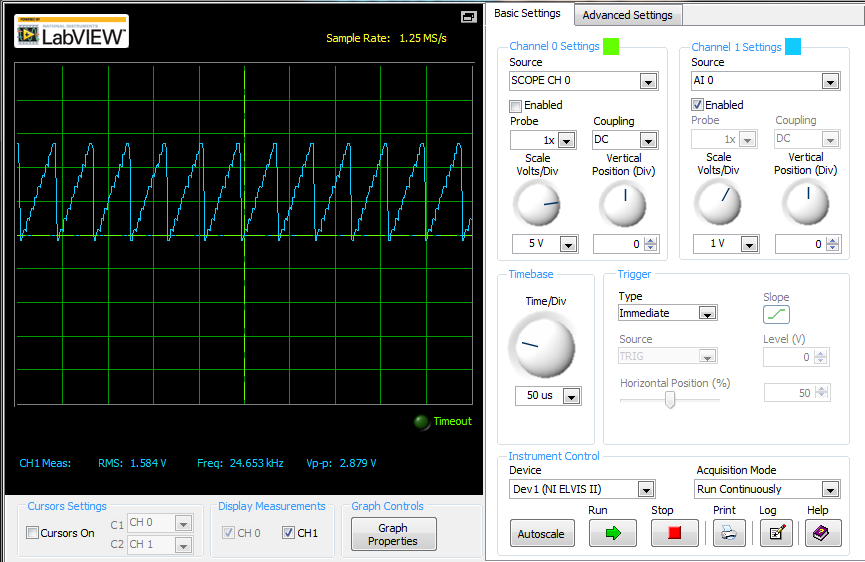
After working on an ADC example, a DAC one was missing. Julio E. Fajardo is a reader of this blog, and he was so kind to send me an example project for the FRDM-KL25Z. The example is able to produce produce different waveforms with the DAC. The project has two examples which they are enabled/disabled in main(). One example waveform the sawtooth:
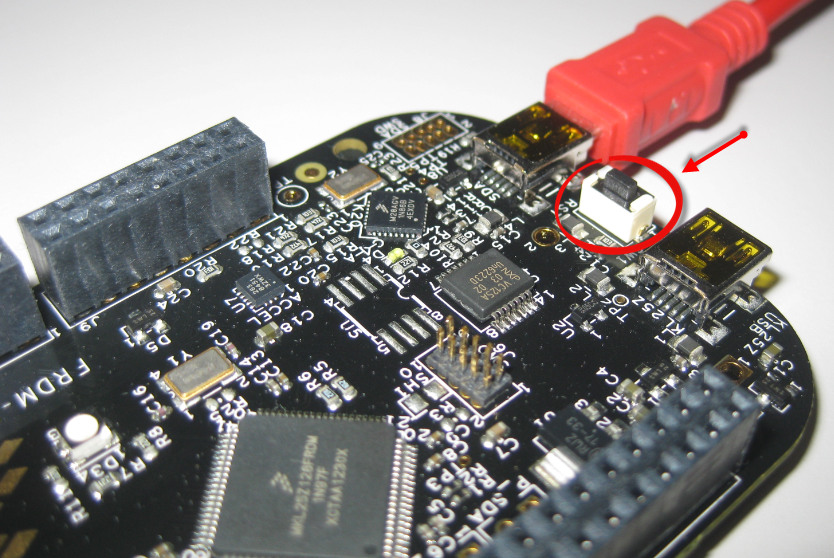
The challenge with small microcontroller like the ARM-Cortex-M0+ is that they have very limited debugging resources. As such, the number of hardware break points is very limited (see this post). For example for the KL25Z on the Freedom board, I only have 2 break points available if I want to do stepping:
I’m using serial communication in different flavors for my project: with the shell, with OpenSDA USB CDC, to use printf(), and with the Bluetooth module. Processor Expert is a big helper, but as for any software, it is not bug free. And there is a problem with Processor Expert in CodeWarrior for MCU10.3 in respect with Baud settings for a serial interface.
Processor Expert is a great tool: it lets me configure all the complexities of that ARM Cortex-M0+ core. But today it has fooled me and I lost several hours of my week-end time :-(. I need a user interface like push button for my project. Yes, the FRDM-KL25Z has touch area, but honestly: that kind of stuff never worked out well for me. It is probably just me having it not properly set up. The touch slider is working as in my earlier simple example, but in my other project with more hardware around it, it is working sometimes, sometimes not. Ahrg! I can blame my ignorance, my lack of understand how to configure it properly, or the extra noise by the hardware around it. Result is: I wasted a lot of time, and I give up :-(.
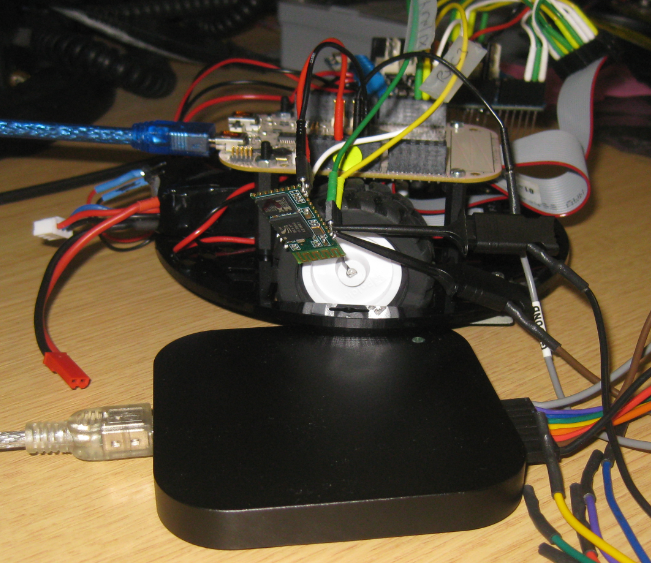
I’m working now on a lecture robot project using my Freedom Board. And for this I need a wireless communication. I already have IEEE802.15.4 (SMAC) working, but I wanted to add Bluetooth as a low-cost option. I have found an inexpensive Bluetooth module which is available for only around $4-8 which we use in another university class project. The module is an AT command module: that means the microcontroller communicates with AT serial commands with the module, and the Bluetooth stack itself runs on the module. In a minimal configuration I only need 3.3V, GND, TX and RX plus a CMD (Command) pin:
One of the great advantage of using an ARM core as on my FRDM-KL25Z board is that I can leverage a lot of things from the community. And one big thing around ARM is CMSIS (Cortex Microcontroller Software Interface Standard). It is an industry wide software library for the ARM Cortex microcontroller. Using the CMSIS libraries and interfaces will make it easier to port applications within the ARM Cortex family.
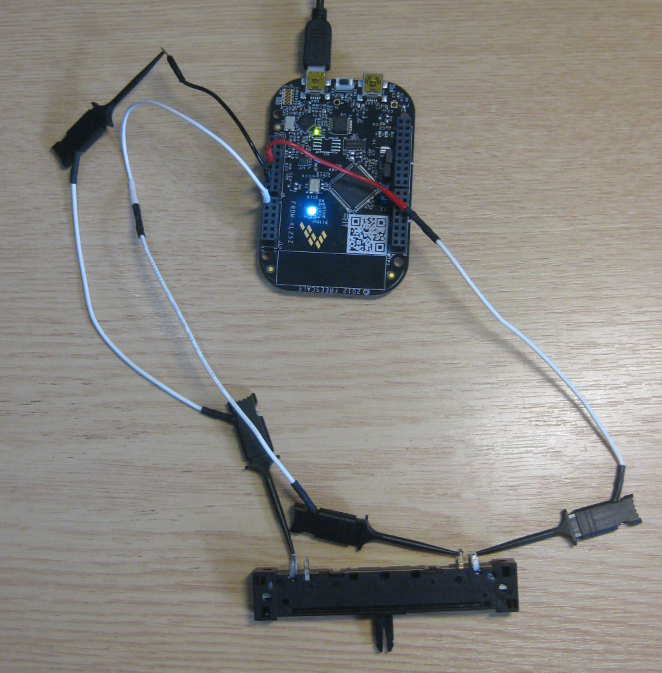
Unlike other boards from Freescale, the FRDM-KL25Z has no potentiometer or analog components on it. But in many applications an ADC conversion is needed, so here we go with a tutorial reading in an external potentiometer with Eclipse, CodeWarrior and Processor Expert. For this tutorial I have a 10k Ohm linear potentiometer connected to the Freedom board:
With the Zumo I have a base platform for cool robotics applications. So why not build a line following robot with this? Especially as Pololu offers a reflectance sensor array for it. The result is: I have a line following robot 🙂
It turned out that things were not working out of the box with the FRDM-KL25Z board. So if you want to do the same thing, here are some tips how to make it working with the Freedom board.