If using a bootloader with an application, one thing is to to merge the bootloader with the application into a single file. I do this with the ‘SRecord’ tool like this:
srec_cat bootloader.s19 application.s19 -o merged.s19

Combining S19 Files

If using a bootloader with an application, one thing is to to merge the bootloader with the application into a single file. I do this with the ‘SRecord’ tool like this:
srec_cat bootloader.s19 application.s19 -o merged.s19
Combining S19 Files
So far, the XML files I had to work on were very simple ones, so a normal text editor was fine. Now I’m tapping into the world of CMSIS-Packs (see “Are ARM CMSIS-Pack the Future of Software Components?“). And definitely this adds a complexity for which I better use some XML editing and checking tools. The ARM tutorial for CMSIS recommends either Notepad++ or Visual C++. But hey, Eclipse should be able to do that maybe even better right? So this is about adding an XML editor and XML checker to Eclipse.

Editing CMSIS-Pack .pdsc File in Eclipse
New in this release:
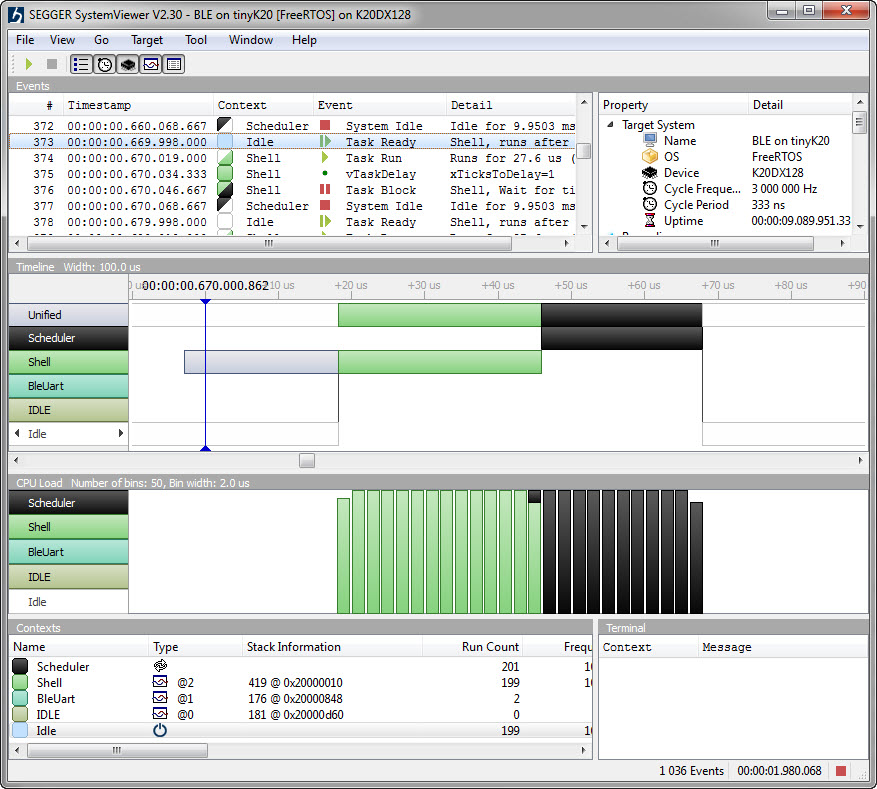
Segger SystemViewer V2.30
From my earlier work to use the NXP Kinetis with openHAB (see “Controlling NXP Freedom Board RGB LED with openHAB and Raspberry Pi“) it was only a small step to control a 20x20x20 cm light cube with 256 Adafruit WS2812 NeoPixels:
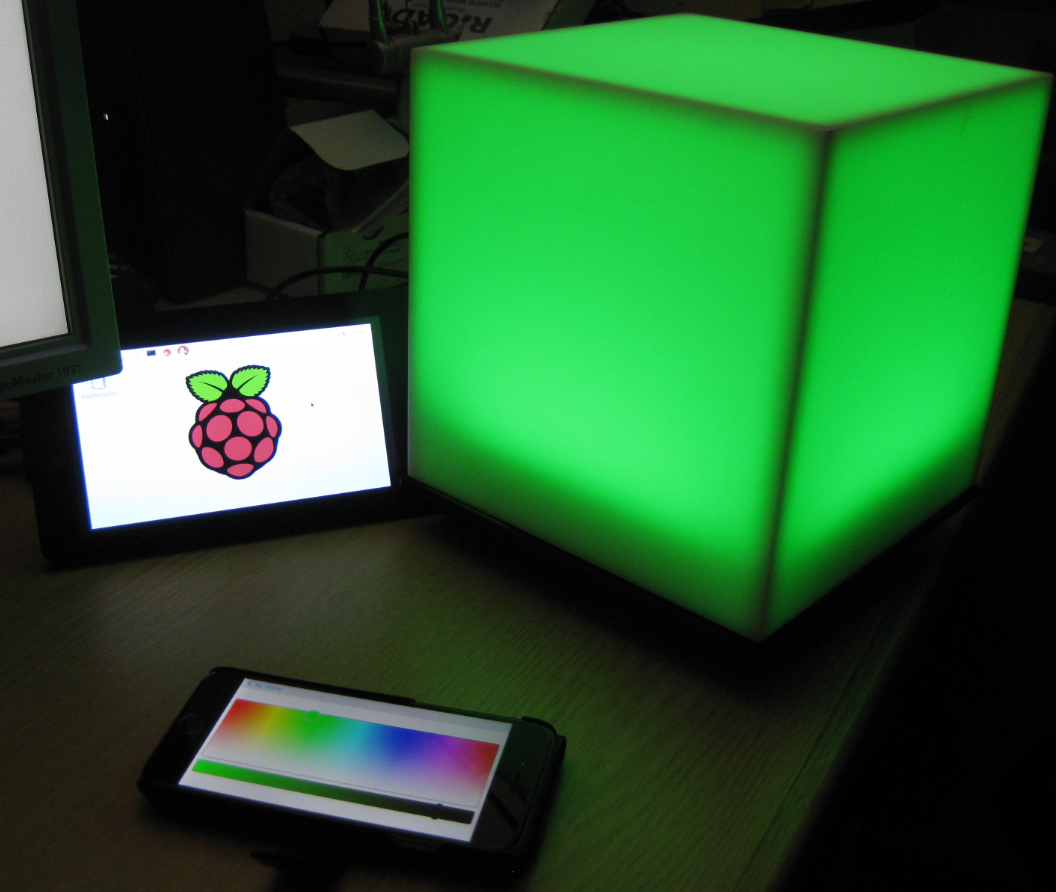
Kinetis RGB Cube with openHAB
With the start of the new year 2016 I have published a new McuOnEclipse component release with the following major updates:

256 NeoPixel Matrix with FRDM-KL25Z
When I create a project in Eclipse (e.g. in Kinetis Design Studio with the GNU ARM Eclipse plugins), I have to specify the name of the project during creation time:

Project Name in Eclipse
But what if I change my mind later on and want to use a different name? How to rename the project?
In my earlier post I showed how I have installed the open source openHAB home automation system (see “Installing openHAB Home Automation on Raspberry Pi“). In this post I show how to control a local LED on the Raspberry Pi with openHAB home automation system: how to control any GPIO pin on the Raspberry Pi from remote:

Controlling the LED with openHAB
In “Installing openHAB Home Automation on Raspberry Pi” I have set up openHAB on a Raspberry Pi 2. But when I reboot it, I need to start openHAB manually. This post is about how to start openHAB automatically after a reboot.

openHAB running
I’m currently building a home automation project around Raspberry Pi: I want to be able to monitor and control things like the lights, garage doors and the heating system both at home and from remote. I already have added a touch screen to one of my Raspberry Pi 2 computers (see “Adding a Touch LCD to the Raspberry Pi 2“). This article is about how to install the openHAB on that Raspberry so it can be the brain of the automation system.

openHAB Demo House on Pi
For a space project we have to make sure that things are not failing while our hardware orbits around the Mother Earth. Therefore we are using different static and dynamic analysis tools, and one of it is using PC-lint from Gimpel to catch as many errors and bugs as possible. For that project, we are using Eclipse with the GNU ARM Embedded (launchpad) ARM compiler and Eclipse as IDE with the GNU ARM Eclipse plugins. There are commercial plugins available for linting with Eclipse (e.g. Linticator), but with a few tweaks it is possible to lint with Eclipse free-of-charge. So this article is about how to lint an Eclipse (Freescale/NXP Kinetis Design Studio) project with PC-Lint.

Lint messages in Eclipse
 MCU on Eclipse