More and more of my students are using Microsoft Windows 10 machines, and my computer has been upgraded to Windows 10 a couple of week ago too. From my work and experience, a new operating system causes always some challenges, and Windows 10 is no difference. And no, this is not about Microsoft vs. Apple vs. Linux, this post is about addressing a potential and painful problem which I have observed with Windows 10 machines, and to my understanding it could happen with any other operating system too. The problem is that somehow on several student machines the bootloader and OpenSDA application on their FRDM boards did not work any more.
Tag Archives: Segger
First steps: ARM Cortex-M7 and FreeRTOS on NXP TWR-KV58F220M
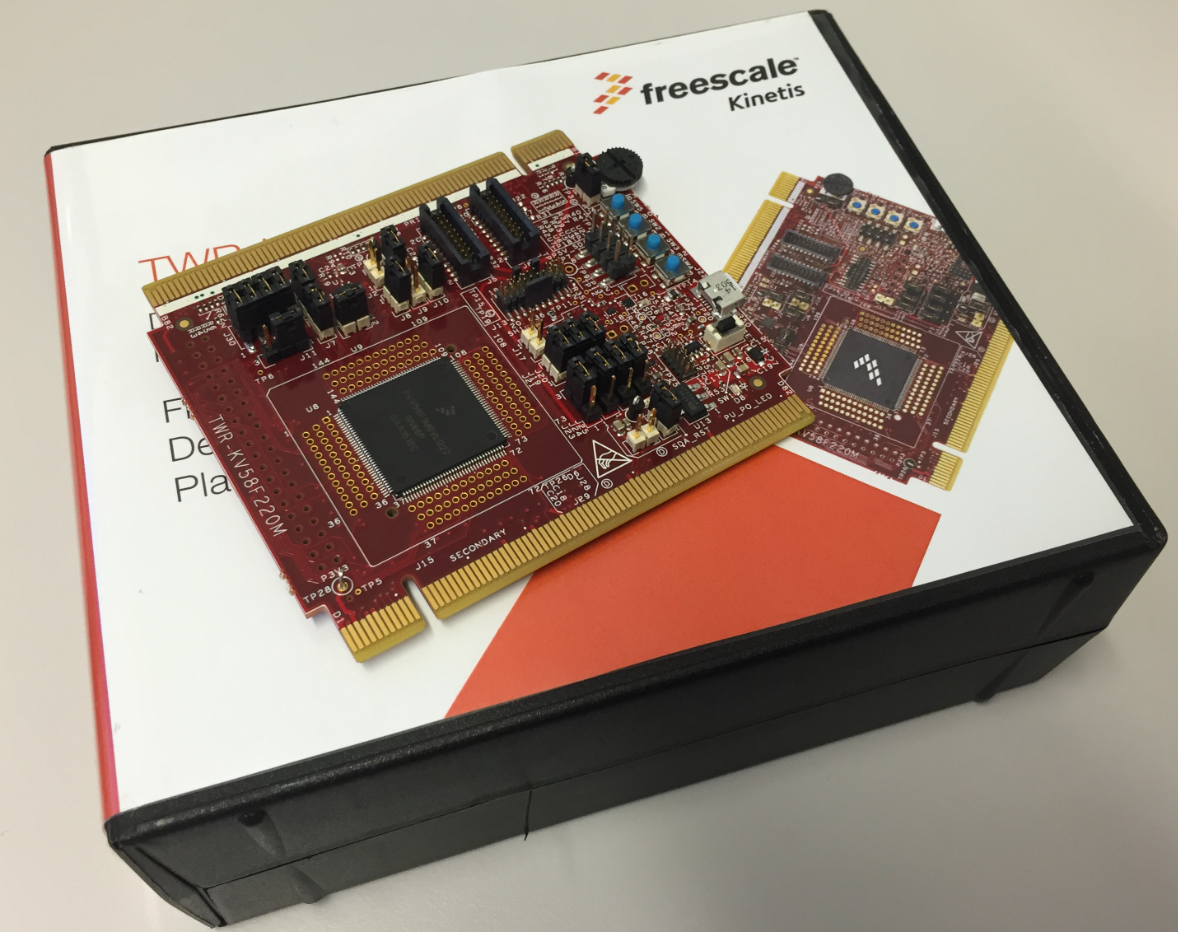
For a university research project I need a fast microcontroller with lots of RAM and FLASH memory. I have ordered a TWR-KV58F220M board from NXP which arrived yesterday. The special thing is that it has on of these new ARM Cortex-M7F on it:
Adding FreeRTOS Thread Awareness to GDB and Eclipse
McuOnEclipse Components: 29-May-2016 Release
Major changes in this new release:
- FreeRTOS V9.0.0 with static memory allocation.
- Shell with single character I/O function.
- FatFS File System with extra shell commands for memory dump and file creation.
- Segger SystemViewer library updated to V2.36a
FreeRTOS Thread Debugging with Segger GDB in Eclipse
NXP FTF Tech Forum in Austin has been a blast! I’m running another FreeRTOS hands-on session (FTF-DES-N2048) this afternoon which yet again is fully booked. But we will squeeze in as many as possible from the waiting list.
One very exciting thing we are going to use is FreeRTOS thread awareness in Eclipse/Kinetis Design Studio: to see and debug the FreeRTOS threads in Eclipse using the Segger GDB and it will show the list of threads in the Debug view:
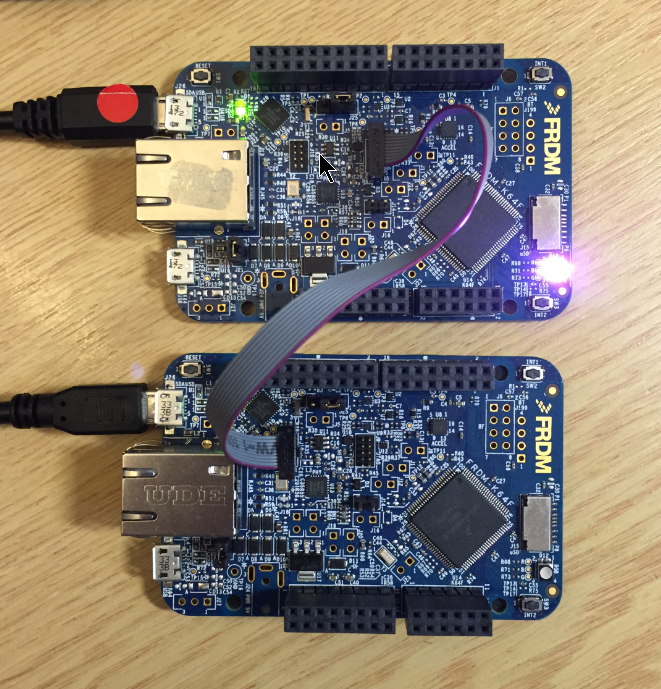
Debugging Multiple NXP Boards with GDB and P&E
In “Debug Multiple Boards with GDB at the Same Time” I have used the Segger J-Link to debug multiple boards, from the same IDE, at the same time. The remaining question in that article was: how to do the same the P&E Multilink/OpenSDA?
Semihosting with Eclipse and the NXP Kinetis SDK V2.0
The world is changing, and the say is “change is good” :-). In the software and API world, change very often means that a change results into something broken. So I had battled with semihosting working on the NXP Kinetis parts, only to find out that it does not work any more with using the latest version 2.0. The semihosting output e.g. with P&E debug connection remains empty:
So how to fix this?
Solution for OpenOCD “Cannot communicate… target not haltet”
Related to my earlier article about using OpenOCD, I want to share something I have learned (again) with OpenOCD v0.10.0:
I was running often into the following error:
Warn : Cannot communicate... target not halted. Error: auto_probe failed Error: Connect failed. Consider setting up a gdb-attach event for the target to prepare target for GDB connect, or use 'gdb_memory_map disable'. Error: attempted 'gdb' connection rejected
McuOnEclipse Components: 3-Apr-2016 Release
It has been already two months after the Feb 2016 release, and so much things are going on, so a new release was overdue. Today I have released a new version of the McuOnEclipse components on SourceForge with the following main changes and features:
- Kinetis SDK v2 with Processor Expert: Now many components can be used even with the Kinetis SDK v2.0 even with the Kinetis SDK not having Processor Expert included.
- Updated Segger SystemViewer to v2.32a with post-mortem and static buffer support
- Updated Segger RTT to v5.10u and fixed an issue with interrupts on Cortex-M4
- FreeRTOS Thread Awareness with OpenOCD
See readme on SourceForge for the full history.
NXP Kinetis Design Studio v3.2.0
For my classes I had so far asked the students to install the Kinetis Design Studio (KDS) v3.0.0 and then apply several updates and upgrades available. NXP has now released the v3.2.0 of their KDS (Kinetis Design Studio):
The v3.2.0 is including all the 3.x.x updates in a single installation which makes things easier to start with. And it now works for Mac OS X “El Capitan” and the latest GNU ARM Eclipse plugins :-).