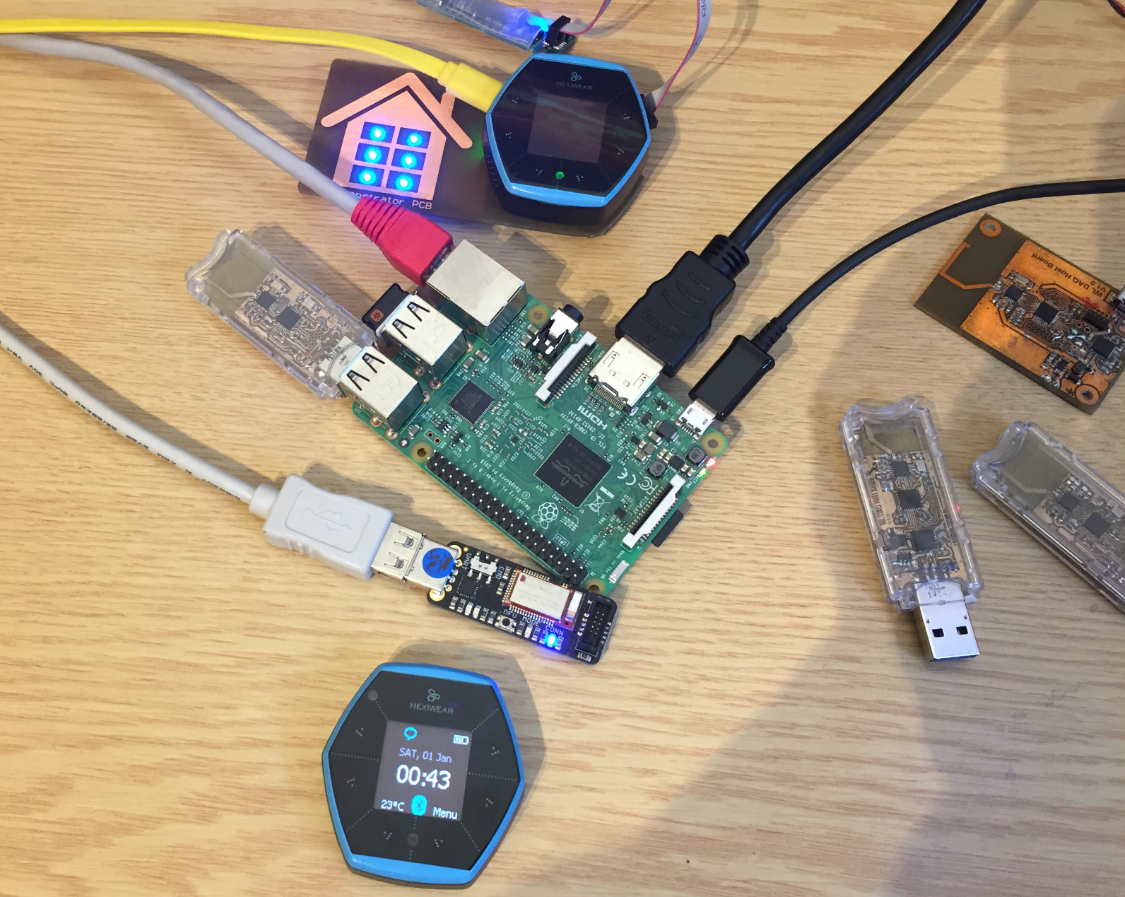
The Raspberry Pi is a versatile mini computer: as such I can use it with USB keyboard, mouse and HDMI LCD monitor. But having multiple keyboards and mouse on my desktop is not my thing: somehow I always grab the wrong one. So what I prefer is to run the Raspberry with VNC (Virtual Network Computing). That way I have the Linux GUI as a window on my normal desktop, and no messing up with keyboards and mouse 🙂 :
Tag Archives: Linux
Tutorial: Hexiwear Bluetooth Low Energy Packet Sniffing with Wireshark
For a university reasearch project I try to pair the Raspberry Pi 3 with a Mikroelektronika Hexiwear using BLE (Bluetooth Low Energy). Most of things worked after a lot of trial and error, but at a certain point I was stuck trying to write to send data from the Raspy to the BLE device.The Hexiwear BLE protocol description is very thin, so I ended up using a BLE sniffer to reverse engineer the protocol with Wireshark.
Tutorial: BLE Pairing the Raspberry Pi 3 Model B with Hexiwear
The Hexiwear (see “Hexiwear: Teardown of the Hackable ‘Do-Anything’ Device“) is a small and portable sensor node with built-in BLE (Bluetooth Low Energy) transceiver. In a research project we try to use multiple Hexiwear in a classroom environment and to collect sensor data on a Raspberry Pi. The Raspberry Pi 3 Model B running Linux has an on-board BLE transceiver too, so why not binding them (wirelessly) together?
Well, things seemed easy at the beginning, and as always, there are many things to learn on a journey like this…
Tutorial: Updating Embedded Linux on Toradex i.MX7 Colibri Module using SD Card
My Toradex i.MX7Dual module comes with a preflashed Linux distribution (see “Tutorial: First Steps with NXP i.MX7 and Toradex Colibri Board“). As with any other things, Linux gets updated from time to time, and Toradex publishes new firmware. In this article I’m documenting how I can update Linux in the external FLASH on that module.
Tutorial: First Steps with NXP i.MX7 and Toradex Colibri Board
I’m using in several projects different variants of Raspberry Pi boards: they are great and providing a lot of processing power. However, they are not suitable for any hard realtime systems. For a different class of projects I’m currently evaluating the NXP i.MX7 processors: the cool thing with these is that they have up to two ARM Cortex-A7 running at 1 GHz, plus a Cortex-M4 running at 200 MHz. And here things get really interesting: I can run a realtime application and FreeRTOS on that M4, while running Linux on the A7 :-).
USB CDC with the Raspberry Pi
For my home automation project with openHAB I want to attach Freescale (now NXP) FRDM (Freedom) boards so they can take care about the realtime aspects and to act as gateways to my other systems. One way is to use USB CDC (Serial over USB) as communication channel. USB has the advantage that it powers the board, plus I can attach multiple devices: up to four on the Raspberry Pi 2 and even more with using a USB hub. In a standard configuration with a USB WiFi and a USB HID (mouse plus keyboard) dongle I still can attach two Freescale (ahem, NXP) Freedom boards to the Raspberry Pi: