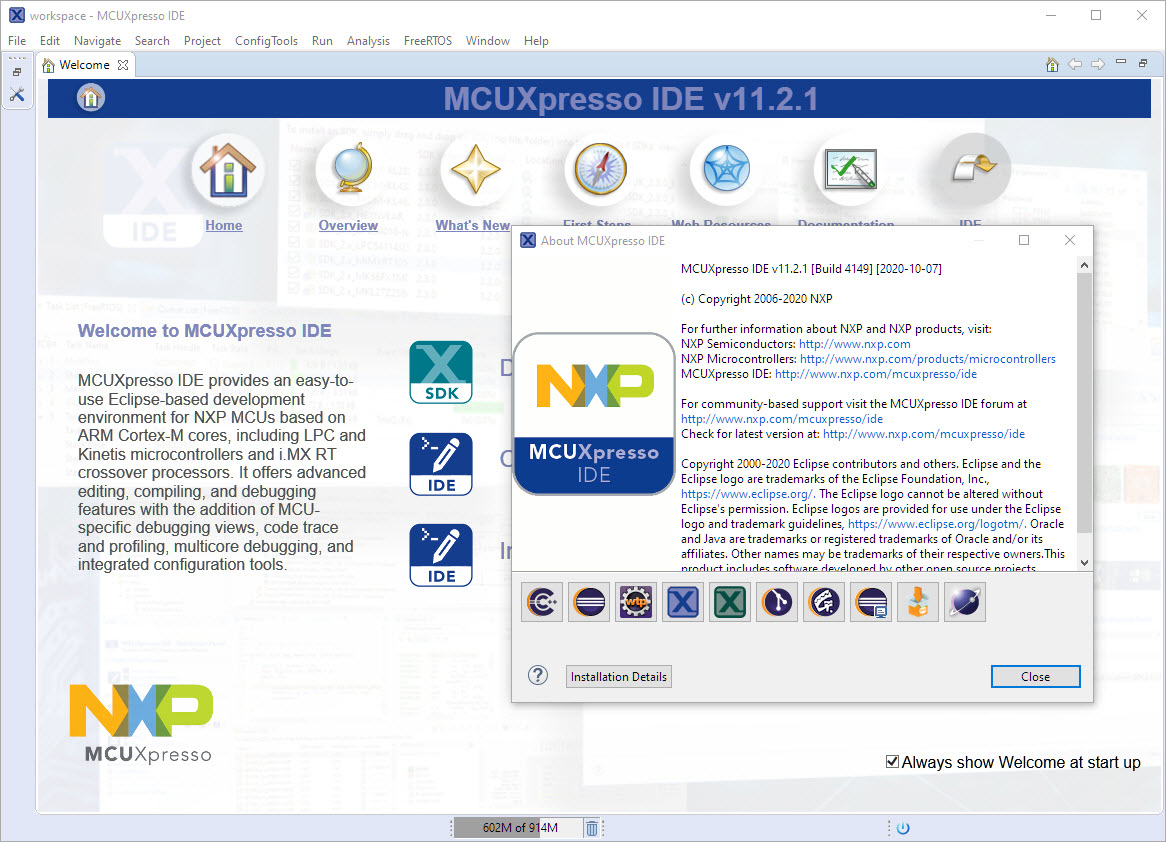
‘Dark’ or ‘Black’ themes are on vogue: some love it, some do not care. The good thing is that we all have a choice. Things are getting improved on the host OS (Windows/Linux) side, but the challenge is still on the application side, but things are getting better. This is true for the Eclipse based IDEs too, with the NXP MCUXpresso IDE V11.2.1 just recently released: it comes with improved Dark Theme support:
Category Archives: MCUXpresso IDE
MCUXpresso IDE V11.2.1
I have started the semester and labs using the MCUXpresso IDE V11.2.0 which has been available from July this year. The past week I received the notification that the update V11.2.1 is available: time to check it out….
FreeRTOS V10.4.1 with SEGGER SystemView V3.12
Amazon has released in the past week the FreeRTOS version V10.4.0. Time to upgrade, actually the most recent version 10.4.1! The same time the SEGGER SystemView V3.12 was released back in April this year. No surprise: with the FreeRTOS changes they don’t work out of the box: but no worries, I have you covered and applied all the needed patches and changes to have them working again together: the latest FreeRTOS v10.4.x with Segger SystemView v3.12:
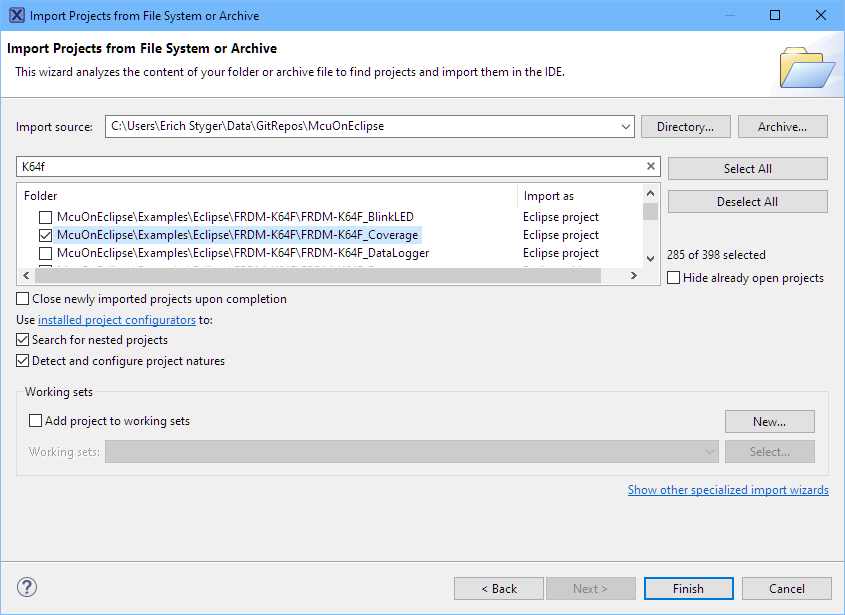
Import Projects from git into Eclipse
As a VCS (Version Control System) I’m using git in all my projects. And not only for software or firmware projects: I’m using it for hardware design (KiCAD, FreeCAD, …) or for documentation (LaTeX, …) too.
The nice thing with the Eclipse IDE is that it supports nice git integration, making importing projects from git repositories easy.
MCUXpresso IDE V11.2.0
At the university the end of a semester means that you have to get ready for the next semester. I always tend to use the latest and greatest tools for the labs. This week I received the notification that a new version of the Eclipse based MCUXpresso IDE is available, time to check it out for the next semester.
Eclipse Gems, Tips & Tricks: Code Folding
This article is part of a ‘mini series’ about hidden gems, tips and tricks around Eclipse.
The topic of this one is how to ‘fold’ text in the editor.
Eclipse Gems, Tips & Tricks: Open Declaration
This article is part of a ‘mini series’ about hidden gems, tips and tricks around Eclipse.
The topic of this one is how to show where a variable, function, … is declared or defined.
Eclipse Gems, Tips &Tricks: Show in System Explorer
This article is part of a ‘mini series’ about hidden gems, tips and tricks around Eclipse.
The topic of this one is how to show where a project is located on the host system.
Eclipse Gems, Tips & Tricks: RT(F)M
This article is part of a ‘mini series’ about hidden gems, tips and tricks around Eclipse.
The topic of this one is how access more hints and tips in the manual.
Eclipse Gems, Tips & Tricks: Faster Debugger Start
This article is part of a ‘mini series’ about hidden gems, tips and tricks around Eclipse.
The topic of this one is how to accelerate the start of the debugger.