This is Part 2 of a Mini Series. In Part 1, I described how to set up the hardware (see “Tutorial: Adafruit WS2812B NeoPixels with the Freescale FRDM-K64F Board – Part 1: Hardware“). Now it is time to have the software tools ready. In this post I describe to have the IDE (Freescale Kinetis Design Studio) with the Freescale SDK installed, along with the correct firmware on the FRDM-K64F Board. The goal is to drive Adafruit’s NeoPixel (WS2812B) with the Freescale FRDM-K64F board:
Tag Archives: OpenSDA
Unboxing the Freescale FRDM-KL43Z Board
I’m preparing for the next semester at the university starting in September this year. As part of that, I’m currently evaluating the Freescale Kinetis FRDM-KL43Z board:
Proof of Concept: Open Source ARM SWD Debug and General Purpose Board
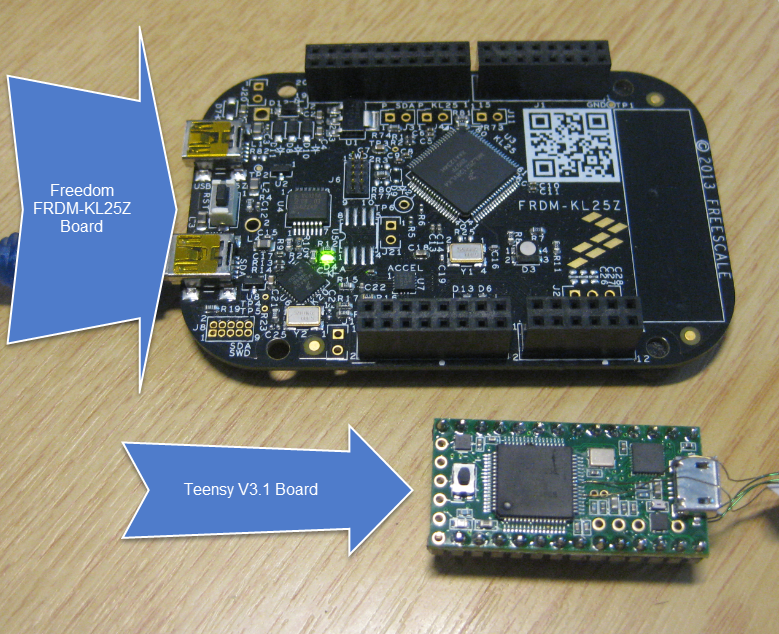
The Teensy is a great and tiny board (see “USB CDC with the Teensy 3.1 Board“), but it lacks real SWD/JTAG debugging capabilities (see “Hacking the Teensy V3.1 for SWD Debugging“). The Freescale Freedom boards are great, but for many applications too big, and have potentially too many components on it. So what about building a breadboard friendly tiny board which *has* SWD debugging ability *and* can be used to debug another boards?
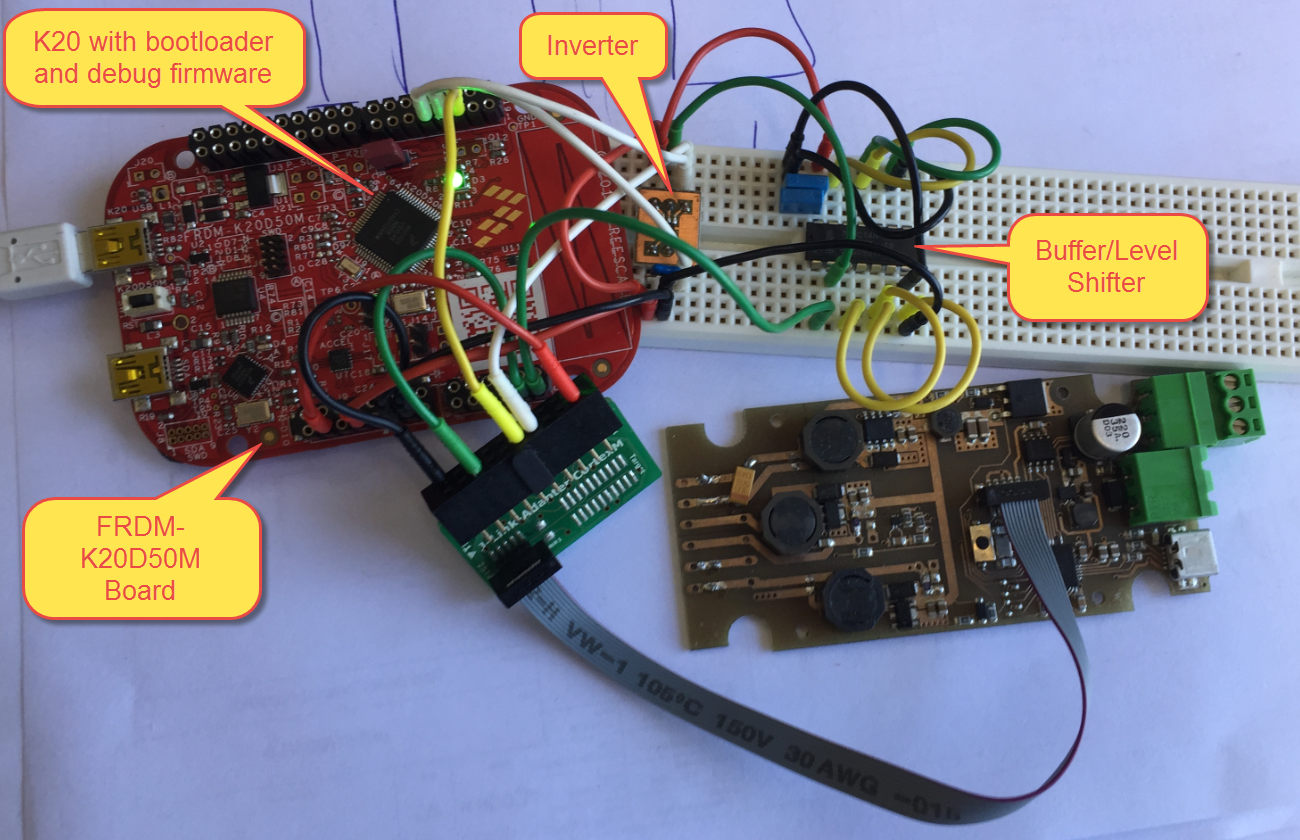
So here is a working prototype based on the FRDM-K20D50M:
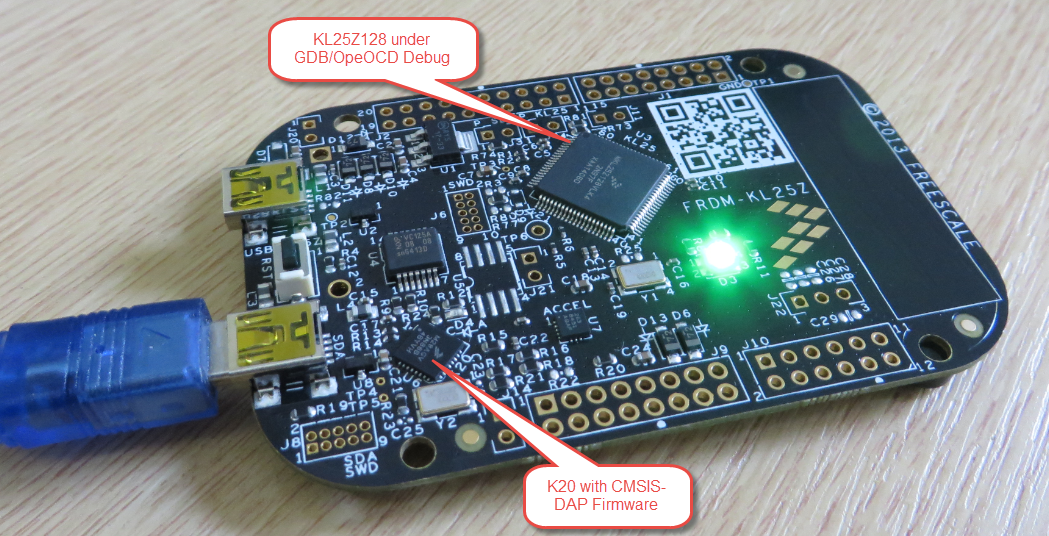
OpenOCD/CMSIS-DAP Debugging with Eclipse and without an IDE
OpenOCD is an open source and free-of-charge debugging solution, which is a great option here at the University of Lucerne, as students do not need to buy an expensive debugging probe. Still, I recommend to buy professional probes like the P&E or Segger ones, as they are worth every (Euro) cent. But for a ‘zero’ budget, OpenOCD with CMSIS-DAP is something to consider. And with Kinetis Design Studio using the GNU ARM Eclipse Plugins, OpenOCD is not that hard to be used. And because both Freescale and GNU ARM Eclipse offer OpenOCD Windows binaries, that connection method is in the reach of Windows users too.
Recovering the FRDM-K64F Bootloader, or: Cloning the Program of a Microcontroller
The Freescale FRDM-K64F and FRDM-K22F have a different OpenSDA (v2) firmware on it: unlike the earlier (v1), that firmware is open and not protected which is a great thing. However, it has the disadvantage if you use the wrong SWD/JTAG header on your board, the bootloader on the K20 OpenSDA microcontroller is gone 😦
Debugging Failure: Check List and Hints
I think the biggest frustration point for any new or even seasoned engineer is the debugging phase: my application finally builds fine, but I’m not able to connect and download it to the target board :-(. In my view the debugging part is the most fragile part of the development process. I’m always very relieved if I can connect to a brand new board, because I know if it does not work, then the problem could be a very bad one, costing my several hours or even days to overcome it.
Illustrated Step-by-Step Instructions: Updating the Freescale Freedom Board Firmware
I have received a bunch of Freescale FRDM boards to be used in an Embedded Systems programming crash course. There are multiple issues with the boards coming from the factory:
- They come with an old bootloader which is not compatible with Windows 8.x
- They have an old and outdated firmware on the board only supports a MSD bootloader
This post is a step-by-step instruction how to update Freescale FRDM boards (e.g. FRDM-KL25Z) to the latest firmware.
P&E Eclipse Update Site for GNU ARM Eclipse Plugins
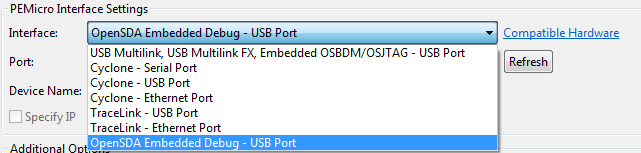
P&E has just released a new version of their Eclipse plugins for the set of GNU ARM Eclipse debug plugins. The GNU ARM Eclipse plugins from Liviu support OpenOCD and Segger J-link, so with this update or extension it adds P&E support to it. With this, I can use the P&E debug devices (P&E Multilink, Tracelink) or as well the Freescale OpenSDA with it.
Hacking the Teensy V3.1 for SWD Debugging
I *love* the Freescale Freedom boards, and you probably recognized that with all my projects using them. The Freedom boards are small, inexpensive and can be easily extended with Arduino shields which makes them a great platform for prototyping. But sometimes I just need an ARM microcontroller with some headers, and then the 85mm x 55mm size of the Freedom board is not ideal. That’s nothing new, but I realized that yet again when I did my Adafruit NeoPixel clock: the FRDM board was rather bulky, even if hidden behind that clock. I need something much smaller: the Teensy board!
First Steps with the RIoT Board and Android
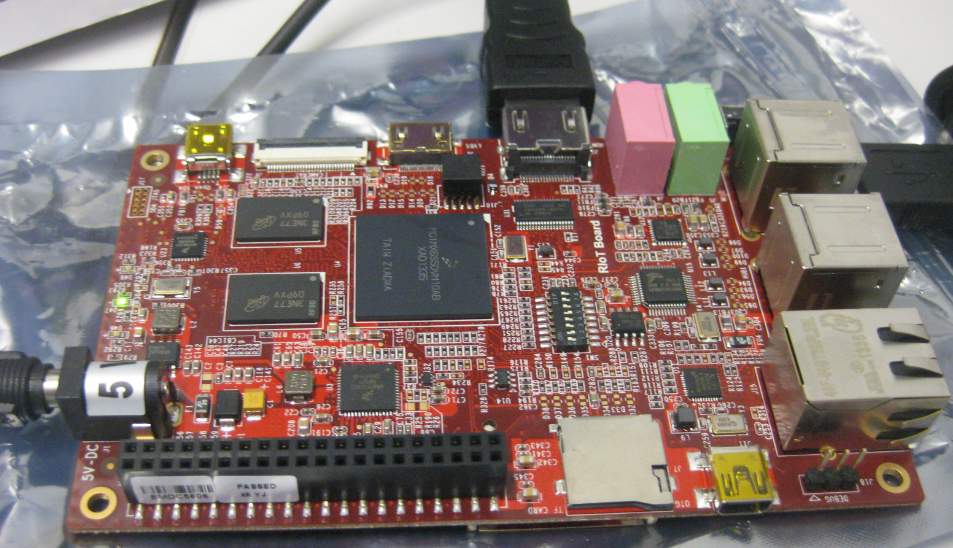
At the university we have several projects with internet connectivity running. Yes, there is a hype around IoT, and in my view many false perceptions around this what it could or should be. Anyway, for these projects in many cases the Raspberry Pi boards are used, and I use a model B board of the Raspy too. I’m very happy with the Raspy, but I wanted to explore different options, so I ordered a RIoT board two weeks ago. When I looked at it the first time, I was thinking that this board could be a better (although larger) board than the Raspberry Pi one: more USB, more GPIO, micro-SD card, more processing power:
Well, then this week the new Raspberry Pi B+ came out: more USB, more GPIO, but same processing power as the standard B model.