Unfortunately, now the NXP Kinetis SDK V2.0 does not include Processor Expert support (see “First NXP Kinetis SDK Release: SDK V2.0 with Online On-Demand Package Builder“). But at the Lucerne University we are using more than 150 different custom Processor Expert components we would like to use with that new SDK. So how to make them working with the Kinetis SDK V2.0? Using a Processor Expert as “the mother of all components”:
Tag Archives: freedom board
McuOnEclipse Components: 8-May-2016 Release
Time is passing fast, and many components have been updated to make the compatible with the NXP Kinetis SDK V2.0. As a highlight, besides of FreeRTOS the following components are now usable with the NXP Kinetis SDK:
Debugging Multiple NXP Boards with GDB and P&E
In “Debug Multiple Boards with GDB at the Same Time” I have used the Segger J-Link to debug multiple boards, from the same IDE, at the same time. The remaining question in that article was: how to do the same the P&E Multilink/OpenSDA?
Semihosting with Eclipse and the NXP Kinetis SDK V2.0
The world is changing, and the say is “change is good” :-). In the software and API world, change very often means that a change results into something broken. So I had battled with semihosting working on the NXP Kinetis parts, only to find out that it does not work any more with using the latest version 2.0. The semihosting output e.g. with P&E debug connection remains empty:
So how to fix this?
Solution for OpenOCD “Cannot communicate… target not haltet”
Related to my earlier article about using OpenOCD, I want to share something I have learned (again) with OpenOCD v0.10.0:
I was running often into the following error:
Warn : Cannot communicate... target not halted. Error: auto_probe failed Error: Connect failed. Consider setting up a gdb-attach event for the target to prepare target for GDB connect, or use 'gdb_memory_map disable'. Error: attempted 'gdb' connection rejected
FreeRTOS Thread Debugging with Eclipse and OpenOCD
FreeRTOS is probably the number one RTOS used, and Eclipse is likely the most popular IDE I can think of. But debugging FreeRTOS applications with Eclipse and GDB is somewhat limited? What I would like to get at the minimum is this: ability to see all the different threads in the Eclipse debug view like this:
As you might guess from that screenshot: this post is about how to make FreeRTOS tread debugging possible with Eclipse and GDB :-).
Tutorial: Blinky with the FRDM-KL27Z and Kinetis SDK v2
I’m using the FRDM-KL25Z in my classes, and that board is very popular: low price (<$15), reasonable features (48 MHz ARM Cortex M0+, 128 KByte of FLASH, 16 KByte of RAM), and many tutorials elsewhere and on McuOnEclipse :-).
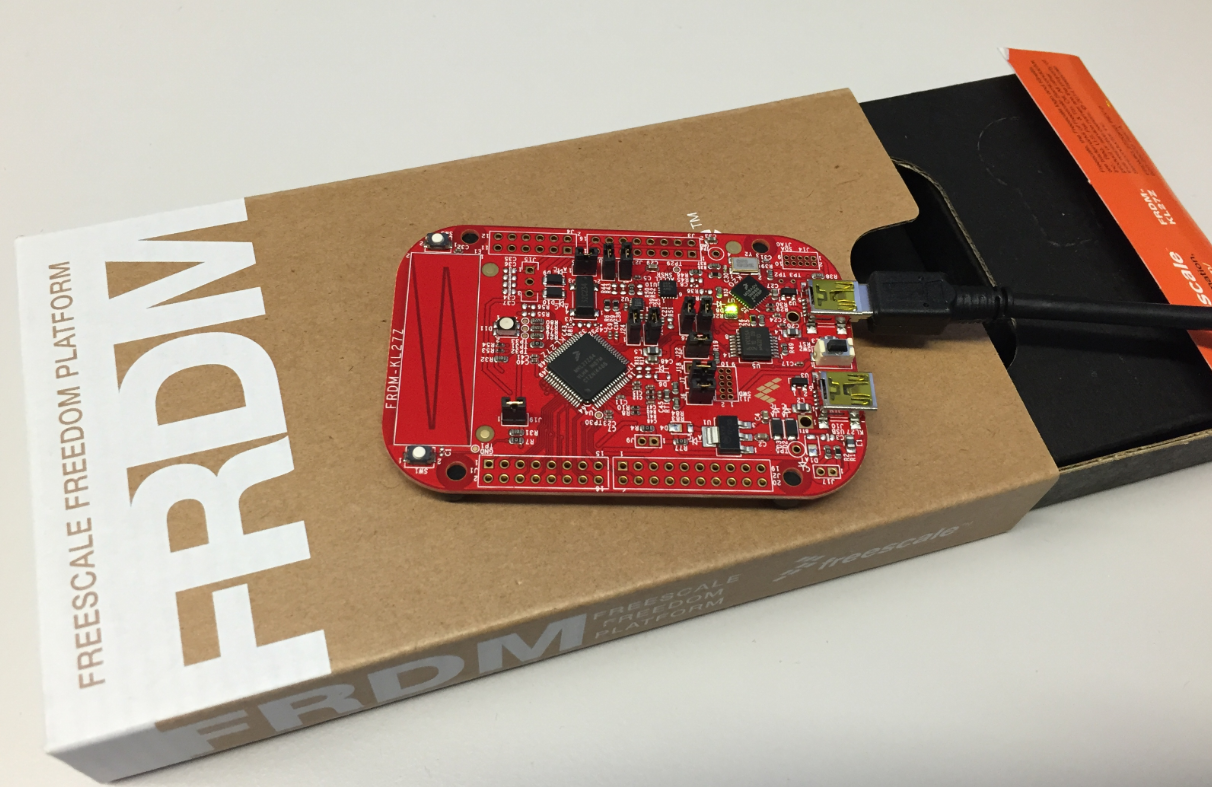
For the next (Fall) semester I’m looking for alternative boards, and one is the Freescale (now NXP) FRDM-KL27Z:
Dealing with Code Size in Kinetis SDK v2.x Projects
I’m exploring the Kinetis SDK v2.0 (see “First NXP Kinetis SDK Release: SDK V2.0 with Online On-Demand Package Builder“). For this, I’m using the ‘standard’ way: blinking the LED on the board 🙂
Tutorial: Bare-Metal Shell for Kinetis
I have been asked to provide a command line shell example for a bare-metal (no RTOS) application, so here we go!
Having a way to communicate to the firmware on a board is essential for most of my projects: it is simply, incredibly helpful and easy to do (see “A Shell for the Freedom KL25Z Board“). This tutorial shows how to add a simple command line shell to the NXP Freedom board which then can be extended as necessary.
openHAB RGB LED Light Cube with WS2812B and NXP Kinetis
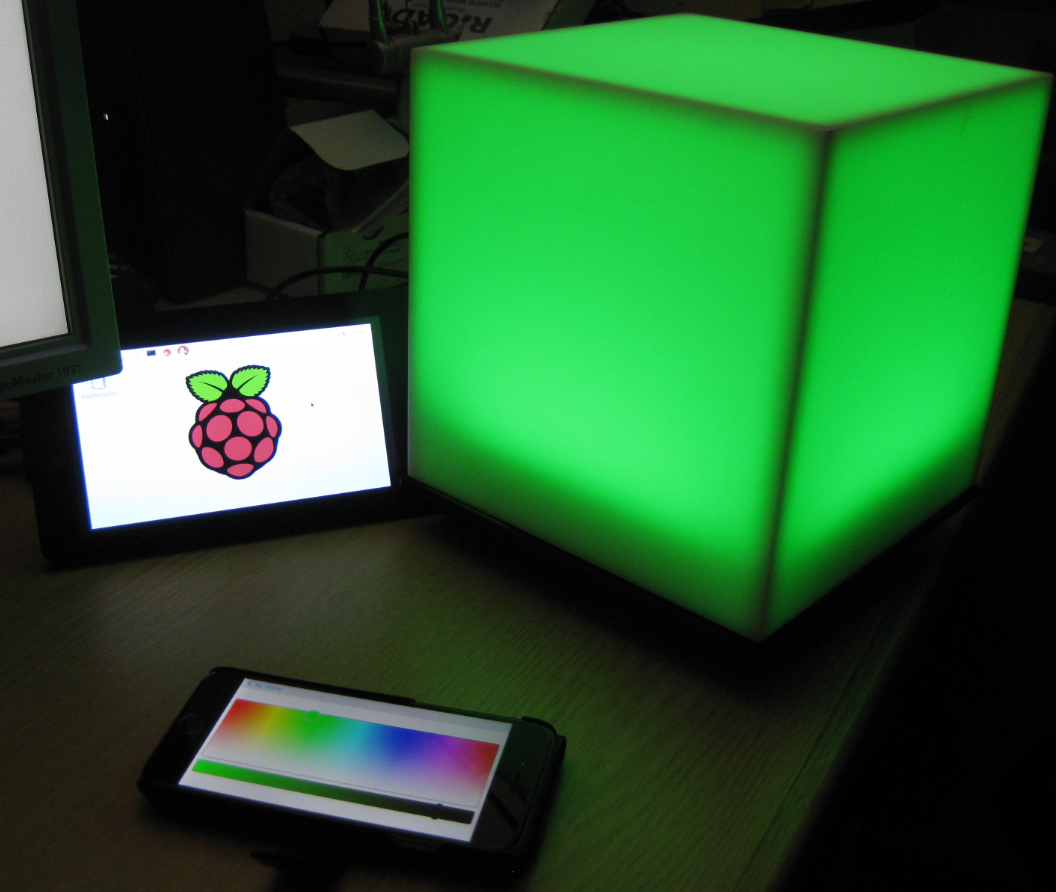
From my earlier work to use the NXP Kinetis with openHAB (see “Controlling NXP Freedom Board RGB LED with openHAB and Raspberry Pi“) it was only a small step to control a 20x20x20 cm light cube with 256 Adafruit WS2812 NeoPixels: