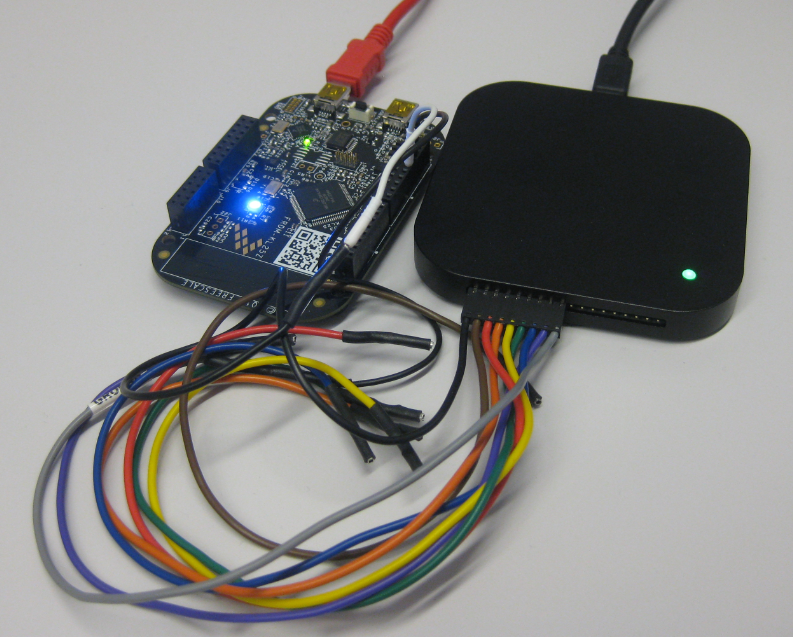
In an IoT (Internet of Things, see “IoT: FreeRTOS Down to the Micro Amps“) project I’m using the Freescale KL15Z microcontroller. The nodes are moving around, and the board is using a special inductive charging ‘on the fly’ when nearby the charging station. The energy is stored in capacitors, so no batteries are needed. That worked very well, but some system failed: they need to quickly check sensor signals after power-up. Tracking down the problem, it was obvious that most of the systems failed because it took them too long to boot from the power-on reset. So I instrumented the application to toggle an LED so I can monitor what happens: It was over 400 ms after power-on! Yikes!
Category Archives: Freescale
Tutorial: DIY Kinetis SDK Project with Eclipse – Board Configuration
In “Tutorial: DIY Kinetis SDK Project with Eclipse – Startup” I showed how to create a Kinetis SDK project from scratch. In this post it is about adding the board initialization files. With the board initialization the peripheral clocks and pin muxing is configured.
Tutorial: DIY Kinetis SDK Project with Eclipse – Startup
This is the start of a multi-post tutorial about the Freescale Kinetis SDK, released back in April as beta version. The SDK a set of peripheral drivers, and will become the standard software foundation and drivers provided by Freescale for their ARM Cortex based devices. Similar what other vendors already do. While this is a good step, it is the same time very disruptive for my university projects with new Freescale Cortex-M devices. And with everything new (and beta), it needs time to learn. So this post is about creating a Do-It-Yourself Kinetis SDK project from scratch for Eclipse. This part is about the startup code: about everything to get the application started.
FRDM-K64F at Maximum Speed of 120 MHz
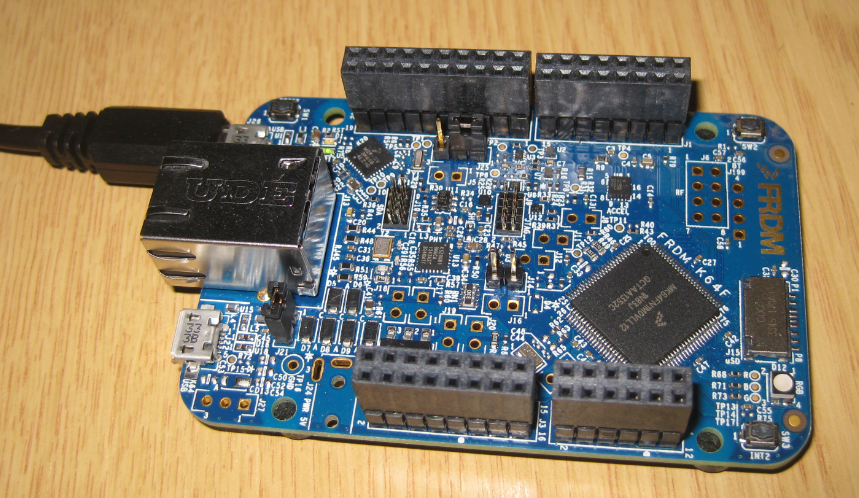
The ARM Cortex-M4F on the Freescale FRDM-K64F board can run up to 120 MHz. Here is how to get it running with maximum speed:
EmbSys Registers View with CMSIS-SVD dimElementGroup
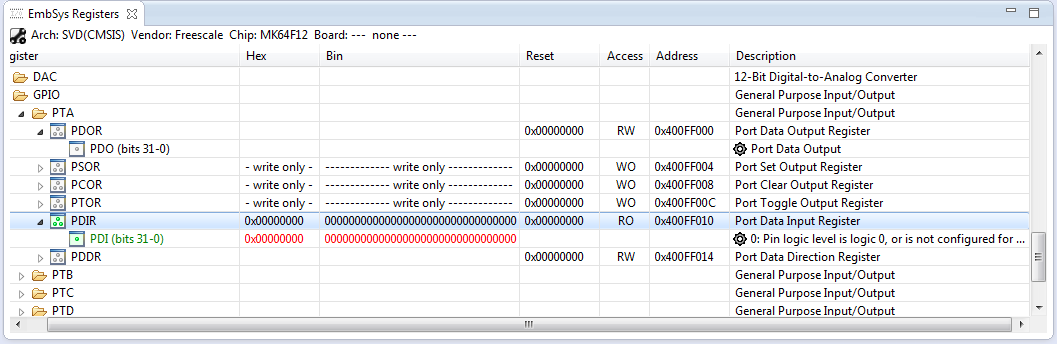
As outlined in “How to Add Register Details View in Eclipse“, I have a nice register detail level viewer for Eclipse and GDB. But one problem showed up: there were entries showing with %s:
The reason is that the parser is not handling the dimElementGroup of CMSIS-SVD.
Tutorial: PWM with DMA on ARM/Kinetis
For a project I need to change the PWM duty cycle after a PWM period is over. One way to do this is to have an interrupt at the end of the PWM period, and then set the new PWM duty (compare) register value in the interrupt. That works fine for ‘slow’ PWM frequencies, but if the PWM frequency is high, the CPU load is massively increasing. A better way is to use DMA (Direct Memory Access).
Configuration Data: Using the Internal FLASH instead of an external EEPROM
Many applications need to store persistent (non-volatile) data at runtime: configuration data, error logs, sensor data, calibration values, etc. The question is: where to store that data? If it is only a few kBytes, an SD card or similar is an overkill. Adding an external EEPROM? Sure, that works, but adds an extra part to the design. Some microcontroller have internal EEPROM. But what if not? Why not using the microprocessor internal flash memory?
How to Add Register Details View in Eclipse
The standard Eclipse registers view only shows the core registers:
I think it would be great to have a view to see all the device peripheral registers too?
If you want the same, then this article is for you. It works both for stock Eclipse and Freescale Kinetis Design Studion (KDS) 🙂
Mini-Sumo Robot Competition May 2014 in Horw
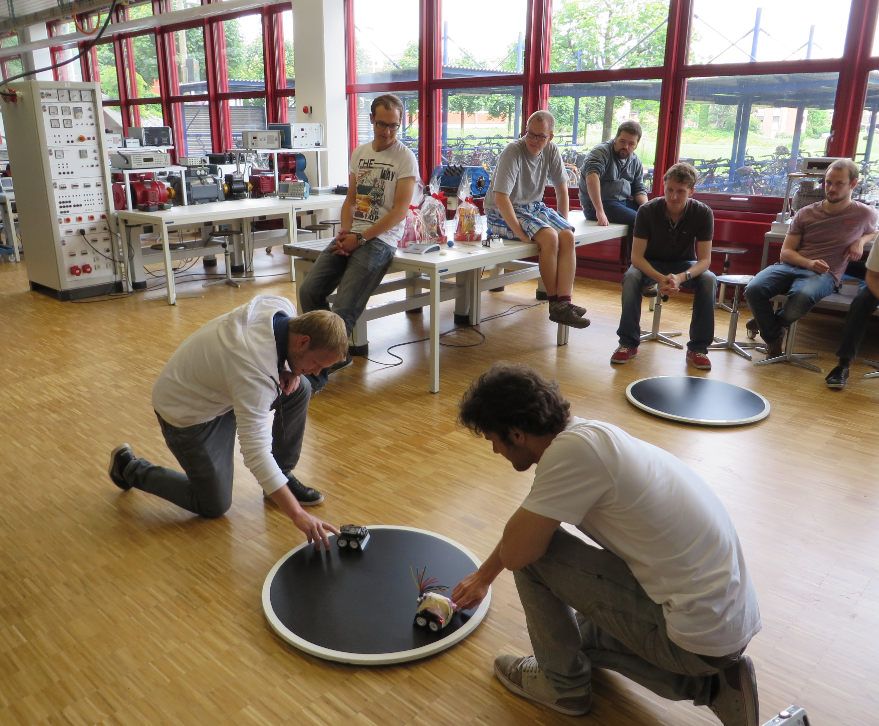
11 teams with a total of 14 robots participated at the May 2014 Mini-Sumo robot competition this week at the Lucerne University of Applied Sciences and Arts in Horw/Switzerland.
Tutorial: Data Logger with the FRDM-K64F Board
The Freescale FRDM-K64F is a great board for data logger applications: it has a powerful ARM Cortex M4F with 120 MHz, 1 MB Flash and 256 KByte RAM. Best of all: it already has a micro SD card socket on the board :-).