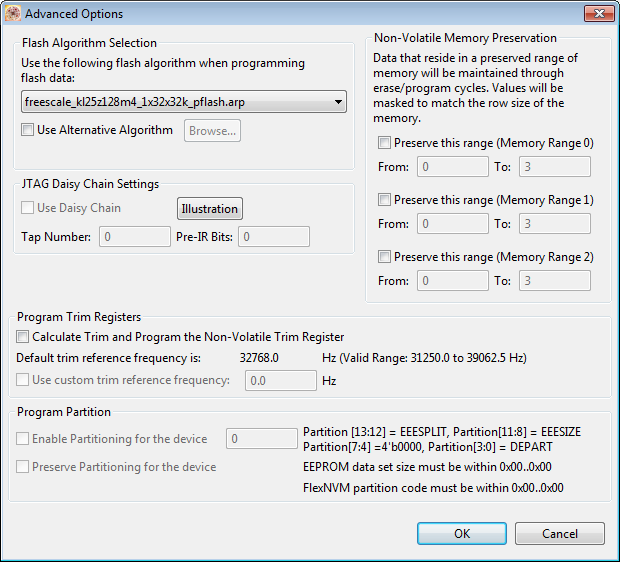
P&E has upgraded their GDB implementation and interface used in combination with the GNU ARM Eclipse plugins: they support now advanced flash programming options plus the ability to attach/connect to a running target :-). This update is available as Eclipse update.
Category Archives: Freescale
Freescale Processor Expert Survey
Frequent readers of this blog know: I’m using Processor Expert in most of my projects with CodeWarrior, Driver Suite or Kinetis Design Studio. With the move of Freescale to Kinetis Design Studio and the Kinetis SDK with Processor Expert, there is an opportunity for our voice to be heard in a survey Freescale now runs about configuration tools and Processor Expert.
Happy Surveying 🙂
Sensirion SHT11 Temperature and Humidity Sensor on a MikroElektronika Click Board
In one of my earlier posts (“Using the DHT11/DHT22 Temperature/Humidity Sensor with a FRDM Board“) I’m using the DHT11/DHT22 temperature/humidity sensors with the FRDM-KL25Z board. These sensors are very inexpensive, but have limited measurement range and accuracy. As pointed out by a reader of that article, Sensirion (a Swiss company :-)) has good sensors too, and I decided I would like to try the SHT11 sensor:
- 0-100% Relative Humidity
- +/- 3% Relative Humidity accuracy
- -40 – +125°C
- 2.4 – 5.5V supply voltage
Using the DHT11/DHT22 Temperature/Humidity Sensor with a FRDM Board
For a home automation project I need to know the room temperature and humidity percentage of the room air. Adafruit has an inexpensive DHT11 sensor from http://www.aosong.com which I decided to use for that project.
Continue reading
Altium File for Freescale FRDM-K25Z Board
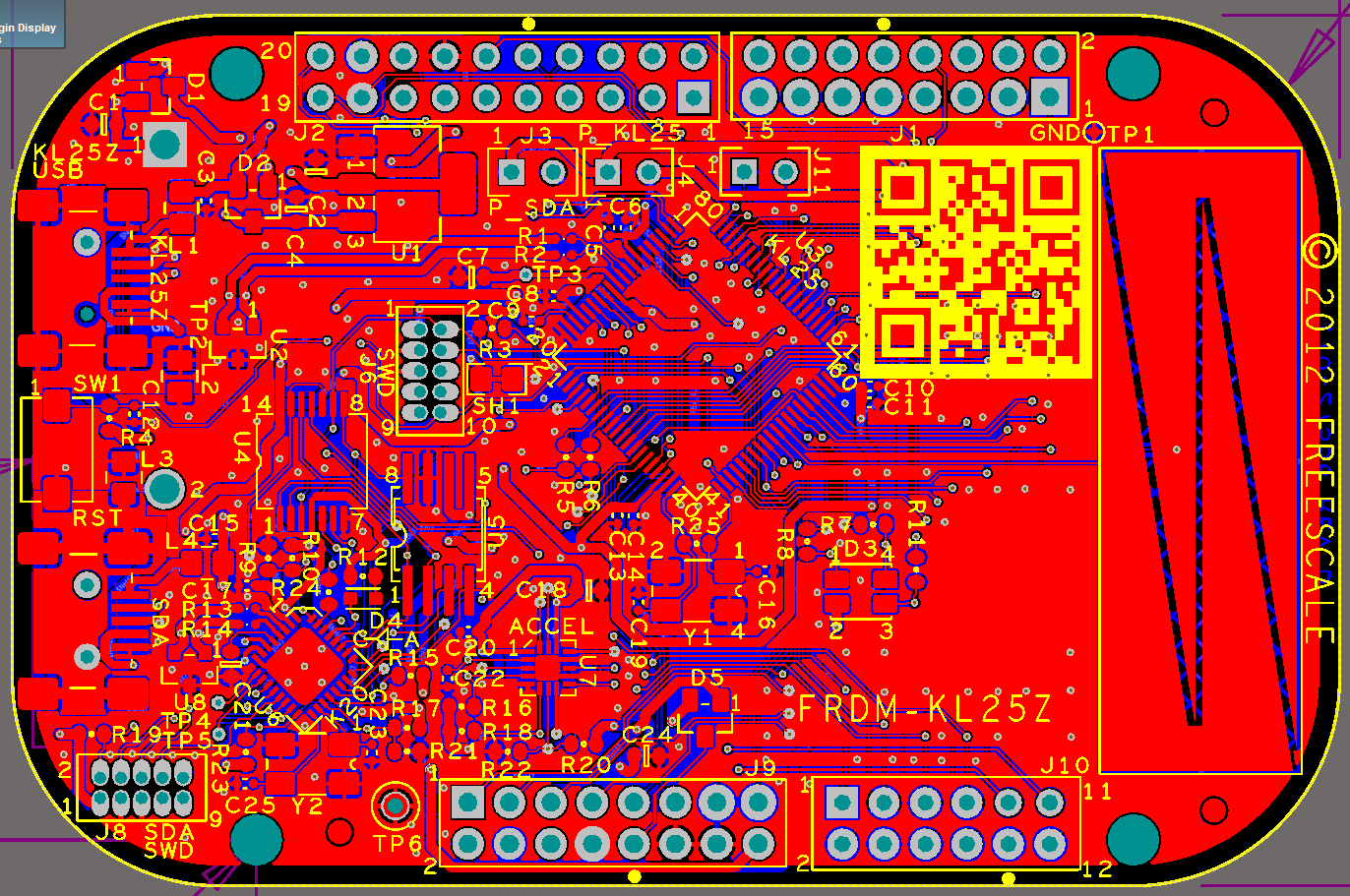
If you are designing your own board for the Freescale FRDM boards, then having the matching PCB design files is a good thing to have. I have posted this week an Altium contribution on GitHub for the FRDM headers (see “FRDM-KL25Z Arduino Headers with Altium“). And here there is yet another contribution I received from [Darren]: the FRDM-KL25Z board in Altium :-):
Command Line Programming and Debugging with GDB
Eclipse with GDB is great: it comes with a graphical front end for debugging. But sometimes it is all about to download a program. Is it really necessary to launch an IDE like Eclipse to program or quickly debug a board? With the GNU Debugger (GDB), the answer is ‘no’: GDB comes with a command line debugger which is designed exactly for this: providing a command line interface for programming/downloading and debugging, bypassing any GUI (Graphical User Interface).
FRDM-KL25Z Arduino Headers with Altium
In case you are using Altium to design your boards, then this one might be useful for you:
OpenOCD/CMSIS-DAP Debugging with Eclipse and without an IDE
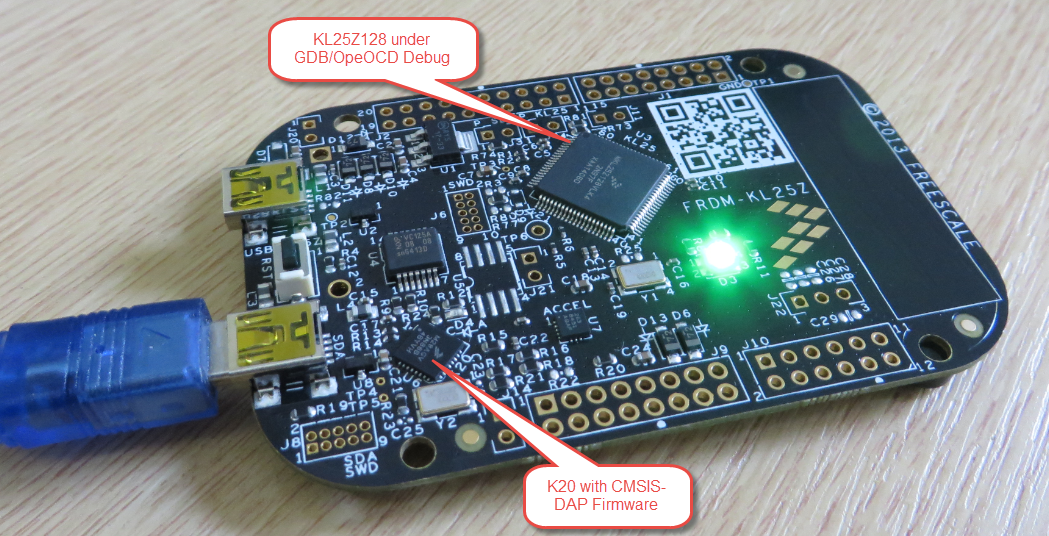
OpenOCD is an open source and free-of-charge debugging solution, which is a great option here at the University of Lucerne, as students do not need to buy an expensive debugging probe. Still, I recommend to buy professional probes like the P&E or Segger ones, as they are worth every (Euro) cent. But for a ‘zero’ budget, OpenOCD with CMSIS-DAP is something to consider. And with Kinetis Design Studio using the GNU ARM Eclipse Plugins, OpenOCD is not that hard to be used. And because both Freescale and GNU ARM Eclipse offer OpenOCD Windows binaries, that connection method is in the reach of Windows users too.
Attaching to a Running Target with Segger J-Link, GDB and Eclipse
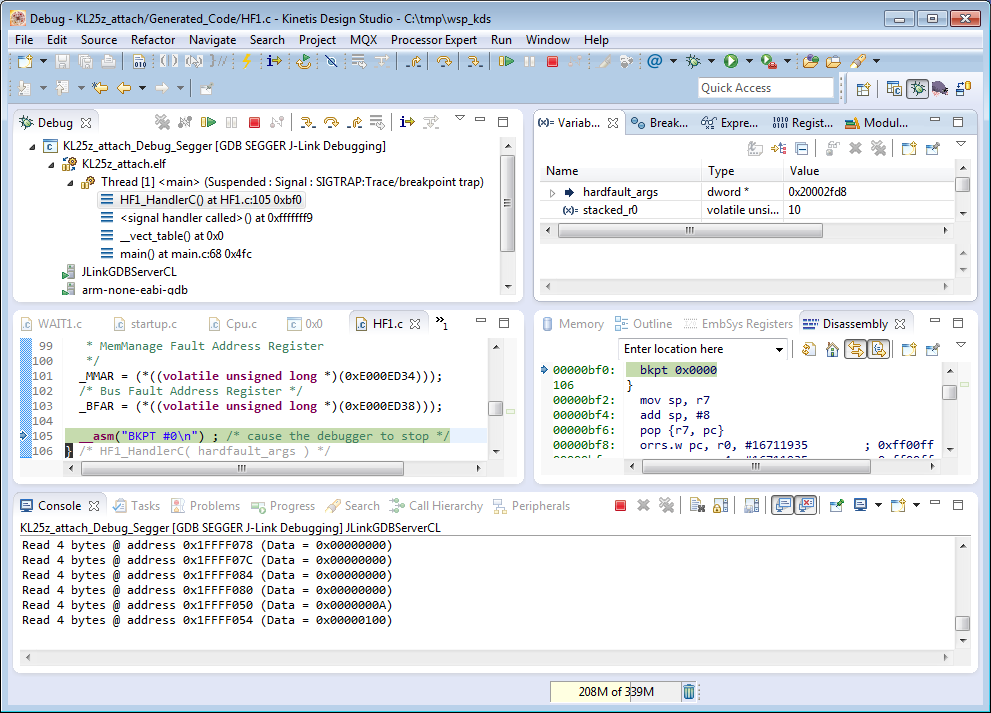
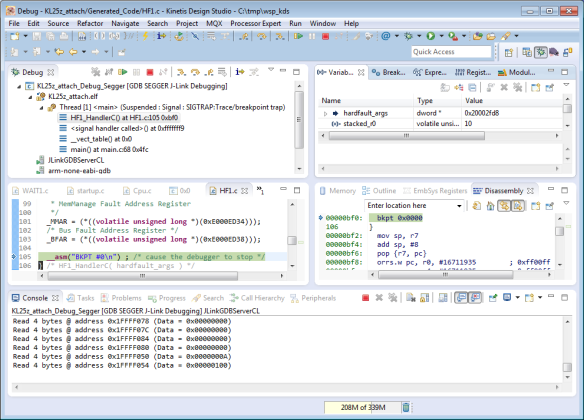
This happens several times for me: I have a board running for a while (even for days), and then it crashes or is stuck somewhere. Yes, I usually use a watchdog do recover from that situation. But it would be good to know and debug the problem. With CodeWarrior I had the functionality in the debugger to ‘attach’ or ‘connect’ to a running (stuck/crashed) board. However, with Eclipse/Kinetis Design Studio/GDB this is a different debugger, and not possible. At connection time with the debugger the target does a reset, so I don’t know any more where the application crashed. But now I have a solution, at least with the Segger GDB :-).
Using Kinetis Design Studio with IAR Embedded Workbench IDE
For everyone who wants to combine the power of Eclipse and Processor Expert with the IAR Embedded Workbench IDE, here is how to get them working side by side:
Continue reading