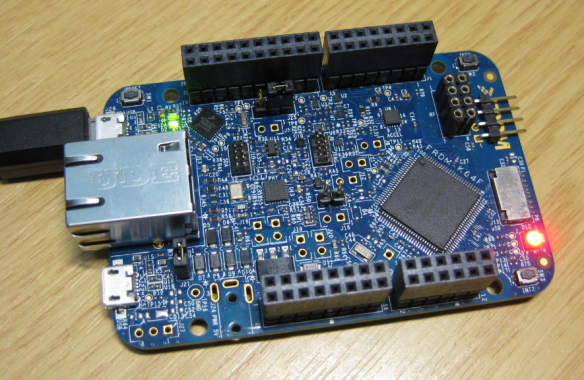
USB with the Freescale FRDM-K22F Board

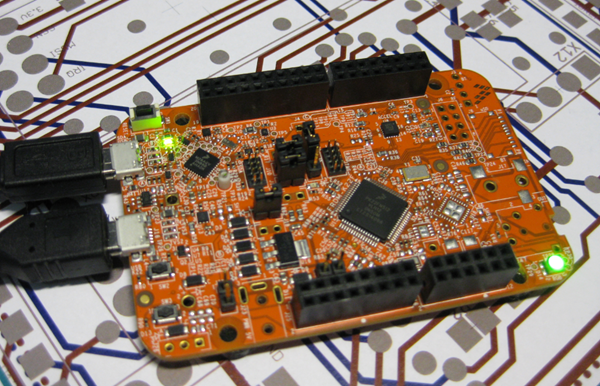
The FRDM-K22F is one of the latest members of the Freedom board families: 512 KByte Flash, 128 KB RAM and the usual Freedom board components on it. Unfortunately, Freescale decided not to populate the micro-SD card connector on the board, so from this perspective the FRDM-K64F is more value for the money. But the board has USB, so this makes it still interesting. And this is what this post is about: Adding USB to the FRDM-K22F board in a few minutes…

Freescale FRDM-K22F Board

Freescale FRDM-K22F Board

Continue reading

Tutorial: Playing MP3 Files with VS1053B and FRDM Board

I want to make some noise with this post!!! This tutorial is about adding music and sound capabilities to the Freescale Freedom board, and to have a lot of fun with it :-). I need this ability for a larger project working on for a while. But I thought I share that sub-part how to play sound files. So with this tutorial I can turn my Freescale Freedom board into a music or sound player :-). And adding sounds is a cool way for any project, and as the music is stored on an SD card it fits easily hours of music or sounds.

MP3 Player with FRDM-KL25Z

MP3 Player with FRDM-KL25Z and Adafruit Music Maker MP3 Shield

Continue reading

Recovering the FRDM-K64F Bootloader, or: Cloning the Program of a Microcontroller

The Freescale FRDM-K64F and FRDM-K22F have a different OpenSDA (v2) firmware on it: unlike the earlier (v1), that firmware is open and not protected which is a great thing. However, it has the disadvantage if you use the wrong SWD/JTAG header on your board, the bootloader on the K20 OpenSDA microcontroller is gone 😦

Two SWD Headers on FRDM-K64F Board

Two SWD Headers on FRDM-K64F Board

Continue reading

NeoShield: WS2812 RGB LED Shield with DMA and nRF24L01+

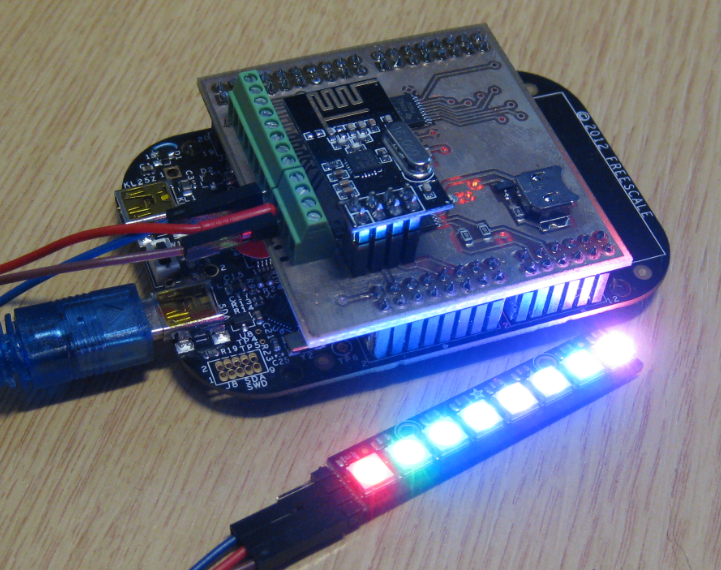
In my earlier post I used a hacked together shield for building a clock based on Adafruit’s NeoPixel/WS2812 (“LED Clock with Kitchen Hot Pan Protector“). The new design supports now 8 parallel data streams, integrated realtime clock and wireless connectivity with the nRF24L01+ module.

NeoPixel Shield for FRDM Boards

NeoPixel Shield for FRDM Boards

Continue reading

Tutorial: FreeRTOS with the Kinetis SDK and Processor Expert

Freescale had announced at FTF back in April this year that they will use Kinetis Design Studio  and the Kinetis SDK for all new Kinetis devices. The switch from CodeWarrior to Kinetis Design Studio (see “Comparing CodeWarrior with Kinetis Design Studio“) was not much of big deal for my projects (although CodeWarrior still has better features), and projects are rather easily portable. However, the move to the Kinetis SDK has been massively disruptive: Before it was easy to move projects from one device to another with Processor Expert, even from S08 to ColdFire to Kinetis. Now with the Kinetis SDK everything is very different. At least Freescale now officially supports FreeRTOS, and for myself as a big fan of that open source RTOS, that was some good news.
Blinking Red LED with FreeRTOS Task using Kinetis SDK, FreeRTOS and Processor Expert

Blinking Red LED with FreeRTOS Task using Kinetis SDK, FreeRTOS and Processor Expert

So in this tutorial I’m showing how FreeRTOS can be used with the Kinetis Design Studio. That makes at least using the Kinetis SDK bit more familiar to me :-).

Continue reading

Debugging Failure: Check List and Hints

I think the biggest frustration point for any new or even seasoned engineer is the debugging phase: my application finally builds fine, but I’m not able to connect and download it to the target board :-(. In my view the debugging part is the most fragile part of the development process. I’m always very relieved if I can connect to a brand new board, because I know if it does not work, then the problem could be a very bad one, costing my several hours or even days to overcome it.

Remote Communication Error

Remote Communication Error, what now?

Continue reading

USB with the TWR-KL25Z48M Board: Check Jumper J18!

When I ordered my first Freedom FRDM-KL25Z board, I placed an order the Tower TWR-KL25Z48M shortly afterwards. But I was so happy with the FRDM-KL25Z, and because the FRDM board is much less expensive and easier to handle, that Tower board was sitting in my board shelf, waiting for a maybe a student project or to get any other use of it. Well, I can tell that my students wanted the FRDM board, not the Tower board ;-). But when I saw this week in the Freescale forum a user asking for a USB example for that Tower board, I thought that now I could at least use that board to help someone out.

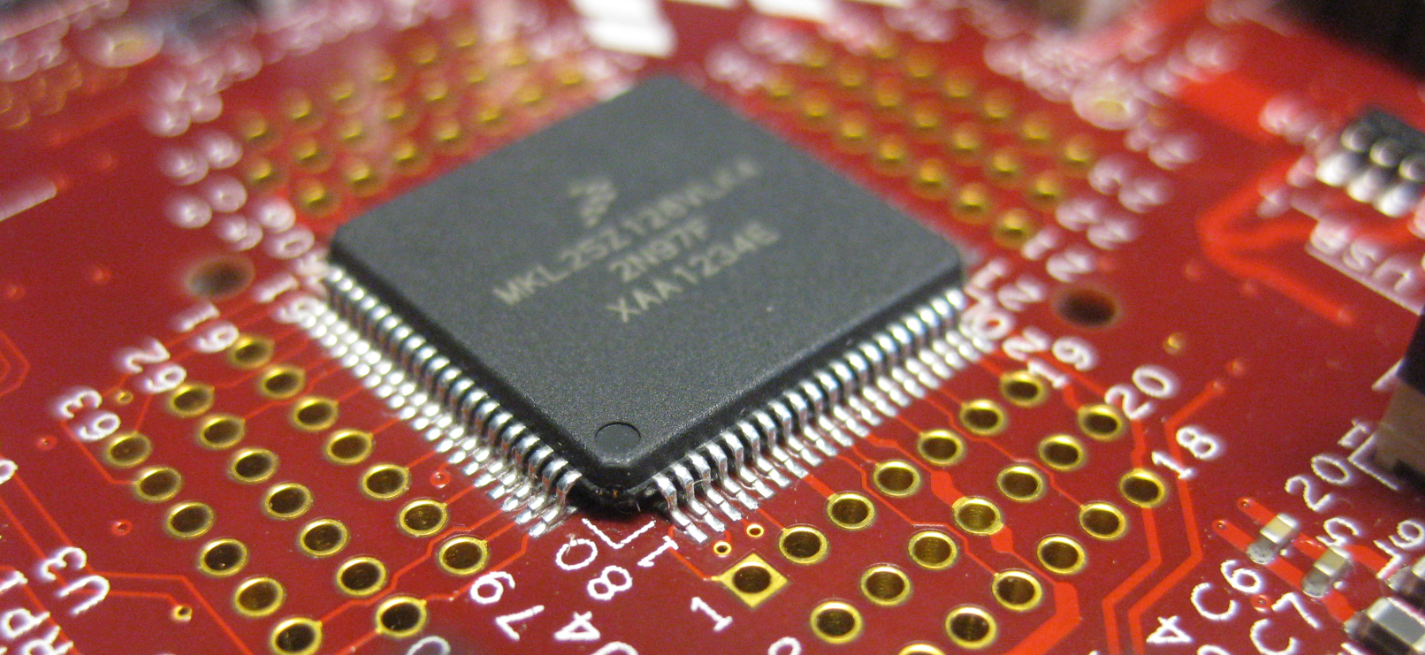
MKL25Z128VLK4 on the TWR-KL25Z Board

MKL25Z128VLK4 on the TWR-KL25Z48M Board

Continue reading

Zumo Robot with WiFi and GPS

It always takes longer than expected: actually 4 weeks from the first board out of the reflow oven (“First New Zumo Board out of the Reflow Oven“), until I have it working on the Pololu chassis. But now I have a mobile Robot with WiFi, GPS, Bluetooth, nRF24L01+ and all the stuff I have dreamed off 🙂

New Zumo Robot

New Zumo Robot

Continue reading

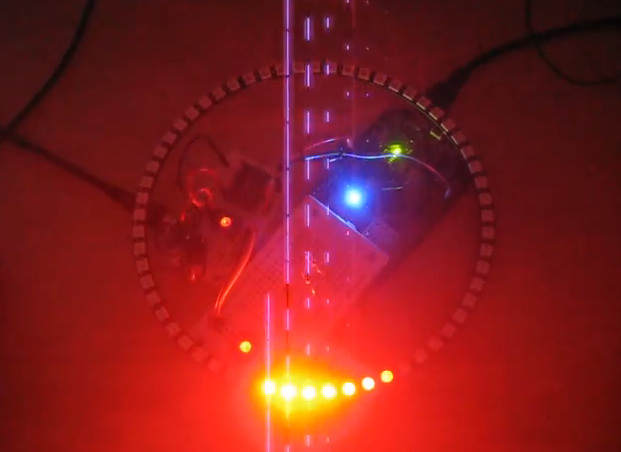
Adafruit NeoPixel Clock with 60 LEDs

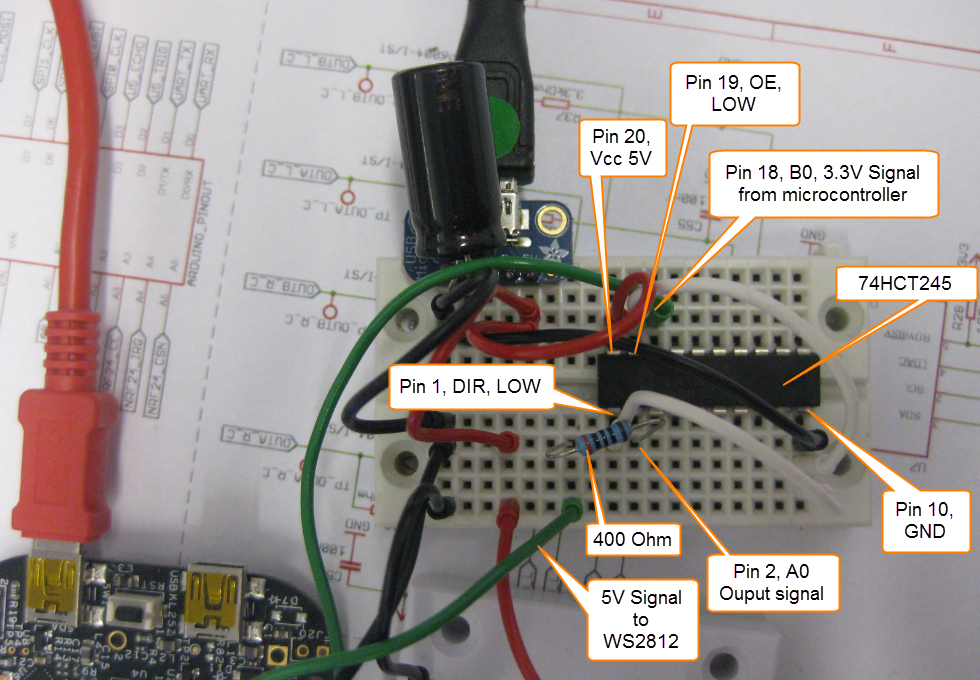
After the problems with level shifters (see “First Adafruit NeoPixel Blinks with the FRDM Board“) I received the ordered 74HCT245N. Put it on a bread board, wired it up, … only to find out that the device gets very hot… turned off power, and realized that had the device put in with a wrong orientation 😦 oh darn! That’s why I always order things like that in quantities of 3 or more :-). Corrected the mistake, and things are running (or blinking) again 🙂

74HCT245 Wiring for WS2812

74HCT245 Wiring for WS2812

Continue reading

First Adafruit NeoPixel Blinks with the FRDM Board

LEDs are getting smarter these days. An amazing example are the WS2812(B) or ‘NeoPixels’ from Adafruit: RGB LEDs with a built-in constant current controller and shift register! With a single wire data wire hundreds of RGB LEDs can be controlled. Exactly what I need for a project I had in mind for a very long time. So I ordered a bunch of different LEDs from Adafruit to experiment. Exactly the right thing on dark and rainy week-end. And the result is, well: bright and colorful 🙂

Adafruit NeoPixel LED Ring

Adafruit NeoPixel LED Ring

Continue reading