Command Line Programming and Debugging with GDB

Eclipse with GDB is great: it comes with a graphical front end for debugging. But sometimes it is all about to download a program. Is it really necessary to launch an IDE like Eclipse to program or quickly debug a board? With the GNU Debugger (GDB), the answer is ‘no’: GDB comes with a command line debugger which is designed exactly for this: providing a command line interface for programming/downloading and debugging, bypassing any GUI (Graphical User Interface).

Combination of GDB Debugging Probes and Boards

Combination of GDB Debugging Probes and Boards (P&E, Segger and FRDM-KL25Z)
Continue reading

OpenOCD/CMSIS-DAP Debugging with Eclipse and without an IDE

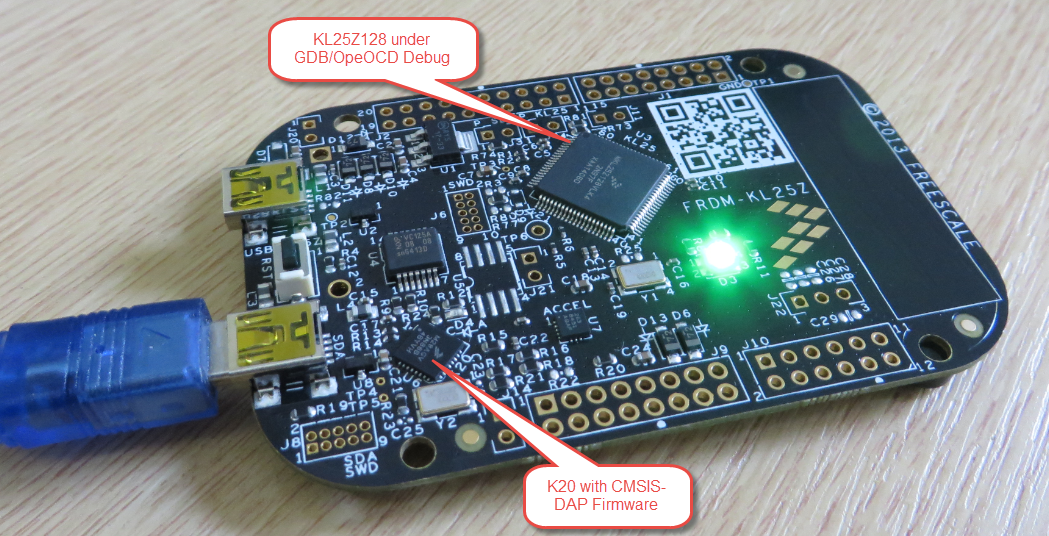
OpenOCD is an open source and free-of-charge debugging solution, which is a great option here at the University of Lucerne, as students do not need to buy an expensive debugging probe. Still, I recommend to buy professional probes like the P&E or Segger ones, as they are worth every (Euro) cent. But for a ‘zero’ budget, OpenOCD with CMSIS-DAP is something to consider. And with Kinetis Design Studio using the GNU ARM Eclipse Plugins, OpenOCD is not that hard to be used. And because both Freescale and GNU ARM Eclipse offer OpenOCD Windows binaries, that connection method is in the reach of Windows users too.

FRDM-KL25Z with OpenOCD Debug

FRDM-KL25Z with OpenOCD Debug

Continue reading

Attaching to a Running Target with Segger J-Link, GDB and Eclipse

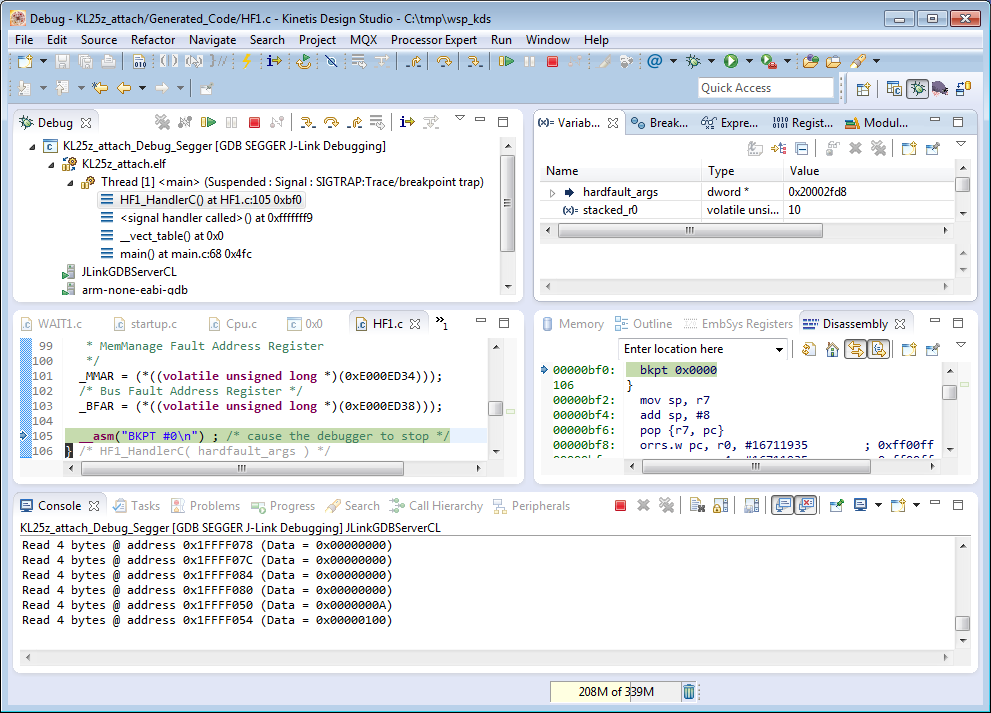
This happens several times for me: I have a board running for a while (even for days), and then it crashes or is stuck somewhere. Yes, I usually use a watchdog do recover from that situation. But it would be good to know and debug the problem. With CodeWarrior I had the functionality in the debugger to ‘attach’ or ‘connect’ to a running (stuck/crashed) board. However, with Eclipse/Kinetis Design Studio/GDB this is a different debugger, and not possible. At connection time with the debugger the target does a reset, so I don’t know any more where the application crashed. But now I have a solution, at least with the Segger GDB :-).

Debug Hard Fault Attached Target

Debug Hard Fault Attached Target

Continue reading

Using Kinetis Design Studio with IAR Embedded Workbench IDE

For everyone who wants to combine the power of Eclipse and Processor Expert with the IAR Embedded Workbench IDE, here is how to get them working side by side:KDS with IAR Continue reading

Updated Percepio Tracealyzer and Trace Library to Version V2.7.0

Percepio has recently released the v2.7 version of Tracealyzer. This is a major upgrade from the v2.6 version which I have used so far: time to upgrade my Trace component for FreeRTOS to the latest and greatest v2.7!

FreeRTOS Plus Trace View

FreeRTOS+Trace View (V2.7)

Continue reading

Snow Plowing (Darth Vader) Sumo Bot

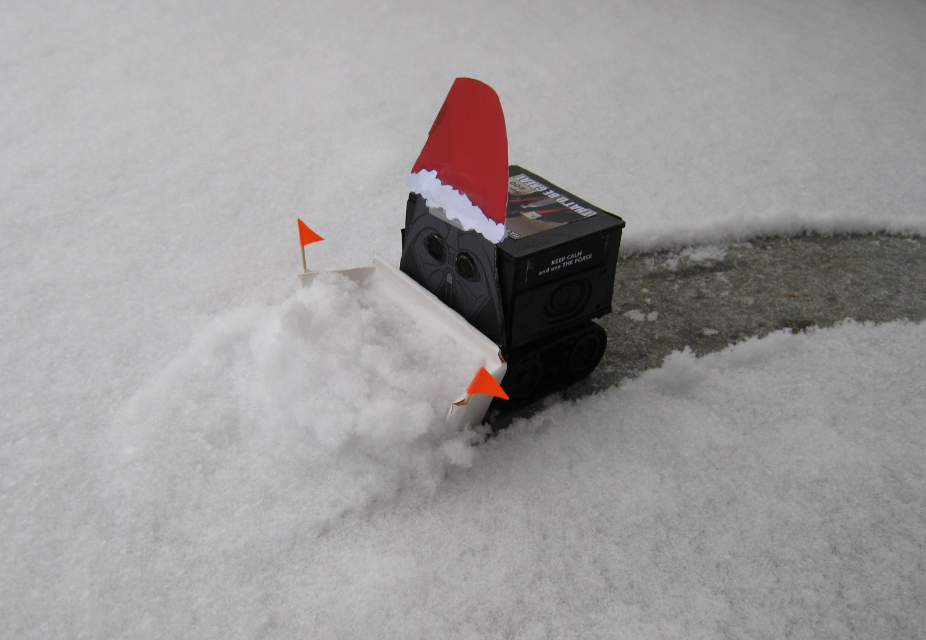
Finally, winter with lots of snow arrived in Switzerland. Getting up at 5am this morning to free up my front yard from the 25 cm snow which came down overnight, so I can drive my wife to work. She does not like driving in snow conditions, but it is fun for me :-). But lots of snow, I thought I could use a little helper bot:

Snow Plowing Sumo Bot

Snow Plowing Sumo Bot

Continue reading

USB with the Freescale FRDM-K22F Board

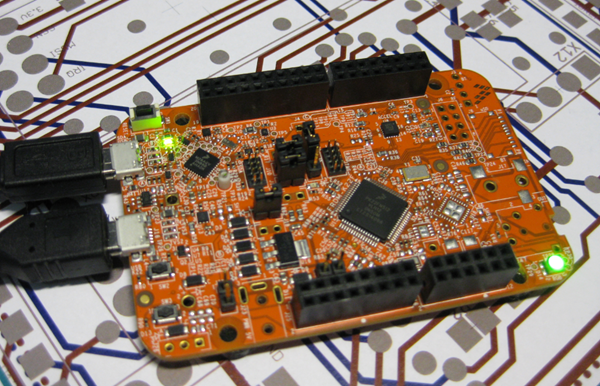
The FRDM-K22F is one of the latest members of the Freedom board families: 512 KByte Flash, 128 KB RAM and the usual Freedom board components on it. Unfortunately, Freescale decided not to populate the micro-SD card connector on the board, so from this perspective the FRDM-K64F is more value for the money. But the board has USB, so this makes it still interesting. And this is what this post is about: Adding USB to the FRDM-K22F board in a few minutes…

Freescale FRDM-K22F Board

Freescale FRDM-K22F Board

Continue reading

Sumo with GoPro, and other Sumo Videos

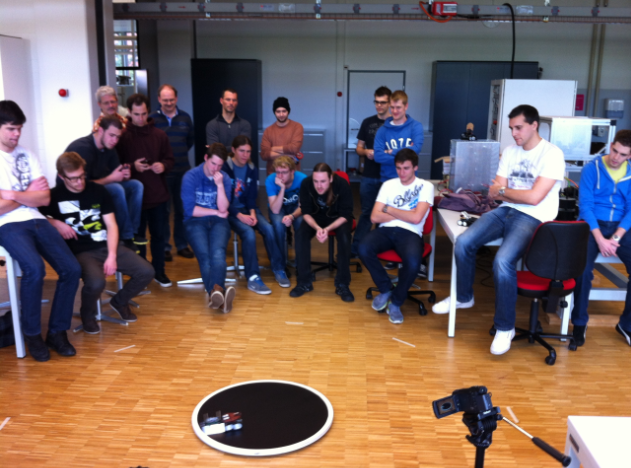
Here are the videos and results of the Mini-Sumo competition held on 19-Dec-2014 in Horw, Switzerland:

  • Winner full-autonomous tournament: “The:Flash”
  • Winner semi-autonomous tournament: “Banana-Rob”

See “Infotronic WS2014 Sumo Robots are Ready!” for all the robot portraits.

Watching a Sumo Battle

Watching a Sumo Battle

Continue reading