Using Segger Real Time Terminal (RTT) with Eclipse

I have used semihosting more and more in my projects. However, there are several disadvantage of using it:

  • Without special handlers, it only works with an active debug connection going on. Without a debugger attached, the application blocks otherwise.
  • Because it needs debugger interactions, it is rather slow (only several hundreds of bytes per second)

The good news is that Segger supports with their debug probes a faster approach with what they name Real Time Terminal (RTT). And it even runs without a debugger attached to the board: all what I need is a Segger J-Link probe (or Segger J-Link OpenSDA) plus a telnet client.
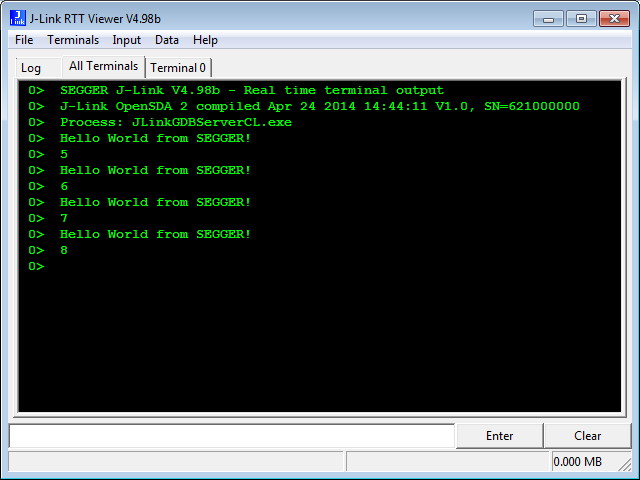
Segger RTT Viewer

Segger RTT Viewer

Continue reading

How to Reset an ARM Cortex-M with Software

There are cases when I need to do a reset of the device by software. For example I have loaded the application image with the bootloader, and then I need to perform a reset of the microcontroller to do a restart. As a human user I can press the reset button on the board. But how to do this from the software and application running on the board, without user manual intervention? Or if I simply want to reset the system for whatever reason?

Performing a Software System Reset with Kinetis Design Studio
Continue reading

Freescale Kinetis CAD Footprints and Symbols for Eagle/Altium/etc

One question I have received many times:

“Where can I find the Eagle footprint for Kinetis device XYZ?”

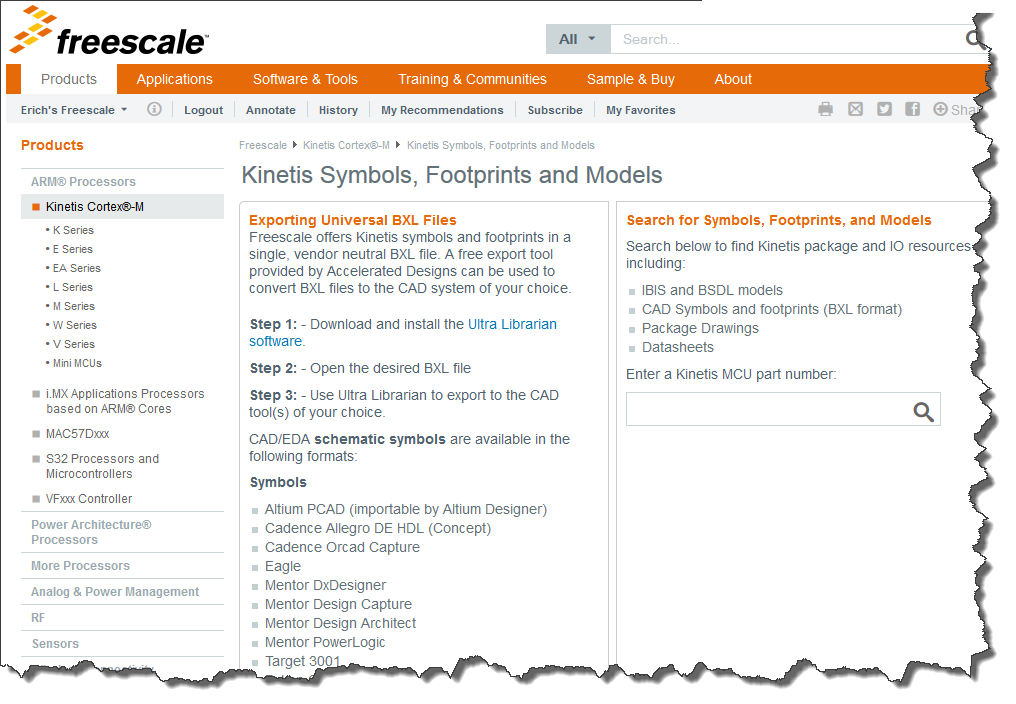
(replace Eagle with Altium or any other CAD/PCB Layout/Schematics program). So far I had to point either to Google, or to the symbols I have used in my design. Finally, Freescale has now a site where footprints can be downloaded :-):

Kinetis Footprints

Kinetis Footprints

Continue reading

Hello World!! :)

Hello to all the amazing viewers of this fantastic blog! I am Manya Rastogi, a Master’s student at Texas A&M University pursuing Electrical Engineering. This summer, I got a wonderful opportunity to intern at Freescale, as a Technical Product Marketer for the Kinetis Microcontrollers.
Freescale gave me the great chance to attend the Freescale Technology Forum 2015, where I met Erich, a very talented engineer and blogger.  I am really grateful to him for giving me the chance to be his guest blogger.

Continue reading

Impressions from Freescale Technology Forum 2015

With Freescale merged into NXP, I guess this was the last FTF (Freescale Technology Forum) after a history of 10 years. Maybe it will transform into a ‘NTF’, at least I hope that such an energizing event and conference will continue in the new NXP area. I was busy with delivering my own sessions, but had time to meet and greet and see a lot of interesting stuff. After visiting the TechLab several times and after all the discussions with other embedded enthusiasts I have now many cool projects in mind :-).

So what I do here is to share some impressions with pictures and videos. It will take me weeks to absorb everything. Not to talk about the huge email backlog I have now ;-). So enjoy:

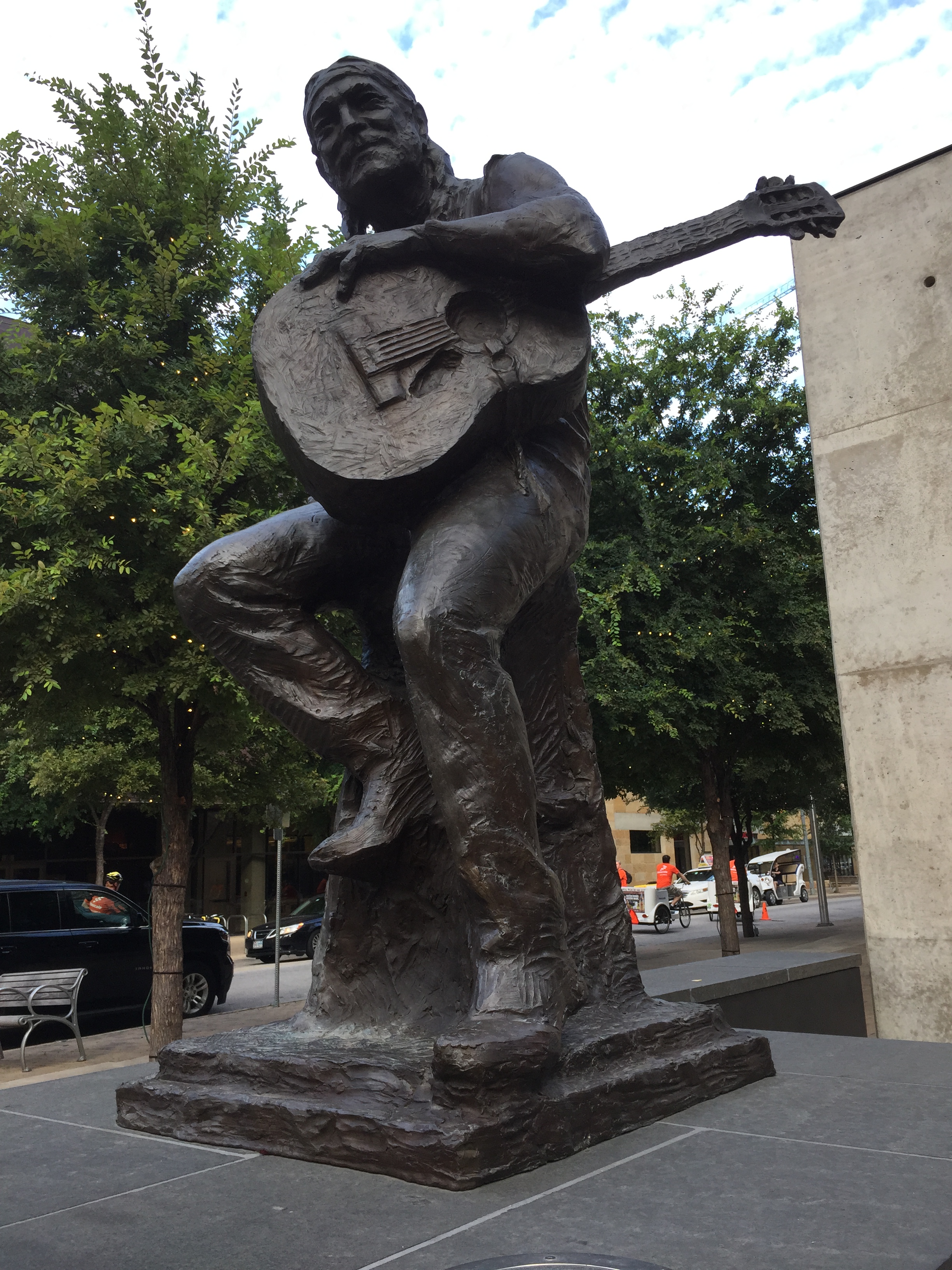
Willie Nelson at ACL (Austin City Limit)

Willie Nelson at ACL (Austin City Limit)

Continue reading

Code Coverage with gcov, launchpad tools and Eclipse Kinetis Design Studio V3.0.0

What makes Eclipse great: using open source tools there are a lot of tools and techniques available which usually are only provided for desktop development.

A while back I described how to do code coverage with Eclipse Kepler and the GNU ARM Embedded (launchpad) tools (see “Code Coverage for Embedded Target with Eclipse, gcc and gcov“). With Kinetis Design Studio out, time to do the same with that Eclipse distribution, especially as Freescale is now using the stock GNU ARM Embedded tools too.

Coverage with multiple Files

Coverage with multiple Files

Continue reading