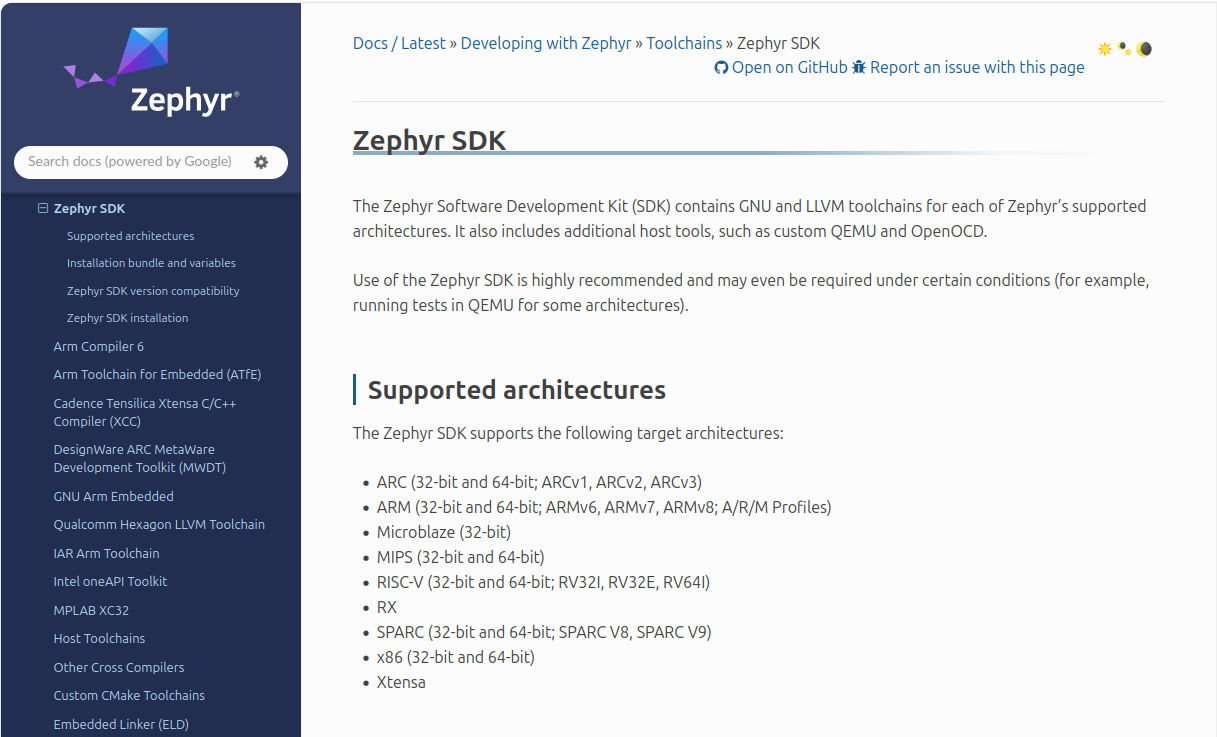
In my previous article “Zephyr RTOS Workspace Setup Cheat Sheet (west, SDK, Python, Build Tools)” I showed how to install a Zephyr workspace and the necessary dependencies. One step was to install the toolchain. And it was a simple ‘west sdk install’. Because the correct toolchain is a crucial part, it deserves a closer look
Setting up the correct tools for a development environment can be complex and time consuming. I’m using DevContainers with Docker for almost all of my projects. Because that way I get an isolated development environment. For this I spend time to craft dedicated docker files, to have everything installed correctly with the the right versions.
Outside a docker or DevContainer environment, I’m using the NXP MCUXpresso installer. It is a standalone application which can be used from VS Code to check and install all the necessary tools.
MCUXpresso Installer
In this article, I show how to have the NXP MCUXpresso Installer installed in a DevContainer so it can be used with VS Code.