This is the third part about ARM Cortex-M and how the interrupts are used. In Part 1 I discussed the Cortex-M interrupt system and in Part 2 I showed nested interrupt examples. This part is about FreeRTOS and how it uses the Cortex-M interrupt system.
Category Archives: Building
ARM Cortex-M, Interrupts and FreeRTOS: Part 1
The ARM Cortex-M microcontroller are very popular. And it has a very flexible and powerful nested vectored interrupt controller (NVIC) on it. But for many, including myself, the Cortex-M interrupt system can be leading to many bugs and lots of frustration :-(.
Understanding the NVIC and the ARM Cortex-M interrupt system is essential for every embedded application, but even for if using an realtime operating system: if you mess up with interrupts, very bad things will happen….
Semihosting (again!) with NXP Kinetis SDK V2.0
I kind of hoped that after “Why I don’t like printf()” and all my other articles about printf and semihosting, that topic would be 200% handled and I won’t have to deal with any more. Well, I was wrong and underestimated how the Kinetis SDK is interfering with semihosting. And I underestimated how many of my readers are still using semihosting (even as there are other and better alternatives), so I keep getting questions and requests for help. That’s ok, and I hope I can help :-).
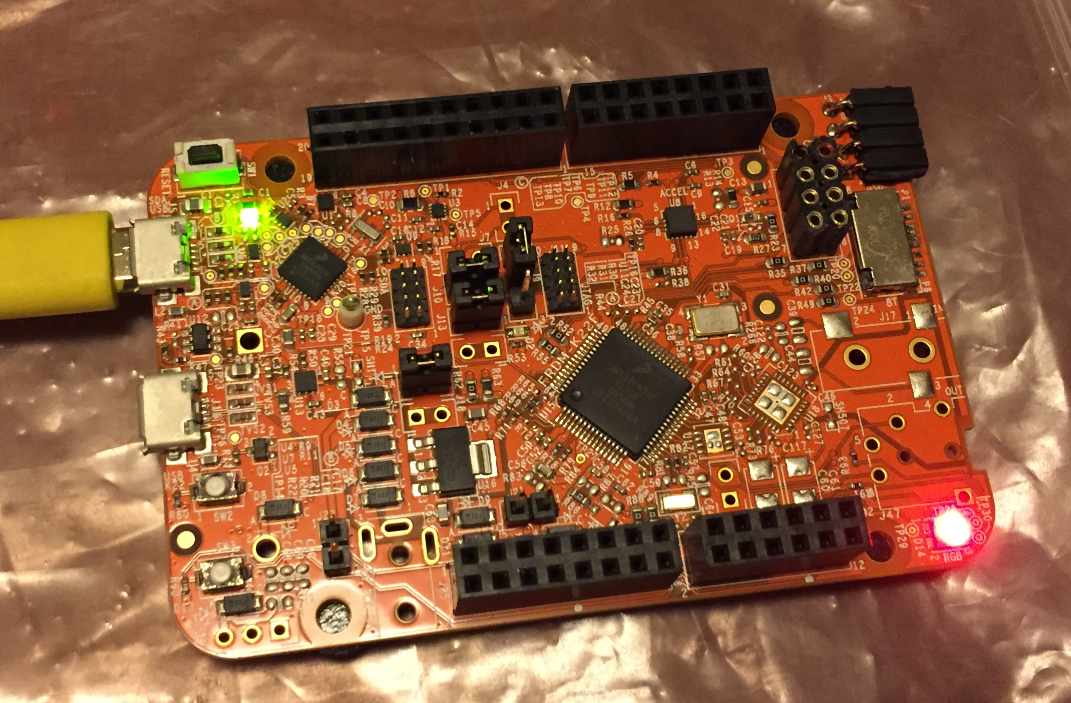
So here is yet again another post about how to turn on semihosting with Eclipse, GNU ARM Embedded and the Kinetis SDK v2.0. This time with the FRDM-K64F board:
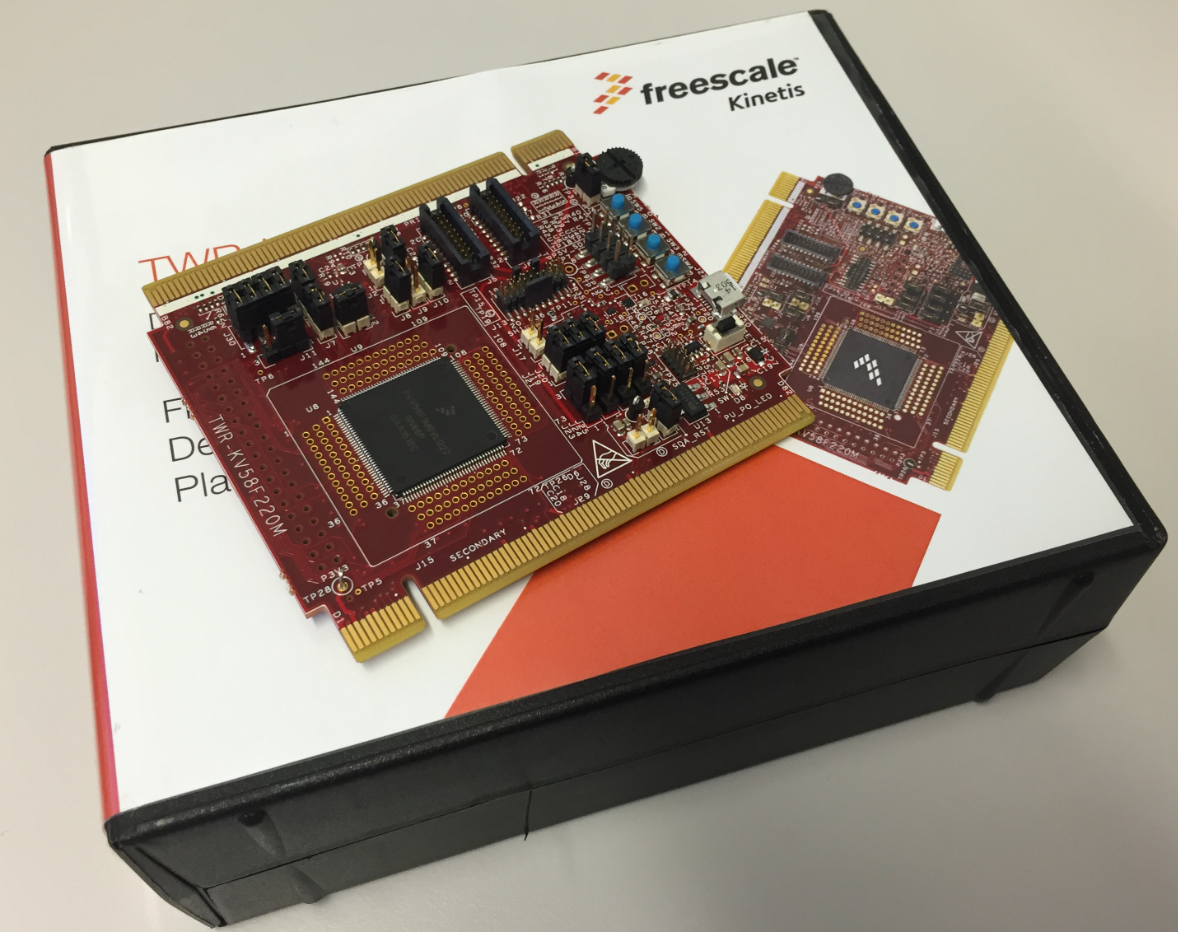
First steps: ARM Cortex-M7 and FreeRTOS on NXP TWR-KV58F220M
For a university research project I need a fast microcontroller with lots of RAM and FLASH memory. I have ordered a TWR-KV58F220M board from NXP which arrived yesterday. The special thing is that it has on of these new ARM Cortex-M7F on it:
Build and Clean Selected Files in Eclipse CDT
Sometimes it is very useful to clean or build a selected set of files. For this I select the file(s) in the Eclipse Project Explorer and use the context menu:
Tutorial: Blinky with NXP Kinetis SDK V2.0 and Processor Expert
In “Mother of Components: Processor Expert with NXP Kinetis SDK V2.0 Projects” I presented an approach how to use Processor Expert components with the NXP Kinetis SDK. This article is a tutorial how to create a blinking LED project with that approach, using McuOnEclipse Processor Expert components and the Kinetis SDK V2.0. As board the FRDM-K22F is used:
Build Configurations in Eclipse
Eclipse based IDE’s have a powerful feature to make ‘variants’ of the same projects: Build Configurations. Build configurations are a powerful thing in Eclipse: they allow me to make ‘variants’ of a project. The project will share the common things, and I can simply tweak things one way or the other for example to produce a ‘release’ or a ‘debug’ binary of my application without duplicate the project.
Build configurations are manged through either the context menu on the project or with the top menu:
Mother of Components: Processor Expert with NXP Kinetis SDK V2.0 Projects
Unfortunately, now the NXP Kinetis SDK V2.0 does not include Processor Expert support (see “First NXP Kinetis SDK Release: SDK V2.0 with Online On-Demand Package Builder“). But at the Lucerne University we are using more than 150 different custom Processor Expert components we would like to use with that new SDK. So how to make them working with the Kinetis SDK V2.0? Using a Processor Expert as “the mother of all components”:
Continue reading
Assembly Files in Eclipse CDT Projects
My embedded applications are implemented mostly in C, a few in C/C++. But all of them have one or few assembly files included too: Assembly programming is the needed to do low-level things so it is a natural part of a true embedded application. For example I use often an assembly file for the application startup code.
I have run into a nasty Eclipse CDT issue which deals with assembly files projects. Here is a quizz for you: can you spot the problem in my project below?
Changing Heap and Stack Size for NXP Kinetis SDK V2.0 gcc Projects
With Processor Expert projects it is very easy to change the heap and stack size: There is a setting for this in the Cpu component settings, under the ‘Build options’ tab:
As there is no Processor Expert in the NXP Kinetis SDK V2.0 (see “First NXP Kinetis SDK Release: SDK V2.0 with Online On-Demand Package Builder“), how to do the same in a SDK V2.0 project?