Thanks to Erich and FRDM-K64F!! :)

It has been a long time since I wrote my last blog. I really want to apologize to you all for the delay, but I was busy with another project about the competitive analysis of Freescale with our competitors. I hope I can provide you guys later with some important findings from my research.

Well as far as my project for neopixels using FRDM-K64F is concerned, Erich wrote the wonderful tutorial for all of us to turn on the NeoMatrix. I tried my hands on that and I was indeed able to turn on the board but not in the way I wanted it to. 😦 So, it turns out that I got few LEDs turning blue or some turning green. I asked Erich about it and I got to know that it is because I screwed up with the timing signals. I was using an oscilloscope and not a logic analyzer but Erich’s recommendation was to use the Logic Analyzer. This was the result of my experiment following Erich’s tutorials.

Tutorial: Adafruit WS2812B NeoPixels with the Freescale FRDM-K64F Board – Part 1: Hardware
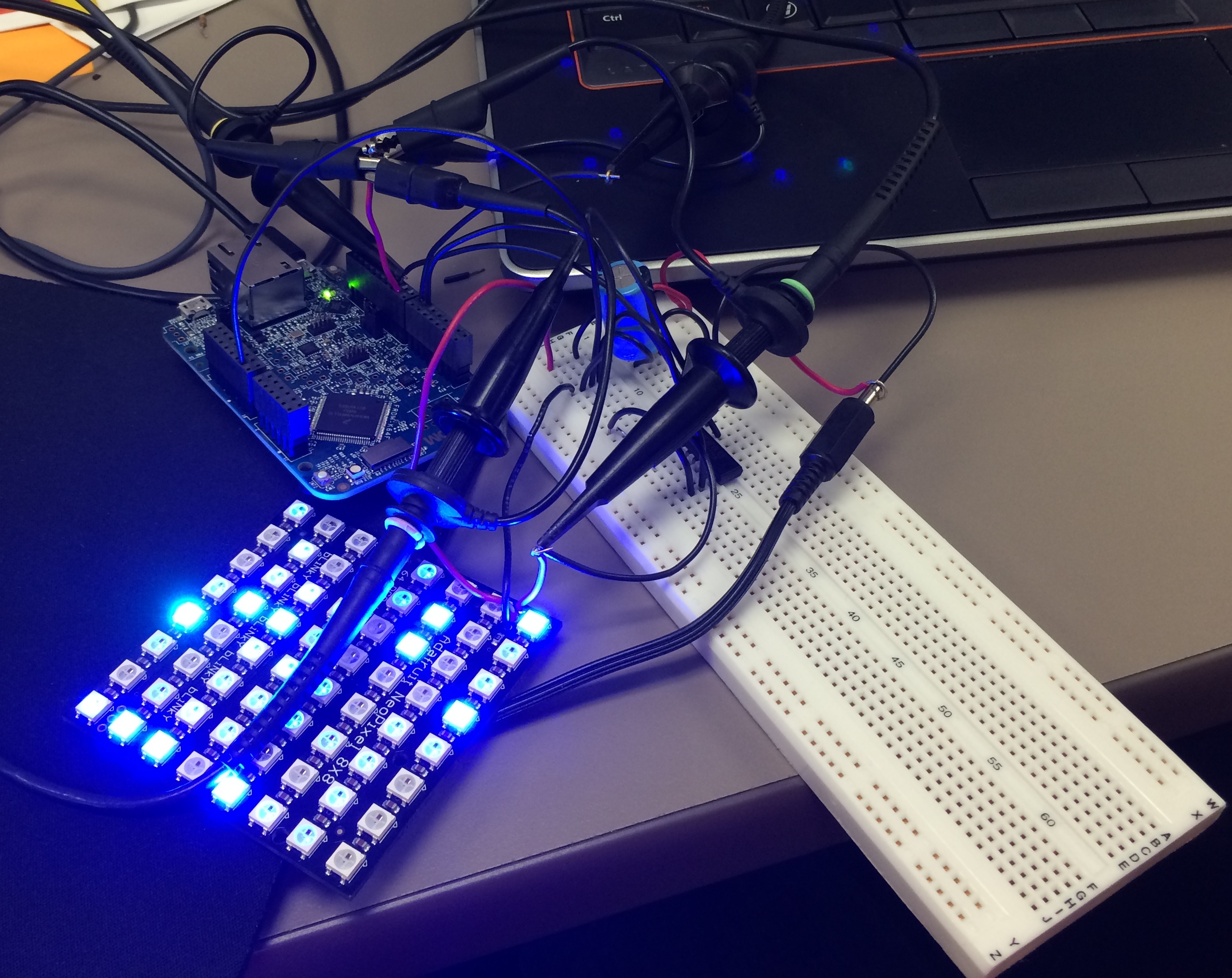
IMG_1246

The Hardware

Continue reading

Translating for the world …

English is not my first language, but I use it in this blog because that way I can reach a broader audience. If I would use Swiss German, only a few would be able to understand what I write about: “Wänn I würd schwiizerdütsch bruuche, dänn chönt wohl chuum öpper das hie läse” ;-).

Google Translate is not prefect, but still it does a fair job of translating web pages. I have added now a Google translate button to this blog side bar. Click on it and have the web page translated to the language of your choice. Try it out:

GoogleTranslate

💡 If you are speaking Portuguese and want to learn about the Freescale FRDM-KL25Z board, then check out https://hardwarizando.wordpress.com/2015/08/11/introducao-a-kl25z-codewarrior-processor-expert-e-interrupcoes-periodicas/

Happy Translating 🙂

PS: some of the translations by Google are sooooo funny 🙂

Sneak Preview: Profiling Bare Metal Microcontroller Applications with GNU gprof

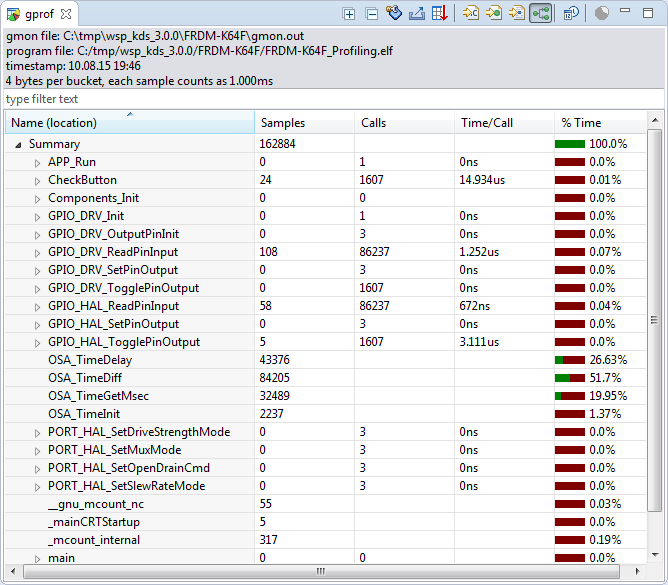
I’m working on a conference paper and presentation, and tonight I had a break-through :-). So how cool is this: Profiling with GNU gprof a bare-metal embedded Cortex-M application (Freescale Kinetis K64F running the Freescale Kinetis SDK) in Eclipse:

Freescale Kinetis Microcontroller Application Profiling

Freescale Kinetis Microcontroller Application Profiling

Continue reading

Tutorial: Adafruit WS2812B NeoPixels with the Freescale FRDM-K64F Board – Part 5: DMA

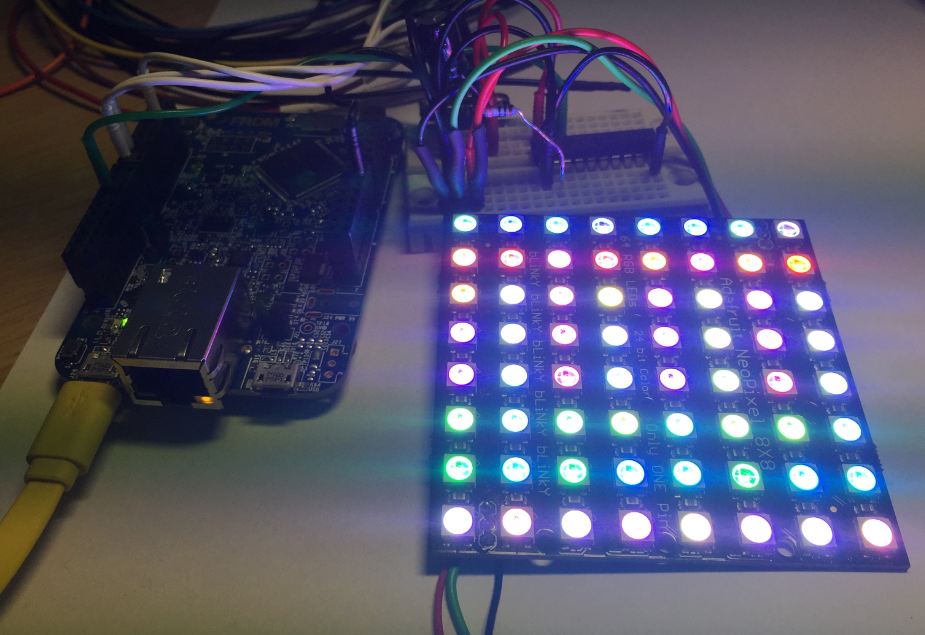
This is Part 5 of a Mini Series. In Part 4, I described how to set up the FTM (Kinetis Flex Timer Module) to generate the required waveforms used for DMA operations (see “Tutorial: Adafruit WS2812B NeoPixels with the Freescale FRDM-K64F Board – Part 4: Timer“). In this post I describe how to use to trigger DMA (Direct To Memory) events. The goal is to drive Adafruit’s NeoPixel (WS2812B) with the Freescale FRDM-K64F board:

FRDM-K64F with Adafruit NeoPixel

FRDM-K64F with Adafruit NeoPixel

Continue reading

Tutorial: Adafruit WS2812B NeoPixels with the Freescale FRDM-K64F Board – Part 4: Timer

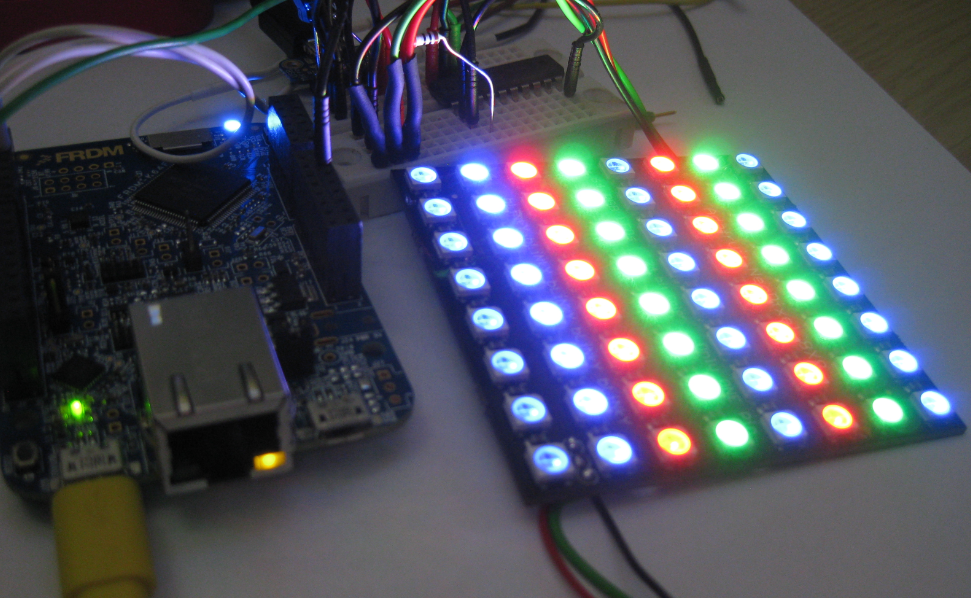
This is Part 4 of a Mini Series. In Part 3, I described the software concepts (see “Tutorial: Adafruit WS2812B NeoPixels with the Freescale FRDM-K64F Board – Part 3: Concepts“). In this post I describe how to set-up the timer to trigger later DMA operations. The goal is to drive Adafruit’s NeoPixel (WS2812B) with the Freescale FRDM-K64F board:

NeoPixels with FRDM-K64F

NeoPixels with FRDM-K64F

Continue reading

Tutorial: Adafruit WS2812B NeoPixels with the Freescale FRDM-K64F Board – Part 3: Concepts

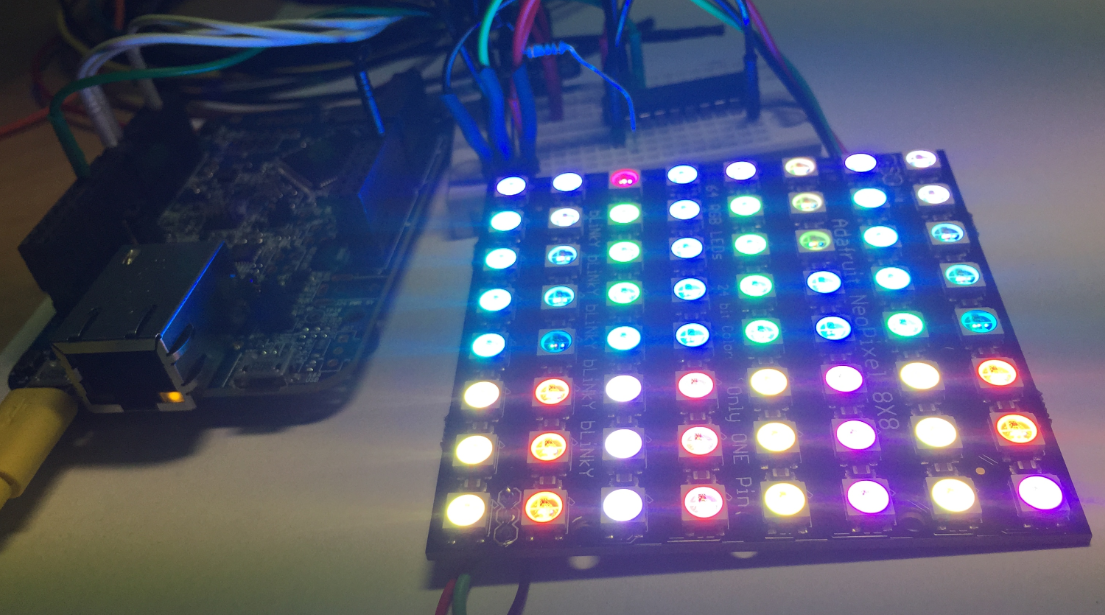
This is Part 3 of a Mini Series. In Part 2, I described how to set up the development tools and to debug the first project (see “Tutorial: Adafruit WS2812B NeoPixels with the Freescale FRDM-K64F Board – Part 2: Software Tools“). Now it is time to look into the software concepts. The goal is to drive Adafruit’s NeoPixel (WS2812B) with the Freescale FRDM-K64F board:

Adafruit 8x8 NeoPixel Shield with Freescale FRDM-K64F Board

Adafruit 8×8 NeoPixel Shield with Freescale FRDM-K64F Board

Continue reading

Tutorial: Adafruit WS2812B NeoPixels with the Freescale FRDM-K64F Board – Part 2: Software Tools

This is Part 2 of a Mini Series. In Part 1, I described how to set up the hardware (see “Tutorial: Adafruit WS2812B NeoPixels with the Freescale FRDM-K64F Board – Part 1: Hardware“). Now it is time to have the software tools ready. In this post I describe to have the IDE (Freescale Kinetis Design Studio) with the Freescale SDK installed, along with the correct firmware on the FRDM-K64F Board. The goal is to drive Adafruit’s NeoPixel (WS2812B) with the Freescale FRDM-K64F board:

Freescale FRDM-K64F with NeoPixels

Freescale FRDM-K64F with NeoPixels

Continue reading

Tutorial: Adafruit WS2812B NeoPixels with the Freescale FRDM-K64F Board – Part 1: Hardware

This is Part 1 of a Mini Series. Manya has challenged herself to use the Adafruit NeoPixels (WS2812B RBG LEDs) with the Freescale FRDM-K64F board and the Kinetis SDK (see “Let’s play with Freescale FRDM-K64F“). I did a while back that with the FRDM-KL25Z board (see “NeoShield: WS2812 RGB LED Shield with DMA and nRF24L01+“). I used Processor Expert in my project (without the Kinetis SDK), and with this setup it is very easy. However, Manya wanted to do this with the Kinetis SDK and without Processor Expert. No surprise to me, she has found out that this setup with the Kinetis SDK and without the usage of Processor Expert is much more challenging (see “Not done yet!!“). I promised to Manya to give her a helping hand, so here we go! 🙂

Adafruit 8x8 NeoPixel Shield with Freescale FRDM-K64F Board

Adafruit 8×8 NeoPixel Shield with Freescale FRDM-K64F Board

Continue reading

FRDM K64F Data Logger using FatFs with KSDK 1.2.0

Check out the article by Wesley Hunter about how to use the FRDM-K64F as a data logger. He describes all the steps how to use the Kinetis SDK v1.2.0 with FatFS.

Happy Logging 🙂

Centaurian's avatarCentaurian

This blog is a guide on how to setup using the FatFs library included with the Kinetis SDK 1.2.0 using mostly the Processor expert within Eclipse Luna. FatFs is a generic FAT file system module for small embedded systems written by Chan. I prefer to use Processor Expert when possible as this will often generate code that is smaller in size than using the KSDK library files direct. I experienced many gotcha’s and complication setting this up and wanted to share how I finally managed to get it to work.

  1. Prerequisites
  2. Create New Project
  3. Open Processor Expert
  4. Add SD card component
  5. Add Init_Port component
  6. Add GPIO component
  7. Configure the clock
  8. Import FatFs
  9. Add Card detection code
  10. FAT file appender function
  11. Disable the MPU

Prerequisites

Before you begin please make sure your development environment is setup and you can already compile and debug code using KSDK 1.2.0 on Eclipse Luna…

View original post 2,197 more words

Unboxing the Freescale FRDM-KL43Z Board

I’m preparing for the next semester at the university starting in September this year. As part of that, I’m currently evaluating the Freescale Kinetis FRDM-KL43Z board:

FRDM-KL43Z Board Unpacked

FRDM-KL43Z Board Unpacked

Continue reading