This is a new article in my series about using Microsoft Visual Studio Code: After installation, project setup, building, debugging, setting up a kit and IntelliSense. This one is about setting up and using FreeRTOS:


This is a new article in my series about using Microsoft Visual Studio Code: After installation, project setup, building, debugging, setting up a kit and IntelliSense. This one is about setting up and using FreeRTOS:
The previous parts were about installation, project setup, building, debugging and setting up a kit. This one is about setting up IntelliSense for Cross Development in Visual Studio Code which allows for browsing symbols or code completion:

The previous parts were about installation, project setup, building and debugging. This one is about defining the ‘tool kit’ so I can make use more of the CMake infrastructure in Visual Studio Code:

The previous parts were about installation, project setup and building. This one is about debugging an ARM Cortex-M Microcontroller with Visual Studio Code:
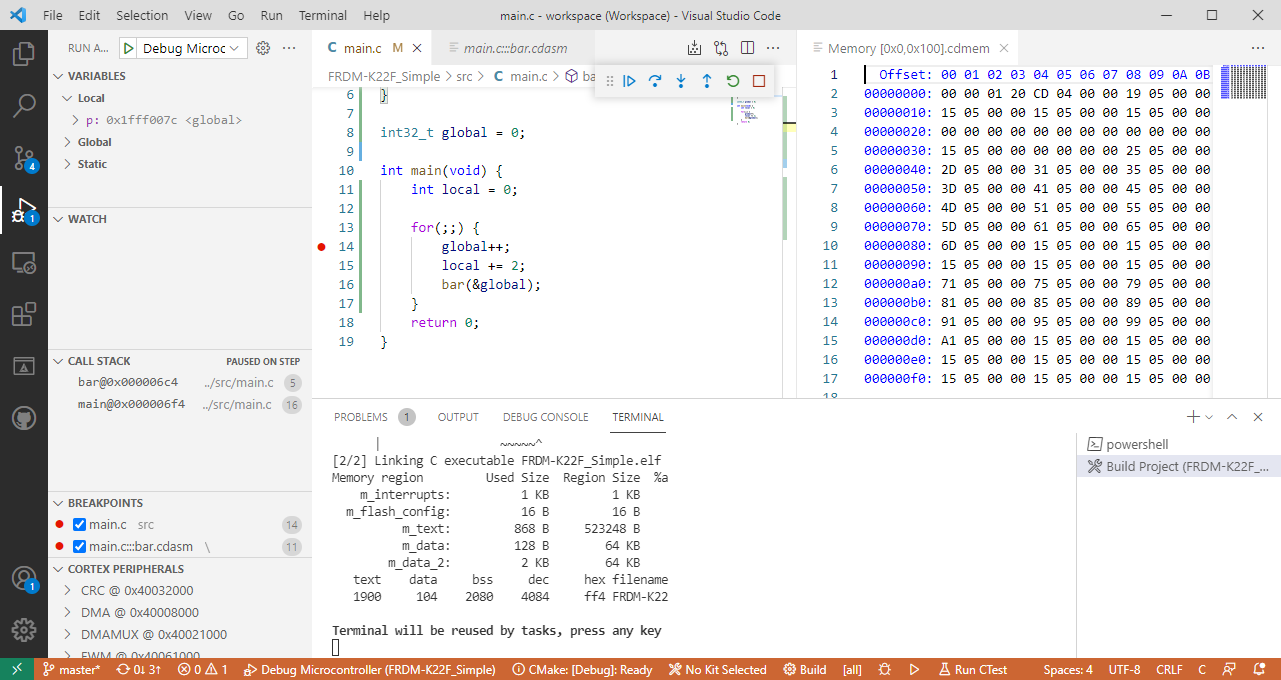
This is the third part in a series to get up and running using the Microsoft Visual Studio Code for embedded development on ARM Cortex-M. So far we have installed the needed tools, created a project and are able to build it from the command line. Now it is about how execute directly scripts or the build from the IDE.

This is the second part of series or articles how to use the Microsoft Visual Studio Code for embedded development on ARM Cortex-M. In this part I’m going to show how to create and build a project using CMake running Make or Ninja as build system.

For a few months I’m learning and using Rust. I’m still learning, but I’m very impressed by the powerful and cool programming language, the vibrant ecosystem, the advanced concepts behind it and by the tools. With learning Rust I have been using the Visual Studio Code IDE and it works great for Rust. But I was wondering: could I use it for my ‘usual’ C/C++ development on ARM Cortex-M devices too? The answer is a clear ‘yes’, and this mini series of articles should get you up and running too.

 MCU on Eclipse