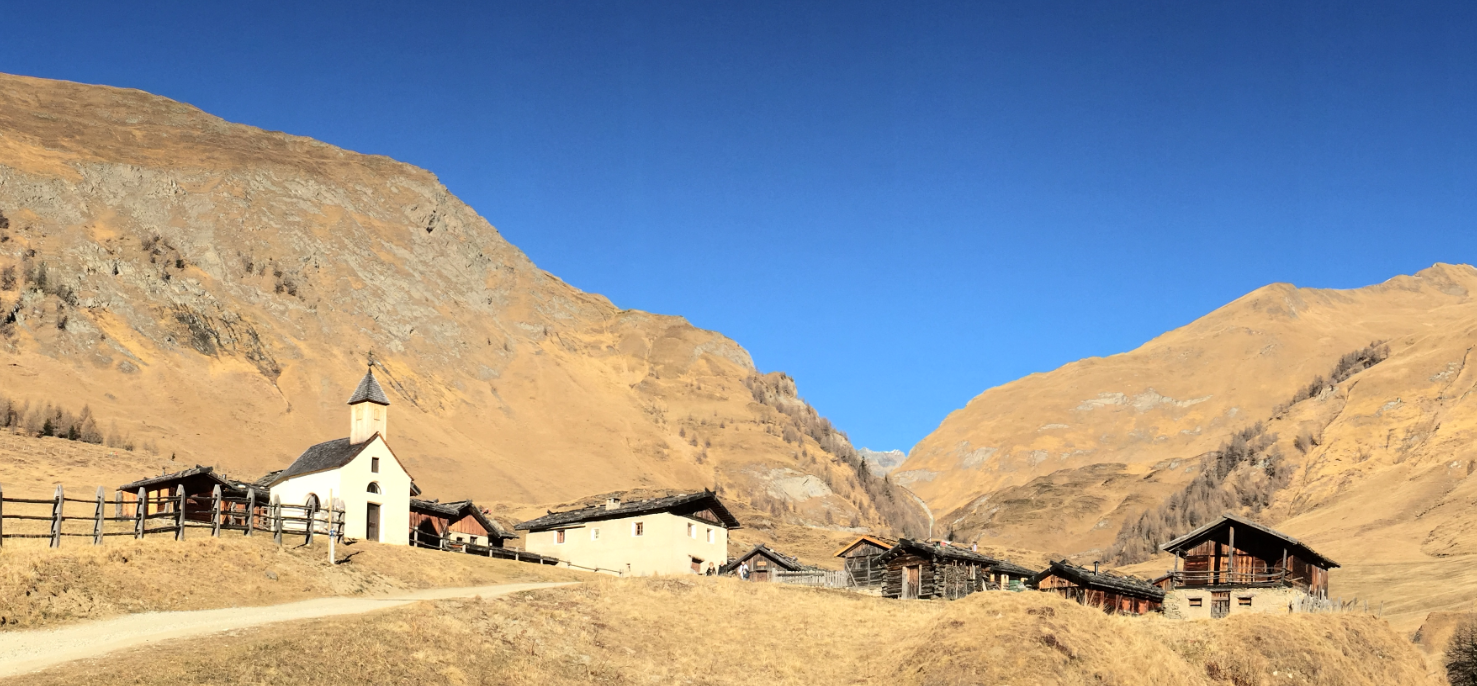
This winter in the Alps is very dry and warm. Because there is no snow it is excellent to do some hiking instead. I’m closing the year with the family in the Italian part of the Alps, and we visited today the Fane Alm, a seasonal alpine pasture. The most beautiful small alpine village I ever have seen. It is located at the top end of the valley of Vals, South Tyrol, Italy.
Yearly Archives: 2015
USB CDC with the Raspberry Pi
For my home automation project with openHAB I want to attach Freescale (now NXP) FRDM (Freedom) boards so they can take care about the realtime aspects and to act as gateways to my other systems. One way is to use USB CDC (Serial over USB) as communication channel. USB has the advantage that it powers the board, plus I can attach multiple devices: up to four on the Raspberry Pi 2 and even more with using a USB hub. In a standard configuration with a USB WiFi and a USB HID (mouse plus keyboard) dongle I still can attach two Freescale (ahem, NXP) Freedom boards to the Raspberry Pi:
Low and Slow: Christmas Smoked BBQ Veal Brisket
Low and Slow as they say in Texas. This year I wanted to finish the BBQ Smoker season with something special: a BBQ Smoked Veal Brisket š
Blinky LED with openHAB on Raspberry Pi
In my earlier post I showed how I have installed the open source openHAB home automation system (see “Installing openHAB Home Automation on Raspberry Pi“). In this post I show how to control a local LED on the Raspberry Pi with openHAB home automation system: how to control any GPIO pin on the Raspberry Pi from remote:
Autostarting openHAB on Raspberry Pi
In “Installing openHAB Home Automation on Raspberry Pi” I have set up openHAB on a Raspberry Pi 2. But when I reboot it, I need to start openHAB manually. This post is about how to start openHAB automatically after a reboot.
Installing openHAB Home Automation on Raspberry Pi
I’m currently building a home automation project around Raspberry Pi: I want to be able to monitor and control things like the lights, garage doors and the heating system both at home and from remote. I already have added a touch screen to one of my Raspberry Pi 2 computers (see “Adding a Touch LCD to the Raspberry Pi 2“). This article is about how to install the openHAB on that Raspberry so it can be the brain of the automation system.
Raspberry Pi Tips: IP Address
Question: What is the IP address of my Raspberry Pi?
Winter Solstice: Good Evening, Red Sunset Sky!
Image
Adding a Touch LCD to the Raspberry Pi 2
I use my Raspberry Pi’s usually with an external VGA or HDMI monitor. How cool would it be to use a touch LCD screen instead?