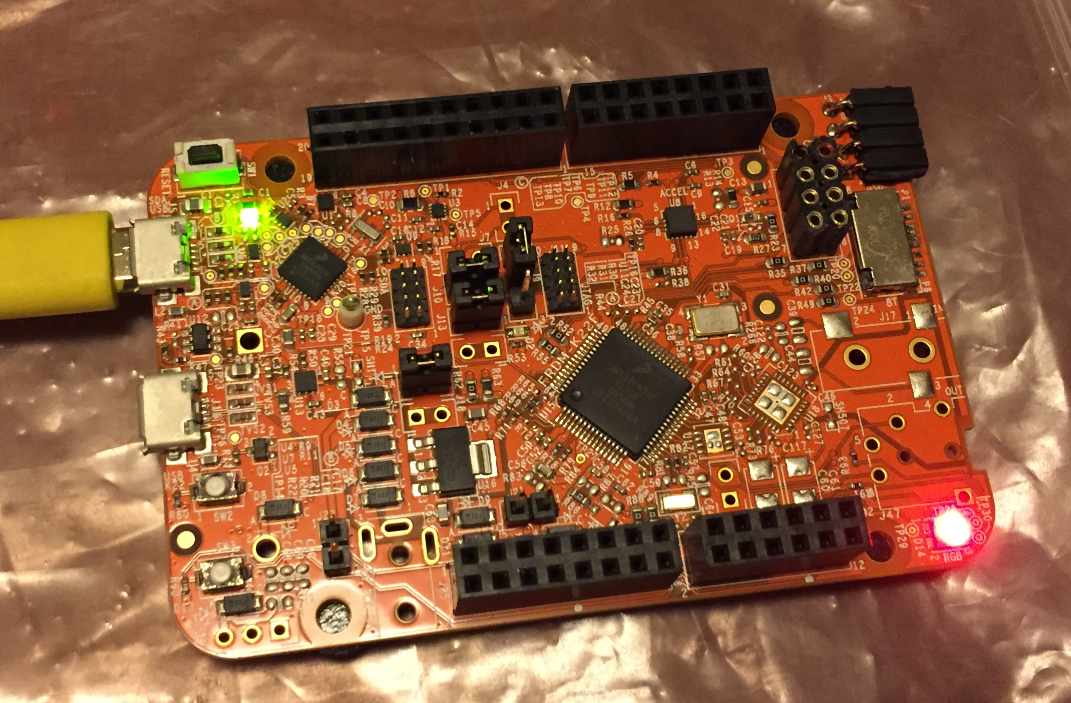
In “Tutorial: Blinky with NXP Kinetis SDK V2.0 and Processor Expert” I used Processor Expert components with the NXP Kinetis SDK to blink some LEDs. This tutorial extends the earlier project and adds FreeRTOS.
Tag Archives: software
Tutorial: Blinky with NXP Kinetis SDK V2.0 and Processor Expert
In “Mother of Components: Processor Expert with NXP Kinetis SDK V2.0 Projects” I presented an approach how to use Processor Expert components with the NXP Kinetis SDK. This article is a tutorial how to create a blinking LED project with that approach, using McuOnEclipse Processor Expert components and the Kinetis SDK V2.0. As board the FRDM-K22F is used:
NXP FTF Hands-On with FreeRTOS Task Aware Debugger
I mentioned the hands-on sessions on FreeRTOS I do this week at NXP FTF Tech Forum in Austin in my previous post. What we are using in the session is an Eclipse plugin in Kinetis Design Studio showing all kinds of FreeRTOS information:
FreeRTOS Thread Debugging with Segger GDB in Eclipse
NXP FTF Tech Forum in Austin has been a blast! I’m running another FreeRTOS hands-on session (FTF-DES-N2048) this afternoon which yet again is fully booked. But we will squeeze in as many as possible from the waiting list.
One very exciting thing we are going to use is FreeRTOS thread awareness in Eclipse/Kinetis Design Studio: to see and debug the FreeRTOS threads in Eclipse using the Segger GDB and it will show the list of threads in the Debug view:
Mother of Components: Processor Expert with NXP Kinetis SDK V2.0 Projects
Unfortunately, now the NXP Kinetis SDK V2.0 does not include Processor Expert support (see “First NXP Kinetis SDK Release: SDK V2.0 with Online On-Demand Package Builder“). But at the Lucerne University we are using more than 150 different custom Processor Expert components we would like to use with that new SDK. So how to make them working with the Kinetis SDK V2.0? Using a Processor Expert as “the mother of all components”:
Continue reading
Changing Heap and Stack Size for NXP Kinetis SDK V2.0 gcc Projects
With Processor Expert projects it is very easy to change the heap and stack size: There is a setting for this in the Cpu component settings, under the ‘Build options’ tab:
As there is no Processor Expert in the NXP Kinetis SDK V2.0 (see “First NXP Kinetis SDK Release: SDK V2.0 with Online On-Demand Package Builder“), how to do the same in a SDK V2.0 project?
Fix for GDB and “The system tried to join a drive to a directory on a joined drive”
The bad thing with Eclipse and GDB is: if something is failing, then all what I get is a very cryptic error message when I launch the debugger:
FreeRTOS Thread Debugging with Eclipse and OpenOCD
FreeRTOS is probably the number one RTOS used, and Eclipse is likely the most popular IDE I can think of. But debugging FreeRTOS applications with Eclipse and GDB is somewhat limited? What I would like to get at the minimum is this: ability to see all the different threads in the Eclipse debug view like this:
As you might guess from that screenshot: this post is about how to make FreeRTOS tread debugging possible with Eclipse and GDB :-).
nRF24L01+ 2.4 GHz Wireless Connectivity with the tinyK20 Board
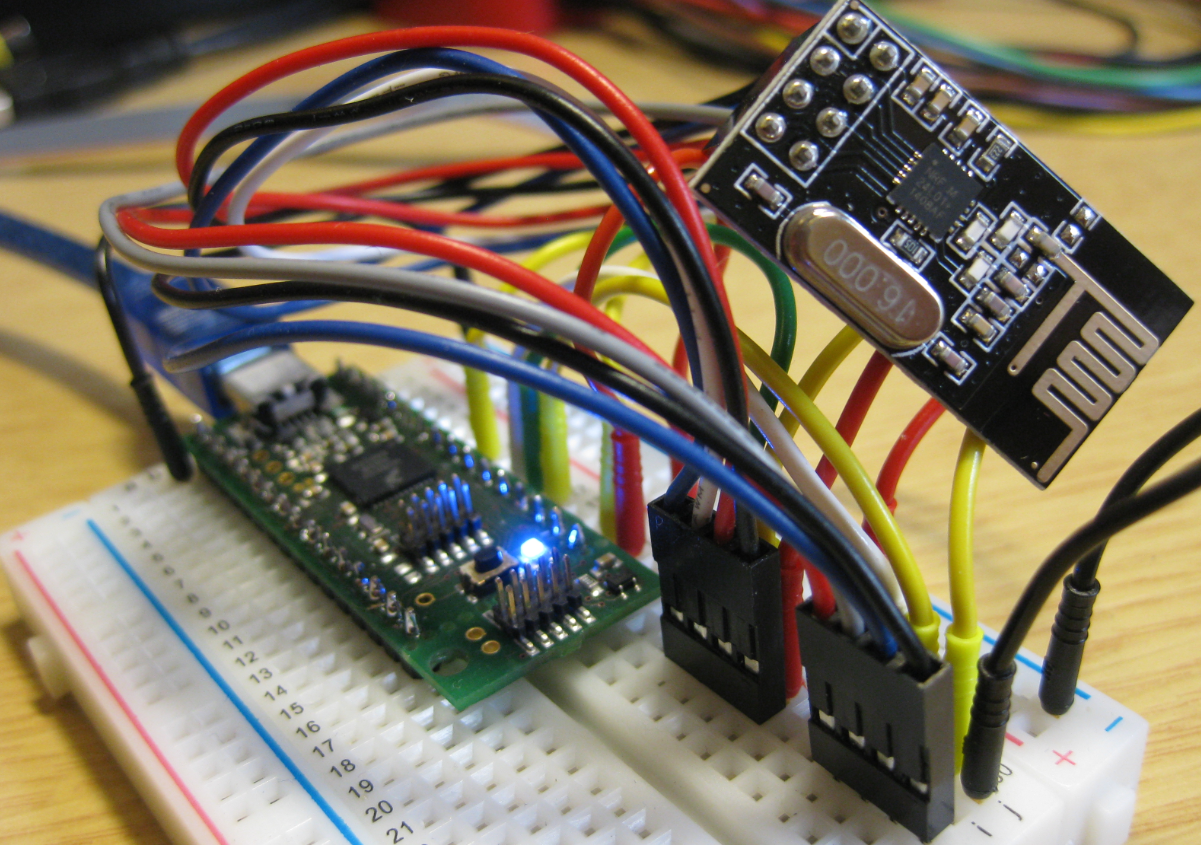
I’m using the tiny and inexpensive Nordic Semiconductor nRF24L01+ transceiver (see “Tutorial: Nordic Semiconductor nRF24L01+ with the Freescale FRDM-K64F Board“) in many projects: it costs less than $3 and allows me to communicate with a proprietary 2.4GHz protocol in a low power way (see “IoT: FreeRTOS Down to the Micro Amps“). I have that transceiver now running with the tinyK20 board too:
Dealing with Code Size in Kinetis SDK v2.x Projects
I’m exploring the Kinetis SDK v2.0 (see “First NXP Kinetis SDK Release: SDK V2.0 with Online On-Demand Package Builder“). For this, I’m using the ‘standard’ way: blinking the LED on the board 🙂