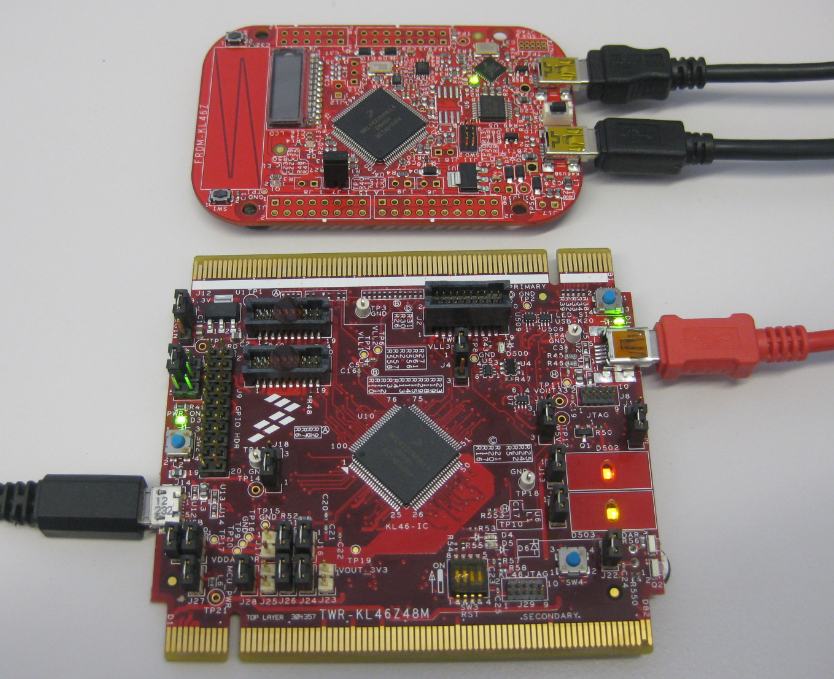
As I was so pleased with the FRDM-KL46Z board, that I have ordered the Tower version of it, the TWR-KL46Z48M:
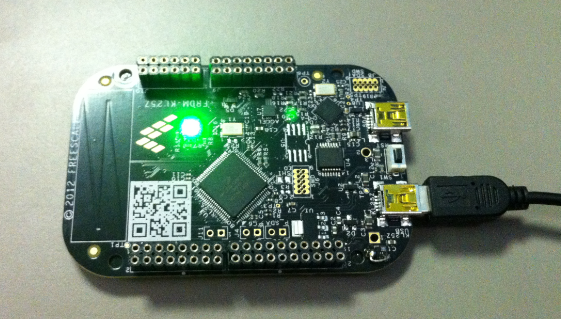
What I missed so far was USB support for the KL46Z. So time to have a quick look at board(s) and to add USB support for it.
As I was so pleased with the FRDM-KL46Z board, that I have ordered the Tower version of it, the TWR-KL46Z48M:
What I missed so far was USB support for the KL46Z. So time to have a quick look at board(s) and to add USB support for it.
I finally completed my project turning the FRDM-KL25Z board into a USB mouse device :-). The form factor and the capabilities of the Freedom board makes it a great board for implementing it as a ‘custom mouse’. All what I need is the USB stack running on it and have it acting as USB HID Mouse device.
Summer finally has arrived in Switzerland. Yes, I live in a moderate climate zone, but if the outside temperature goes above 28-30° Celsius as these days, then sleeping at night is not that comfortable as it should be in my view. Luckily, I’m in a good constructed house with good insulation, so it takes a few days until it heats up. But I love to keep the temperature below 25° Celsius, especially at night. I do have a heating system which combines geothermal and solar heating. The question is: how can I use it for cooling during hot summer days? The solution: some extra plumbing, a Freescale Tower system and the Freescale FRDM-KL25Z board 🙂
Ok, I still do not own an Android phone, but I know many readers of this blog do, and there were several questions how to use the FRDM-KL25Z with Android. And here is something exciting I just saw today: Kai Liu posted information how to connect the FRDM-KL25Z with USB OTG (On-The-Go) to Android: FRDM-KL25Z now talks to Android Phone
He published the S19 file so you can try things out. He still needs to organize the sources and decide on how to publish it (I hope it will be available soon).
If you do not own a FRDM-KL25Z RevE, then you need to consider this post about a hardware change: USB host HID demo times out on FRDM-KL25Z with reproduced USB host
Happy Droiding 🙂

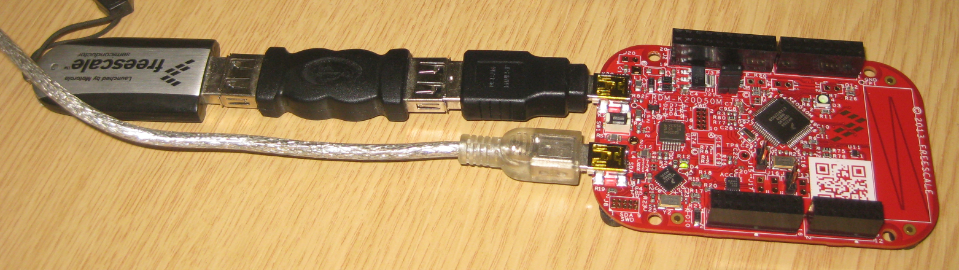
The Freedom boards FRDM-KL25Z RevE and FRDM-K20D50M make it easier to use it as USB Host device, as they come with a special jumper to provide 5V to the USB device, so my earlier ‘hack’ is not needed any more :-). After I had USB MSD Host working for the FRDM-KL25Z, it was much harder to get the USB stack working for the FRDM-K20D50M board, because somehow the example Freescale provided with their USB stack refused to work properly on my board. After debugging it for several nightly hours, I decided to take my working Processor Expert project for KL25Z and added support for the K20. And the good news is: since tonight this is working :-).
I miss my old DELL laptop. Ok, the new one I received from IT services is not bad. It is faster and has a better screen. But I’m not really happy with the new keyboard. With the previous keyboard I was able to do a ‘PrtnScrn’ with a single key press. With the new one I need to press Fn + PrntScrn. And this is impossible to do with one hand:
Yes, I have two hands ;-). But many times I need to do ‘print screen’ while having my other hand on the mouse :-(.What else can I do?
Not everyone is familiar with Git, and not everyone wants to use it. Although I think using Git or SVN is something every software engineer today needs to master 😉 To make it easier for the ‘non-Gitter’ to use the Processor Expert components, they are available now as *.PEupd files as described here. However, the *.PEupd files are just a snapshot, and not the latest and greatest. So how to use the latest component sources and example projects without Git?
Good news for everyone owning the FRDM-K20D50M board: I have extended the FSL_USB_Stack with USB CDC device class support for the K20D50M :-).
Sometimes things take longer than anticipated. And this is definitely the case for my USB MSD Host project where I wanted to use a USB memory stick with the Freedom FRDM-KL25Z board.
But finally, I have things working. At least most of the time ….
In “A Shell for the Freedom KL25Z Board” I have presented an application which implements FreeRTOS, LED’s and a shell using the UART on the KL25Z over OpenSDA. So why not adding native USB CDC to the mix? Using both the USB and CDC with the same shell?
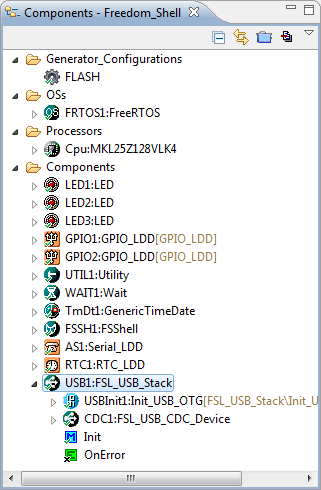
So what I have added is that the shell runs on both the SCI (over OpenSDA) and USB CDC (with the KL25Z). For this, the FSL USB CDC software stack is now part of the project: