Major changes in this new release:
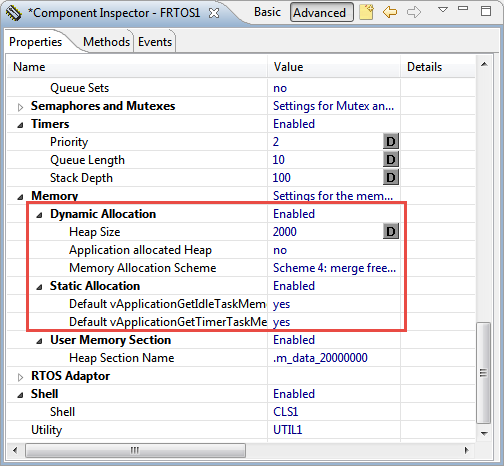
- FreeRTOS V9.0.0 with static memory allocation.
- Shell with single character I/O function.
- FatFS File System with extra shell commands for memory dump and file creation.
- Segger SystemViewer library updated to V2.36a
Major changes in this new release:
I’m using FreeRTOS in most of my applications. There were only a few exceptions where an RTOS has to be used in safety critical systems: there usually it is not permitted to use any dynamic memory allocation because this adds the risk that a memory allocation could fail at runtime because of memory fragmentation or memory leak. And FreeRTOS uses a dynamic memory (heap) for the task stacks and the RTOS resources including semaphore, mutex and queues.
This is now a thing of the past. This week a new FreeRTOS Version 9 was released which does not need any dynamic memory allocation anymore: it is possible now to build completely statically allocated systems with FreeRTOS :-).
The challenge with the selection of a microcontroller for a project is: which one has the required number of UART, I2C, SPI? Combine this with the desired package (48pins, 64pins? LQFN?), the needed FLASH and RAM size and then even the hundreds of available microcontroller shrink to a handful only. And many times I need to make compromises: such as I need two hardware I2C, but the microcontroller matching all my other needs has only one I2C hardware. So I might end up with bit-banging the slower I2C bus. Doable, but not ideal.
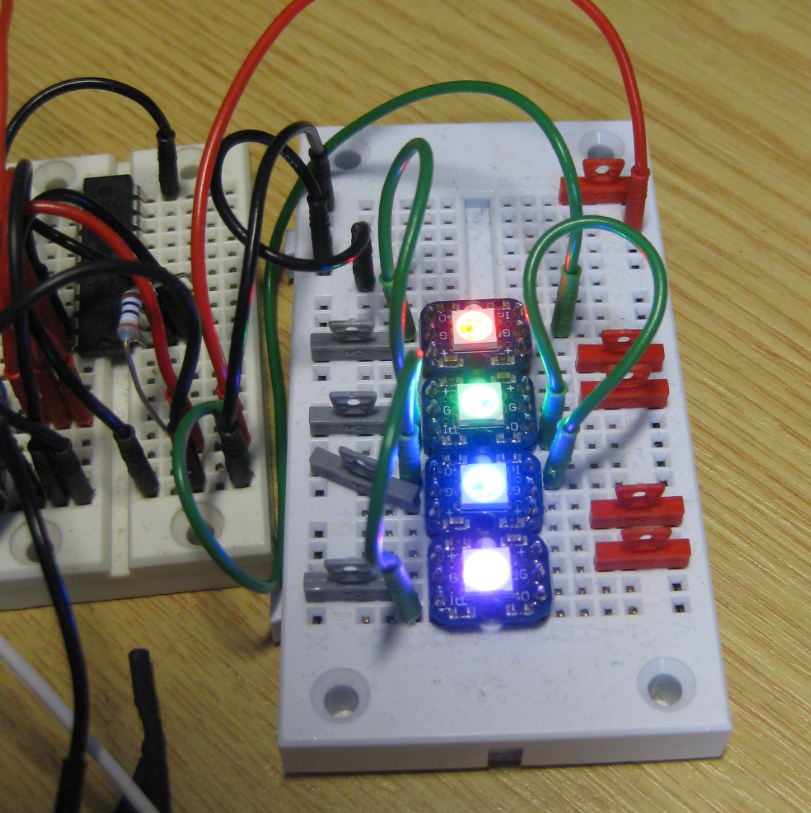
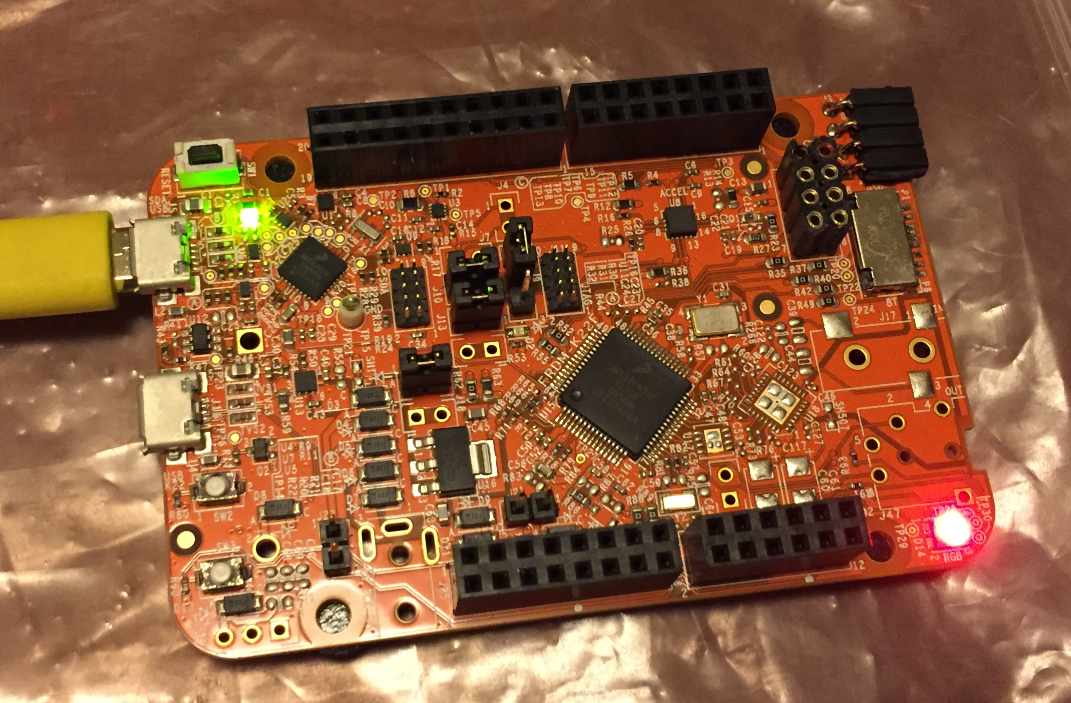
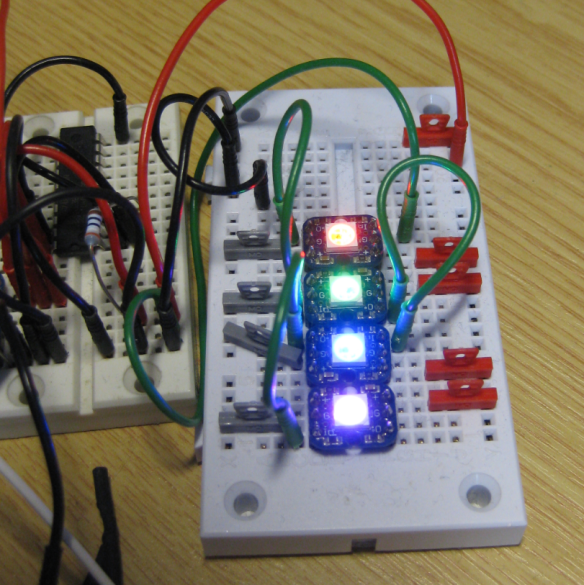
What is cool that some of the newer NXP Kinetis microcontroller come with an interesting hardware: FlexIO. A peripheral hardware which allows me to implement a custom protocol, including driving WS2812B (Adafruit NeoPixel) LEDs with a FRDM-KL43Z board:
In “Mother of Components: Processor Expert with NXP Kinetis SDK V2.0 Projects” I presented an approach how to use Processor Expert components with the NXP Kinetis SDK. This article is a tutorial how to create a blinking LED project with that approach, using McuOnEclipse Processor Expert components and the Kinetis SDK V2.0. As board the FRDM-K22F is used:
Eclipse based IDE’s have a powerful feature to make ‘variants’ of the same projects: Build Configurations. Build configurations are a powerful thing in Eclipse: they allow me to make ‘variants’ of a project. The project will share the common things, and I can simply tweak things one way or the other for example to produce a ‘release’ or a ‘debug’ binary of my application without duplicate the project.
Build configurations are manged through either the context menu on the project or with the top menu:
I mentioned the hands-on sessions on FreeRTOS I do this week at NXP FTF Tech Forum in Austin in my previous post. What we are using in the session is an Eclipse plugin in Kinetis Design Studio showing all kinds of FreeRTOS information:
NXP FTF Tech Forum in Austin has been a blast! I’m running another FreeRTOS hands-on session (FTF-DES-N2048) this afternoon which yet again is fully booked. But we will squeeze in as many as possible from the waiting list.
One very exciting thing we are going to use is FreeRTOS thread awareness in Eclipse/Kinetis Design Studio: to see and debug the FreeRTOS threads in Eclipse using the Segger GDB and it will show the list of threads in the Debug view:
Unfortunately, now the NXP Kinetis SDK V2.0 does not include Processor Expert support (see “First NXP Kinetis SDK Release: SDK V2.0 with Online On-Demand Package Builder“). But at the Lucerne University we are using more than 150 different custom Processor Expert components we would like to use with that new SDK. So how to make them working with the Kinetis SDK V2.0? Using a Processor Expert as “the mother of all components”:
Time is passing fast, and many components have been updated to make the compatible with the NXP Kinetis SDK V2.0. As a highlight, besides of FreeRTOS the following components are now usable with the NXP Kinetis SDK:
My embedded applications are implemented mostly in C, a few in C/C++. But all of them have one or few assembly files included too: Assembly programming is the needed to do low-level things so it is a natural part of a true embedded application. For example I use often an assembly file for the application startup code.
I have run into a nasty Eclipse CDT issue which deals with assembly files projects. Here is a quizz for you: can you spot the problem in my project below?