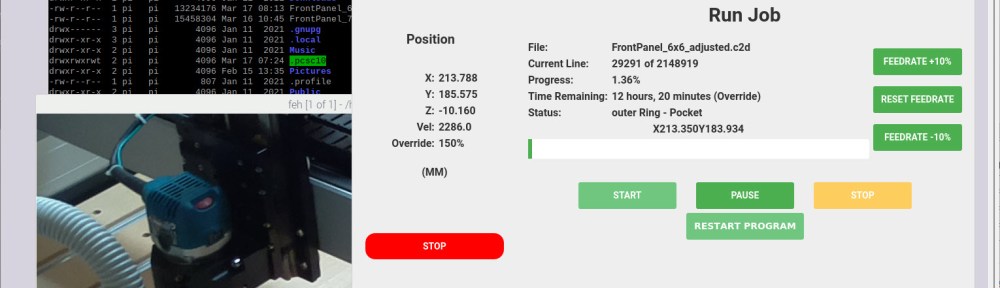
I have to run multiple +10h CNC jobs. So, I decided to upgrade my Shapeoko 4 CNC machine. I equipped it with a Raspberry Pi and a new dust collection system.
Outline
Over the past weekends, I’m running my biggest CNC projects and jobs so far. Working with hardwood, parts of the job are taking 10 hours and more.
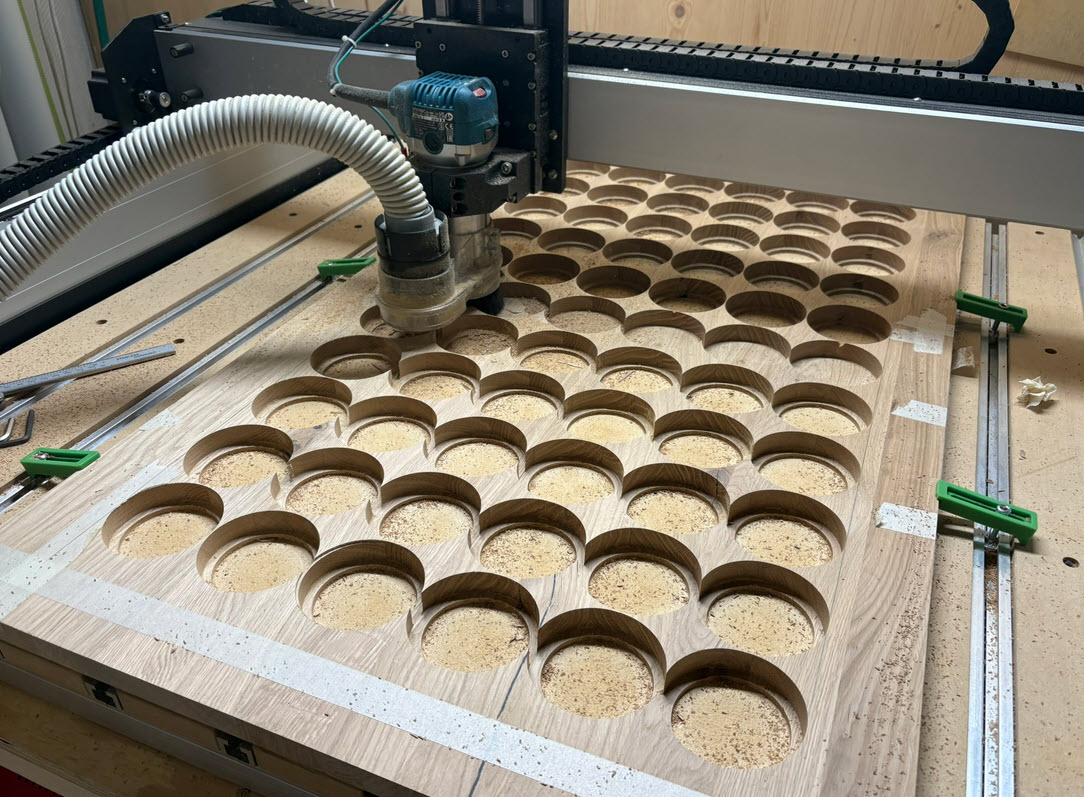
For this, I had to upgrade my small shop with a Raspberry Pi as a controller. Additionally I had to replace the dust collection system.
Carbide Motion on Raspberry Pi
Before, I used a laptop connected to the CNC. That’s works for smaller CNC jobs. But if I have to run +10h jobs, a new solution was needed.
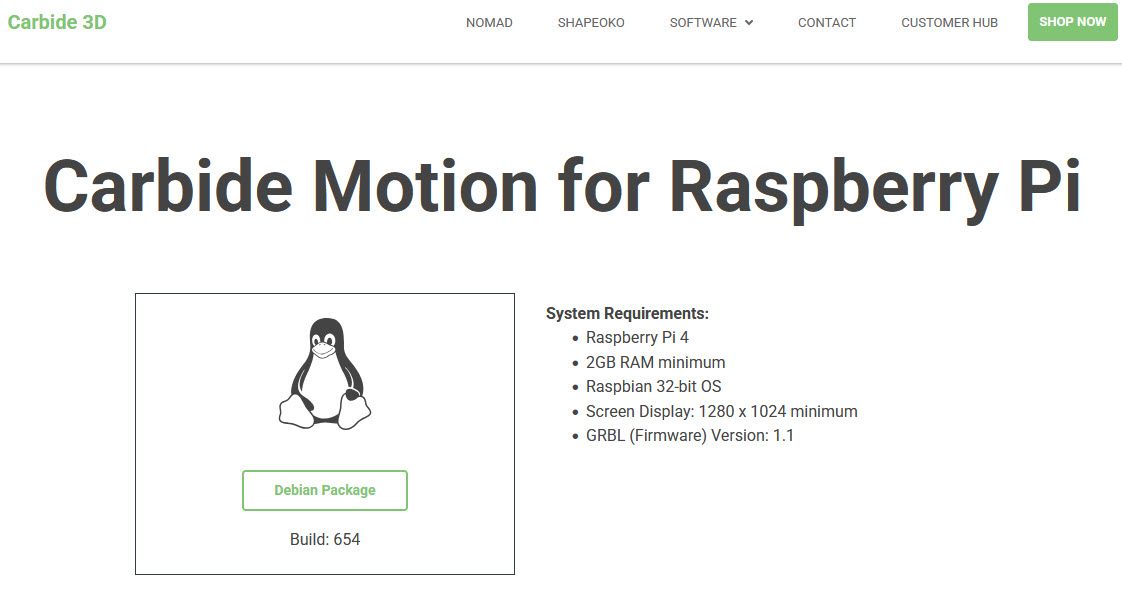
By default, Carbide3D provides software for Windows and Mac. ‘Carbide Motion’ is the software which runs the CNC machine. There is an unofficial release for the Raspberry Pi (https://carbide3d.com/carbidemotion/pi/). Additionally, the user ‘fenrus75’ created a ready-to-use image for build 532 created with a script.
Linux Update
Because the image was based on an older ‘Buster’ release, I had to update the apt-list of servers in /etc/apt/sources.list with the following:
deb https://legacy.raspbian.org/raspbian/ buster main contrib non-free rpi
# deb http://raspbian.raspberrypi.org/raspbian/ buster main contrib non-free rpi
# Uncomment line below then 'apt-get update' to enable 'apt-get source'
# deb-src http://raspbian.raspberrypi.org/raspbian/ buster main contrib non-free rpi
With this, I changed the update server to the ‘legacy’ one and can continue to update the OS. Otherwise it will not be possible to update Carbide Motion to a newer version (next step).
Carbide Motion Update
With buster updated, it was easy to update Carbide Motion to build 654:
$ sudo dpkg -i carbidemotion-654.deb
Startup
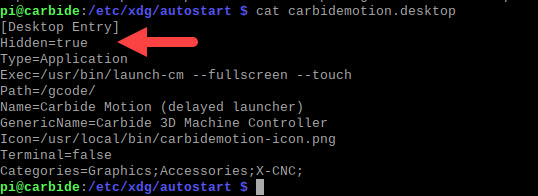
With that image, Carbide Motion gets automatically which I did not needed, as I want to start it with the shortcut:
So I added
Hidden=true
to the /etc/xdg/autostart/carbidemotion.desktop file.
Camera
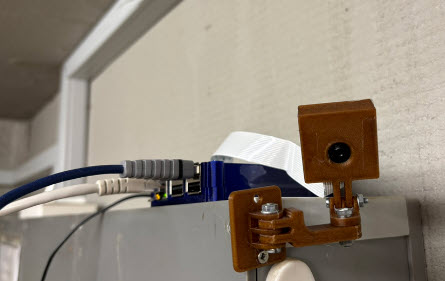
The Raspberry Pi has a Pi camera attached to it. To have a good view to the CNC machine, I 3D-printed a camera holder.
Look and Feel
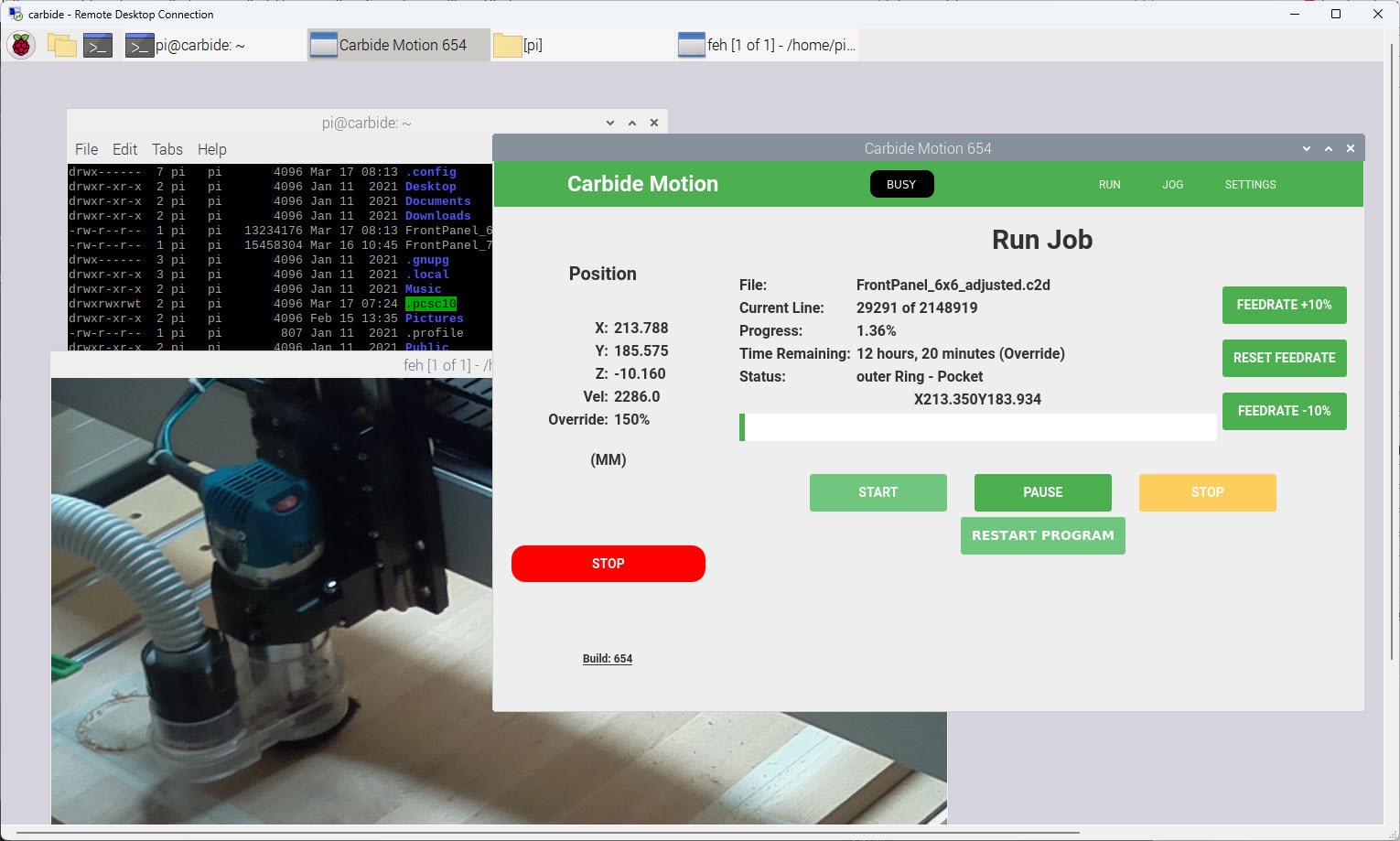
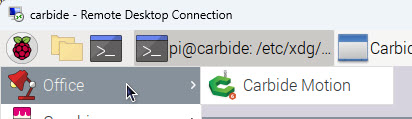
Below a screenshot how it looks. I use a network/remote desktop connection. Carbide Motion runs on the the Raspberry Pi. Additionally I installed a RPi Camera so I can see the machine working remotely.
Dust Collection
I have used a vacuum cleaner for dust removal so far. With running longer jobs, this was not an ideal solution. I installed a BOSCH PAS30-240PRS.
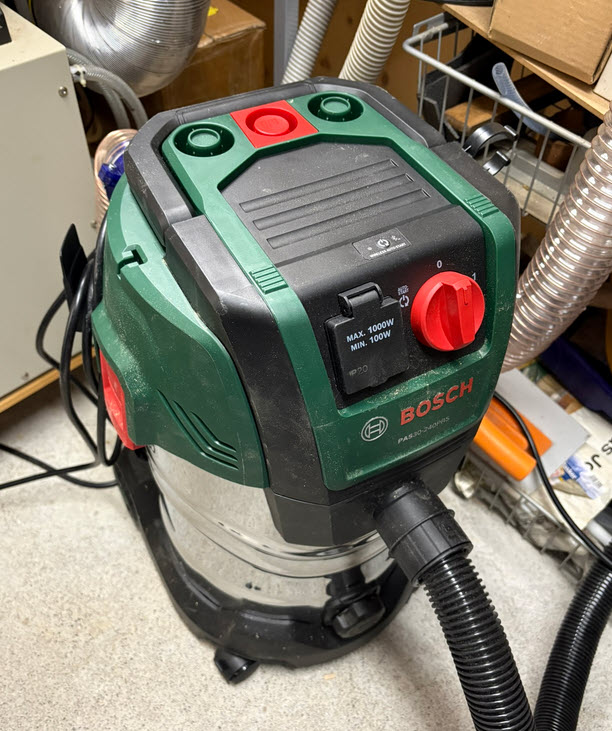
The machine includes an automatic start-stop feature which I have not used yet.
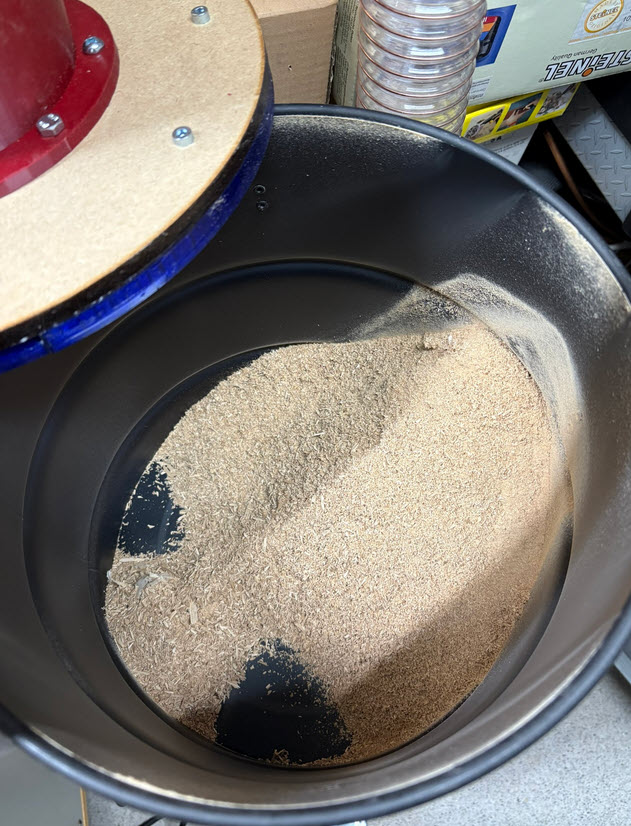
Additionally, I 3D printed a cyclone dust collector which removes most of the dust prior the BOSCH machine. Basically it removes most dust and chips prior the BOSCH vacuum cleaner.
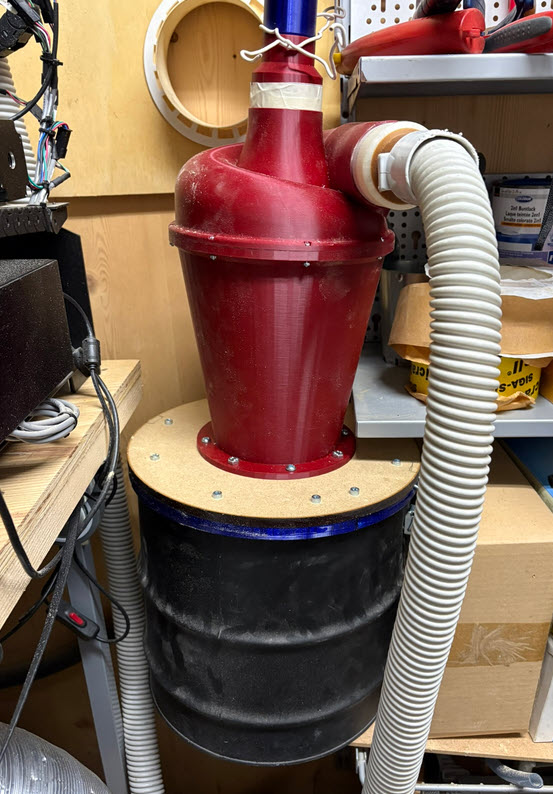
With that combination, I can run the machine for 12 hours and more without interruption.
Fresh air is taken from the outside. The filtered output air from the vacuum cleaner is then routed to the outside. This reduces wood dust in the shop.
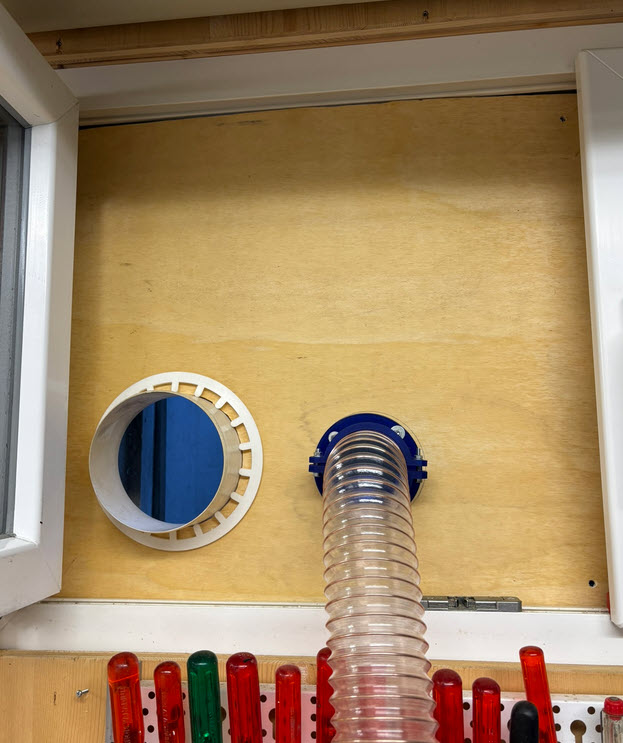
Fittings and connectors between the tubes have been 3D printed.
Summary
The upgraded machine has been running for +40h so far without any issues. I really like the thing that I can remotely connect and check running jobs with the Raspberry Pi. The camera on the Pi is a great addition. I was thinking to add a touch screen to the Raspberry Pi. But the remote desktop connection is more than what I need. Plus can use it from my laptop inside the shop too. I’m very happy with the dust collection and air management too: less wood chips and better air.
For the future, I plan to upgrade the tube from the machine to the cyclone dust collector too.
Happy cutting 🙂
Links
- Carbide Motion Software: https://carbide3d.com/carbidemotion/
- Carbide Motion for Raspberry Pi: https://carbide3d.com/carbidemotion/pi/
- Cyclone Dust Collector: https://www.printables.com/model/240000-cyclone-dust-collector
- Camera Crane for Raspberry Pi: https://www.thingiverse.com/thing:5181530
- Raspberry Pi case model files: https://www.printables.com/model/948220-raspberry-pi-3-case
 MCU on Eclipse